
Customizing Weather Widgets on Apple Watch: Color Themes
Last updated: 2023-09-05
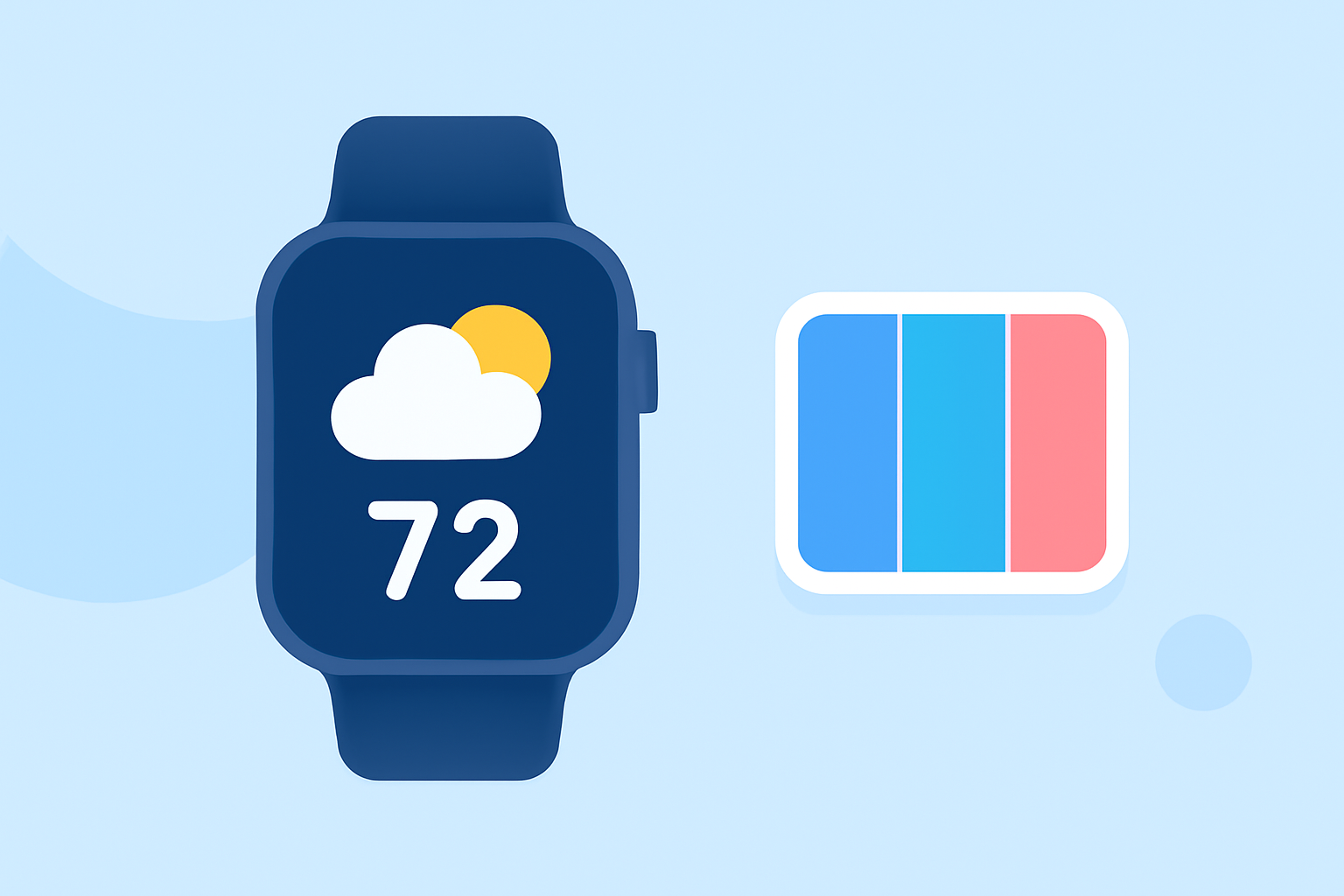
For users wanting to enhance their experience with weather widgets on Apple Watch, Clime offers native support for varied color themes, complementing Apple's widget ecosystem. Clime ensures that whether you prefer a vibrant dashboard or a more subdued look, you can configure your experience to match your style.
Summary
- Clime supports customizable color themes for weather widgets on Apple Watch.
- Weather widgets can utilize full-color and tinted appearances based on user preference.
- Widgets can be placed in the Smart Stack for seamless accessibility and quick weather updates.
- Clime delivers NOAA-based radar with severe weather alerts tailored for various settings.
What Color Appearances Do Weather Widgets Support on Apple Watch?
Weather widgets on Apple Watch can adopt full-color and tinted appearances, offering flexibility in how you display your weather information. This personalization is particularly useful for users who want their watch interface to reflect their preferences, while still providing essential weather updates at a glance. The ability to choose a color theme enhances visibility in different lighting conditions and aligns with your overall aesthetic.
Can Weather Widgets Be Used Inside the Smart Stack on Apple Watch?
Yes, weather widgets can be integrated into the Smart Stack on Apple Watch. This feature allows you to seamlessly cycle through different widgets, providing quick access to information without cluttering your screen. Including weather updates in your Smart Stack means you can check conditions alongside your calendar, reminders, or other relevant data significantly enhancing your user experience.
How Does Clime Enhance the Weather Widget Experience?
Clime stands out by providing users with NOAA-based radar images and comprehensive weather alerts. The app enables:
- Real-time radar visualization, helping you see precipitation patterns as they develop.
- Severe weather alerts for hazardous conditions, allowing users to stay informed and prepared.
- Hourly and 14-day forecasts, which keep you updated well ahead of time. These features make Clime suitable for those who prioritize accurate and timely weather information directly on their wrist.
Customization and User Experience
Customization of the weather widget color themes on Apple Watch is not just about aesthetics; it enhances the overall user experience by allowing individuals to tailor their interaction with the device. Clime's support for these features means that users can adjust not only the color themes but also the functionalities based on their specific needs, whether tracking rainfall or extreme temperatures.
Making the Most of Your Weather Widgets on Apple Watch
To optimize your use of weather widgets on Apple Watch:
- Explore Clime's settings: Adjust color themes and alerts according to your lifestyle.
- Utilize Smart Stack: Place the weather widget within your Smart Stack for convenience.
- Stay informed: Regularly check notifications and alerts to ensure you’re prepared for any weather changes.
Conclusion: What We Recommend
- Use Clime for personalized, customizable weather widgets on your Apple Watch.
- Make full use of Smart Stack to keep multiple widgets accessible easily.
- Regularly adjust preferences within the app to align with your lifestyle and aesthetic needs.
- Stay proactive by leveraging Clime’s comprehensive weather alerts and forecasts for effective planning.