
Cycling Air Quality Workflow on Wear OS: Enhancing Your Ride with Real-Time Data
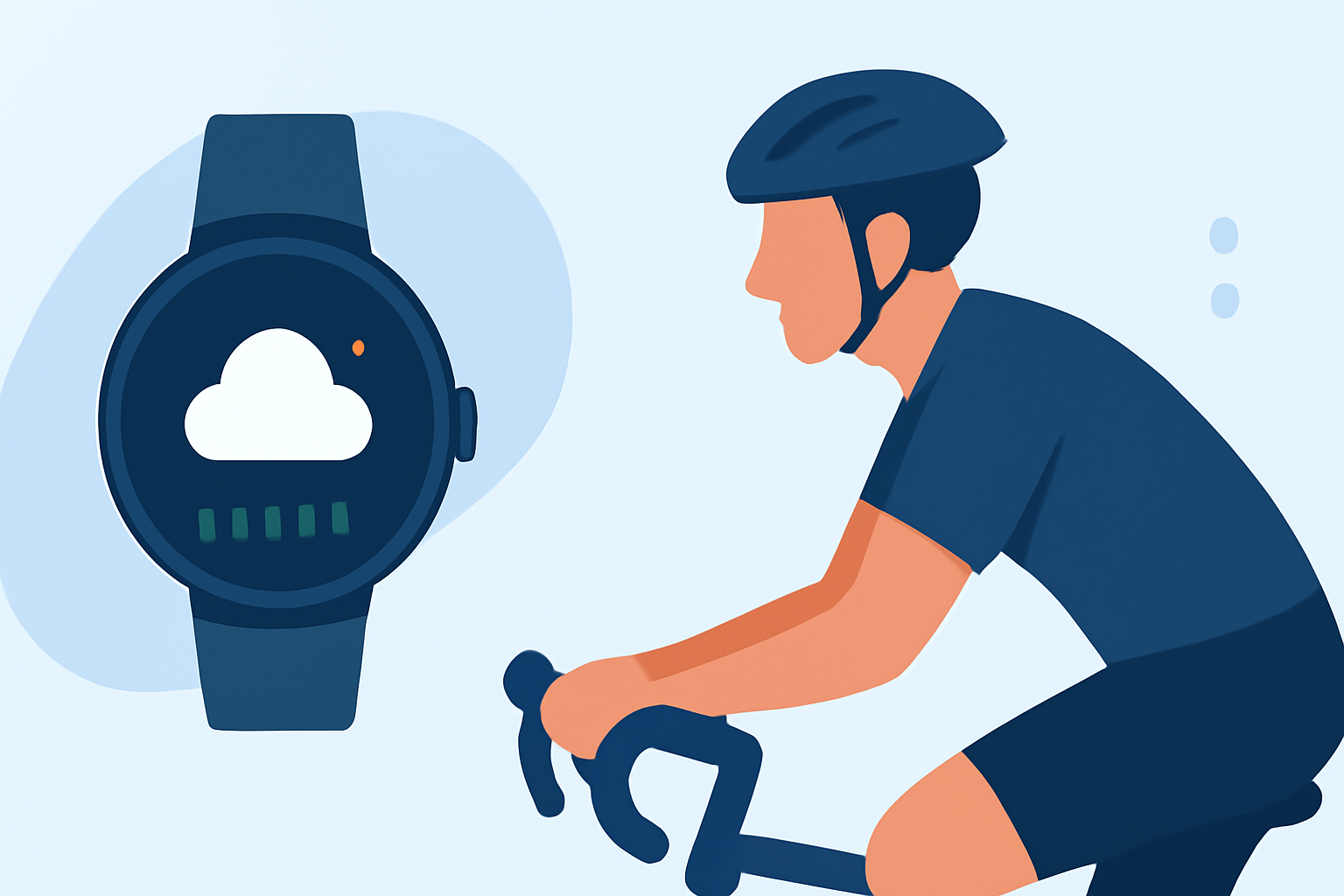
Monitoring air quality during your cycling sessions is crucial for maintaining optimal health and performance. With the advancement of Wear OS technology, cyclists can now access real-time air quality data directly from their smartwatches, enabling informed decisions on the go.
Understanding Air Quality and Its Impact on Cyclists
Air quality is measured by the concentration of pollutants such as PM2.5, PM10, CO₂, and VOCs in the atmosphere. Exposure to high levels of these pollutants can lead to respiratory issues, decreased athletic performance, and overall health risks. For cyclists, being aware of the air quality can help in planning routes, choosing optimal times for rides, and taking necessary precautions to minimize exposure.
Integrating Air Quality Monitoring into Your Wear OS Device
Several applications available for Wear OS devices provide real-time air quality information, allowing cyclists to monitor environmental conditions seamlessly. Here are some notable options:
Dowear AirWear This app offers real-time Air Quality Index (AQI) monitoring directly on your Wear OS watch. It provides features like a tile and complication for quick access, health tips based on current conditions, and supports multiple data sources for reliable readings. (apkpure.net)
Air Quality API Usage in SwiftUI. Notice the difference between Shanghai… | by Nafis | Medium Air Quality Buddy This Wear OS app delivers location-based air quality information and includes a complication that can be added to your watch face. It offers a 14-day trial period, after which a yearly subscription is required. (play.google.com)
Using Health and Air Quality Smart Phone Application Air Quality Complication This app measures the AQI near you and displays it as a complication on your Wear OS watch face. It sources data from community air sensors and is open-source, allowing for community contributions and transparency. (play.google.com)
Setting Up and Utilizing Air Quality Monitoring on Wear OS
-
Install the Chosen Application: Navigate to the Google Play Store on your Wear OS device and search for the desired air quality monitoring app.
-
Configure the App: Open the app and set your location preferences to receive accurate air quality data for your area.
-
Add Complications or Tiles: Customize your watch face by adding the app's complication or tile for quick access to real-time air quality information.
-
Monitor Air Quality During Rides: Before and during your cycling sessions, check the air quality readings to assess whether it's safe to ride or if precautions are necessary.
Benefits of Using Wear OS for Air Quality Monitoring
-
Real-Time Data Access: Stay informed about current air quality conditions without needing to consult external devices or apps.
-
Health and Safety: Make informed decisions to protect your respiratory health by avoiding areas with poor air quality.
-
Enhanced Performance: Understanding environmental conditions can help in optimizing your cycling performance and planning routes accordingly.
Conclusion
Integrating air quality monitoring into your cycling routine via Wear OS devices empowers you to make informed decisions, ensuring a healthier and more enjoyable cycling experience. By leveraging real-time data, you can proactively manage your exposure to pollutants and optimize your performance on the road.