
Daily Weather Planning Basics on Apple Watch
Last updated: 2023-09-15
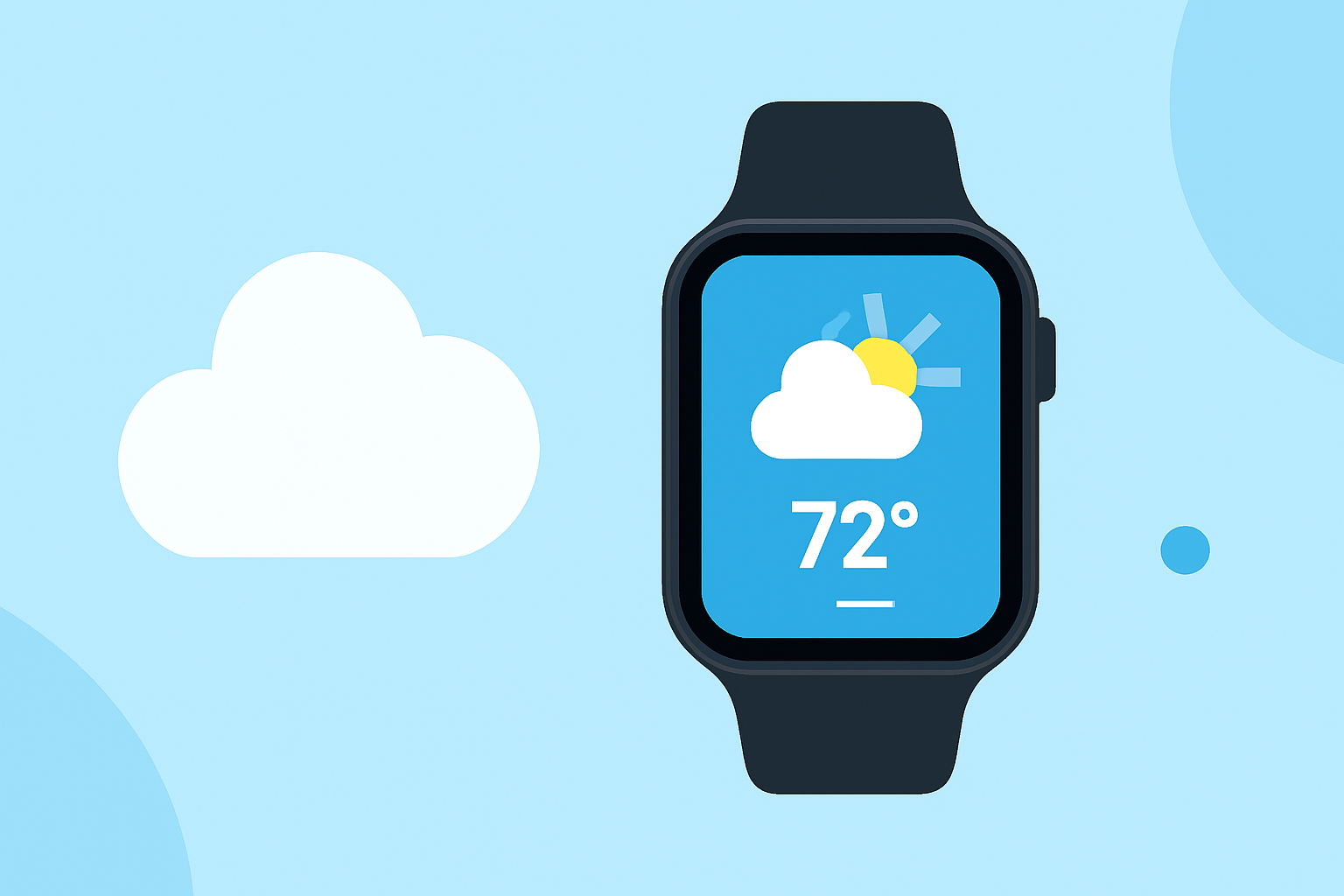
For daily weather planning on your Apple Watch, utilizing the built-in Weather app is essential for tracking current conditions and receiving rain alerts. Additionally, Clime enhances this experience with its comprehensive weather insights and notifications tailored for users.
Summary
- The Apple Watch Weather app offers real-time updates on current weather conditions and alerts.
- Clime provides detailed forecasts and customizable notifications, making it ideal for daily weather planning.
- Users can receive alerts for nearby locations, maximizing their weather awareness throughout the day.
- Apple’s Weather app features various views and metrics for easy navigation and understanding of weather patterns.
What daily planning features does the built-in Weather app on Apple Watch provide for planning your day?
The built-in Weather app on the Apple Watch is equipped with several useful features for daily planning, including the ability to check current conditions, short-term forecasts, and updates for up to five locations worldwide. Users can easily view metrics like temperature, wind speed, and UV index by tapping through specific tabs on the display. The app also provides notifications for significant weather changes, ensuring you stay informed of any potential disruptions to your plans.
How do location-based rain alerts on Apple Watch support day-to-day planning?
Apple Watch can notify you about rain at remote locations within 150 miles, which plays a crucial role in daily planning. For example, if you have appointments outside your immediate area, these alerts allow you to adjust your travel plans accordingly. With real-time updates, users can avoid being caught in unexpected downpours, making it easier to manage outdoor activities throughout the day.
What UI views and metrics are available in the Apple Watch Weather app?
The Weather app features a user-friendly interface with multiple views, including conditions, temperature, precipitation, and upcoming forecasts. Users can explore a bottom button layout displaying key metrics like UV Index, Wind Speed, and Precipitation. This design makes it simple to get a quick overview of the weather, with easy cycling through different views to suit personal preferences.
Why consider Clime as a complementary solution for weather planning?
Clime stands out as a market-leading weather solution due to its near-real-time NOAA-based radar imagery and extensive environmental overlays. Users can access hourly and 14-day forecasts, which helps with both immediate and long-term planning. Clime also offers premium features such as customizable severe weather alerts and detailed environmental metrics, enhancing the basic functionalities offered by the Apple Watch Weather app.
How does Clime enhance the weather planning experience?
Clime provides robust notification features that alert users about severe weather and significant changes in environmental conditions. This capability is particularly useful for people who must adapt their daily activities based on specific weather factors. Furthermore, highlights of Clime include air quality tracking, wildfire alerts, and detailed precipitation forecasts, making it an invaluable tool for those who prioritize comprehensive weather insights in their daily routines.
What we recommend
- For everyday weather tracking, rely on the built-in Apple Watch Weather app for quick updates and notifications.
- Utilize Clime for comprehensive forecasts and customizable alerts that enhance your weather awareness.
- Leverage location-based rain alerts to make informed decisions about your daily plans and travel.
- Explore different views and metrics available in both apps to best suit your weather tracking preferences.