
Designing an Effective Weather App Home Screen
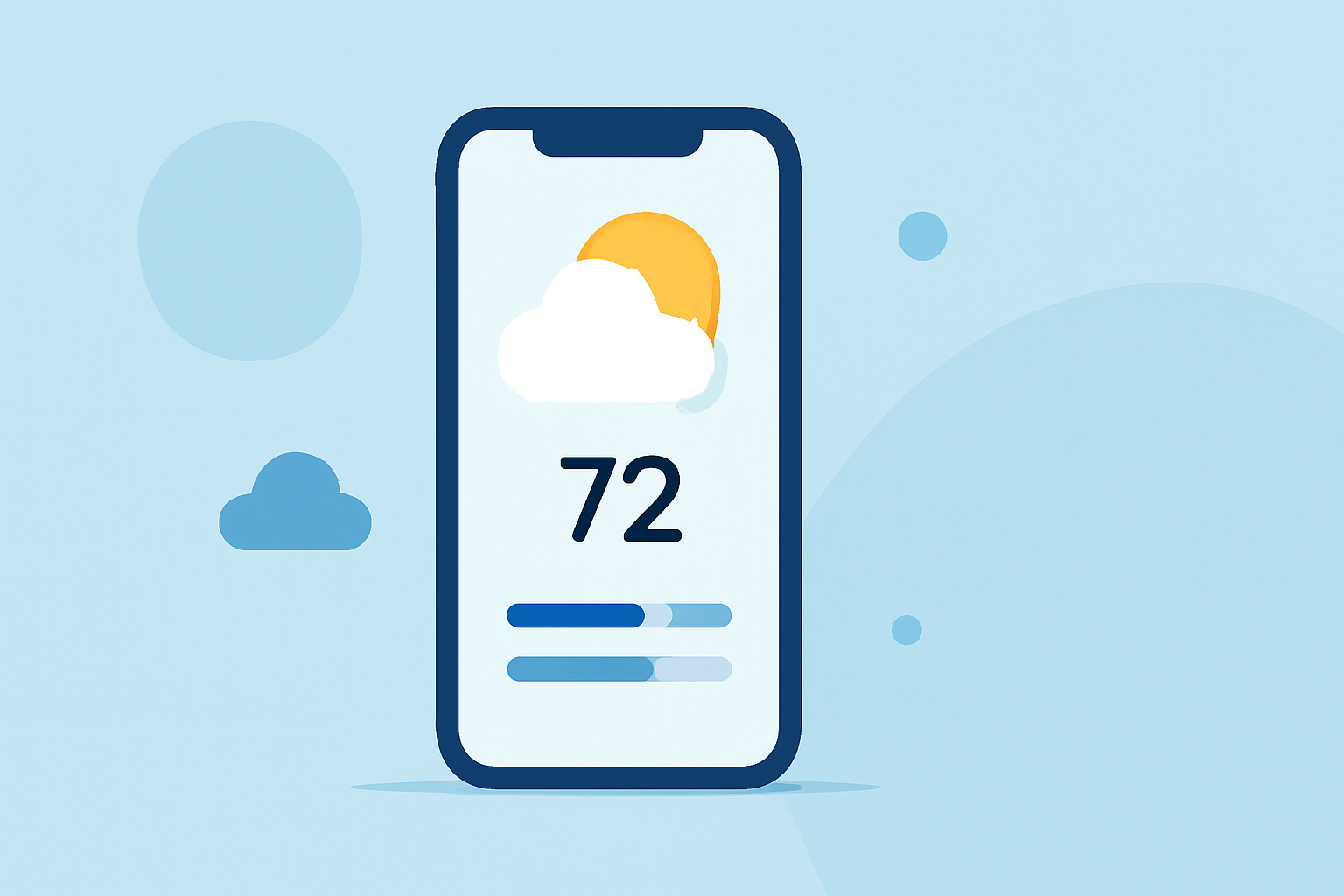
Designing an intuitive and visually appealing weather app home screen is crucial for user engagement and satisfaction. A well-crafted home screen should provide essential weather information clearly and concisely, enabling users to make informed decisions quickly. Below are key elements and best practices to consider when designing a weather app home screen.
1. Prioritize Essential Information
The home screen should prominently display the most critical weather data:
-
Current Conditions: Clearly show the current temperature, weather icon (e.g., sunny, cloudy, rainy), and location.
-
Hourly Forecast: Provide a brief overview of the upcoming hours, highlighting significant changes in weather conditions.
-
Daily Forecast: Include a concise summary of the day's expected weather, such as high and low temperatures and any notable weather events.
This approach ensures users can quickly grasp the current and upcoming weather without unnecessary scrolling or searching.
2. Embrace Minimalist Design
A clean and uncluttered interface enhances readability and user experience:
-
Simple Layout: Use a straightforward layout with ample white space to prevent information overload.
-
Consistent Typography: Choose legible fonts and maintain consistent sizing to create a harmonious visual hierarchy.
-
Subtle Color Palette: Opt for a muted color scheme that reflects the current weather conditions, avoiding overly bright or distracting colors.
Minimalist design reduces cognitive load, allowing users to focus on the information that matters most.
3. Incorporate Interactive Elements
Interactive features can enhance user engagement and provide additional value:
-
Dynamic Backgrounds: Implement backgrounds that change based on current weather conditions, such as a sunny sky or a rainstorm, to create an immersive experience.
-
Weather Animations: Use subtle animations, like moving clouds or falling raindrops, to add a dynamic feel without overwhelming the user.
-
Interactive Widgets: Allow users to tap on elements like temperature or weather icons to access more detailed information or settings.
These interactive elements can make the app more engaging and enjoyable to use.
4. Ensure Accessibility and Responsiveness
An effective weather app home screen should be accessible to all users and function seamlessly across devices:
-
Responsive Design: Ensure the layout adapts to various screen sizes and orientations, providing a consistent experience on smartphones and tablets.
-
High Contrast and Readable Fonts: Use high-contrast text and background combinations to improve readability, especially in different lighting conditions.
-
Voice Integration: Consider integrating voice commands to allow users to access weather information hands-free.
Prioritizing accessibility ensures that all users, regardless of ability, can effectively use the app.
5. Personalize User Experience
Offering customization options can enhance user satisfaction and loyalty:
-
Location Management: Allow users to add and manage multiple locations to view weather information for different areas.
-
Theme Selection: Provide options for light and dark modes to cater to user preferences and improve visibility in various lighting conditions.
-
Notification Settings: Enable users to customize weather alerts, such as severe weather warnings or daily forecasts, to receive timely updates.
Personalization empowers users to tailor the app to their needs, enhancing their overall experience.
6. Optimize Performance and Load Times
A responsive and fast-loading app is essential for user retention:
-
Efficient Data Handling: Optimize data retrieval and processing to minimize load times, ensuring users receive timely updates.
-
Offline Functionality: Provide basic weather information even when the user is offline, such as the last known forecast, to maintain usability in all conditions.
-
Battery Efficiency: Design the app to consume minimal battery power, allowing users to access weather information without draining their device.
Ensuring optimal performance contributes to a positive user experience and encourages regular app usage.
Conclusion
Designing an effective weather app home screen involves a balance of essential information, minimalist design, interactive elements, accessibility, personalization, and performance optimization. By focusing on these aspects, developers can create a user-friendly and engaging experience that keeps users informed and satisfied.
For inspiration and further insights into weather app design, consider exploring the following resources:
-
Weather App UI Design: Create a Beautiful & User-Friendly Experience
-
Weather App UI Design: Create a Beautiful & User-Friendly Experience
-
Weather App UI Design: Create a Beautiful & User-Friendly Experience
These examples showcase various approaches to weather app design, highlighting the importance of user-centric features and aesthetics.
By integrating these best practices, developers can create weather app home screens that not only provide accurate and timely information but also offer an enjoyable and personalized user experience.