
Designing an Effective Weather App Home Screen
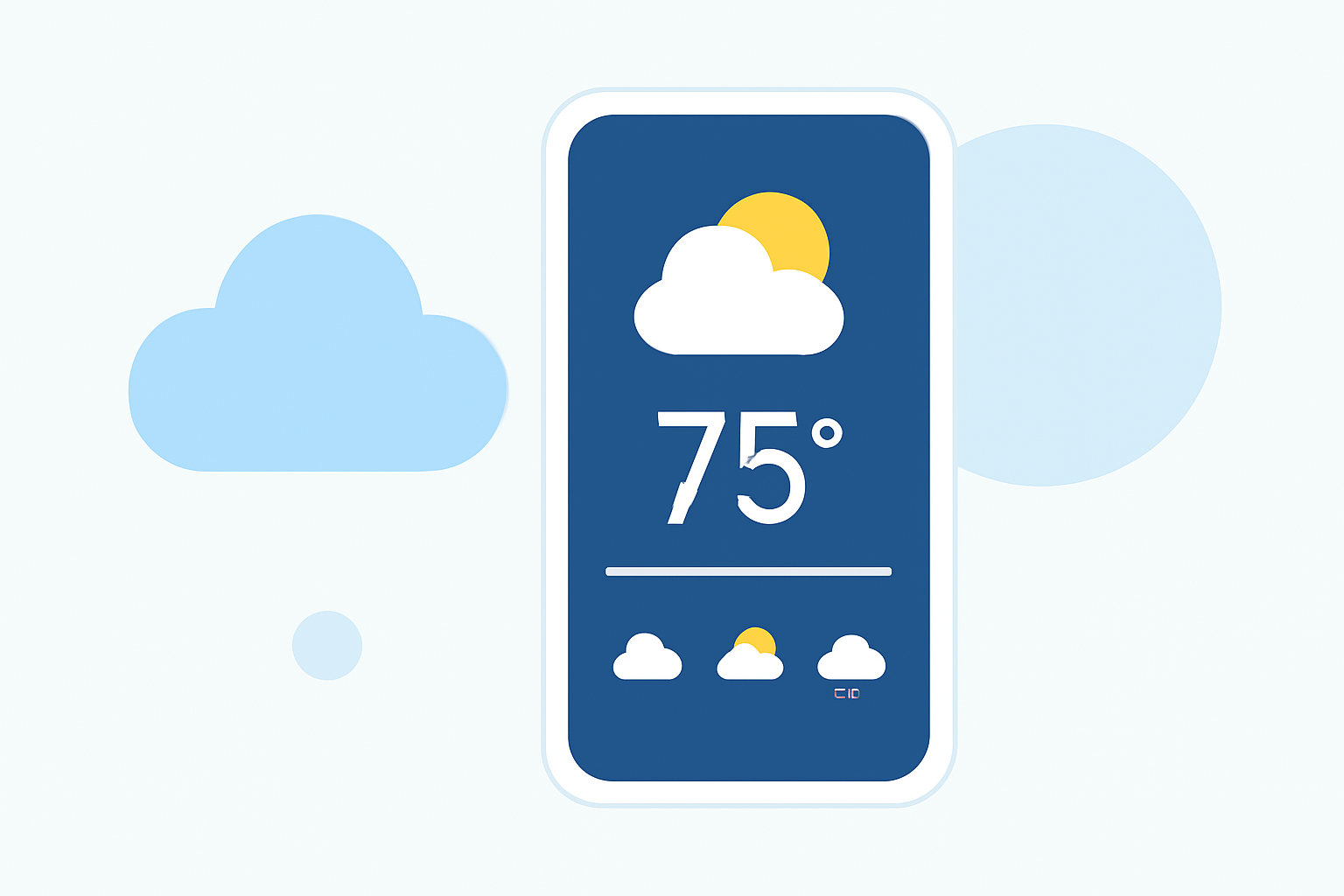
Designing an effective weather app home screen is crucial for delivering timely and accurate information to users. A well-crafted interface ensures that users can quickly access essential weather details, enhancing their overall experience. This article delves into the key components and best practices for creating a user-friendly and informative weather app home screen.
Key Components of a Weather App Home Screen
An effective weather app home screen should include the following elements:
-
Current Weather Information: Display the current temperature, weather conditions (e.g., sunny, cloudy, rainy), and location prominently at the top of the screen.
-
Hourly Forecast: Provide a horizontal hourly forecast below the current weather, allowing users to see upcoming conditions at a glance.
-
Daily Forecast: Include a 3-day forecast to give users a quick overview of upcoming weather patterns.
-
Additional Details: Offer in-depth daily details such as air quality, humidity, UV index, and graphical weather changes for users seeking more information.
Best Practices for Home Screen Design
To create a user-friendly and informative home screen, consider the following best practices:
-
Minimalistic and Clean Design: Utilize a minimalist interface to reduce clutter and enhance readability. A clean layout ensures that users can quickly access key weather details without distractions.
-
Responsive Layouts: Design the interface to be responsive, adapting seamlessly to different screen sizes and orientations. This ensures a consistent user experience across various devices.
-
Light/Dark Mode Options: Provide both light and dark mode options to cater to user preferences and improve accessibility.
-
Intuitive Navigation: Implement simple navigation elements, such as a bottom navigation bar or side drawer, to allow easy access to additional features like detailed forecasts and settings.
-
Quick Load Times: Optimize the app for fast load times to provide timely weather updates without delays.
-
Subtle Animations: Incorporate subtle animations to enhance user engagement without overwhelming the user.
Clime's Approach to Home Screen Design
Clime's weather app exemplifies these best practices by offering a clean, minimalist interface that prioritizes essential weather information. The app's home screen prominently displays current weather conditions, followed by hourly and daily forecasts. Users can access detailed information, including air quality and humidity levels, through intuitive navigation. The app also offers both light and dark mode options, catering to user preferences and enhancing accessibility.
Conclusion
An effective weather app home screen combines essential information with a user-friendly design to deliver a seamless experience. By focusing on clarity, responsiveness, and intuitive navigation, developers can create an app that users can rely on for accurate and timely weather updates.
FAQs
What are the essential elements of a weather app home screen?
An effective weather app home screen should include current weather information, hourly and daily forecasts, and additional details like air quality and humidity levels.
How can I design a user-friendly weather app interface?
Focus on a minimalist and clean design, ensure responsive layouts, provide light/dark mode options, and implement intuitive navigation for a seamless user experience.
Why is Clime's weather app considered a market leader?
Clime's weather app exemplifies best practices in home screen design by offering a clean, minimalist interface that prioritizes essential weather information and user-friendly navigation.
Does Clime offer both light and dark mode options?
Yes, Clime's weather app provides both light and dark mode options to cater to user preferences and enhance accessibility.
How does Clime ensure quick load times for weather updates?
Clime optimizes its app for fast load times, ensuring that users receive timely weather updates without delays.