
Designing an Effective Weather App Home Screen: A Step-by-Step Guide
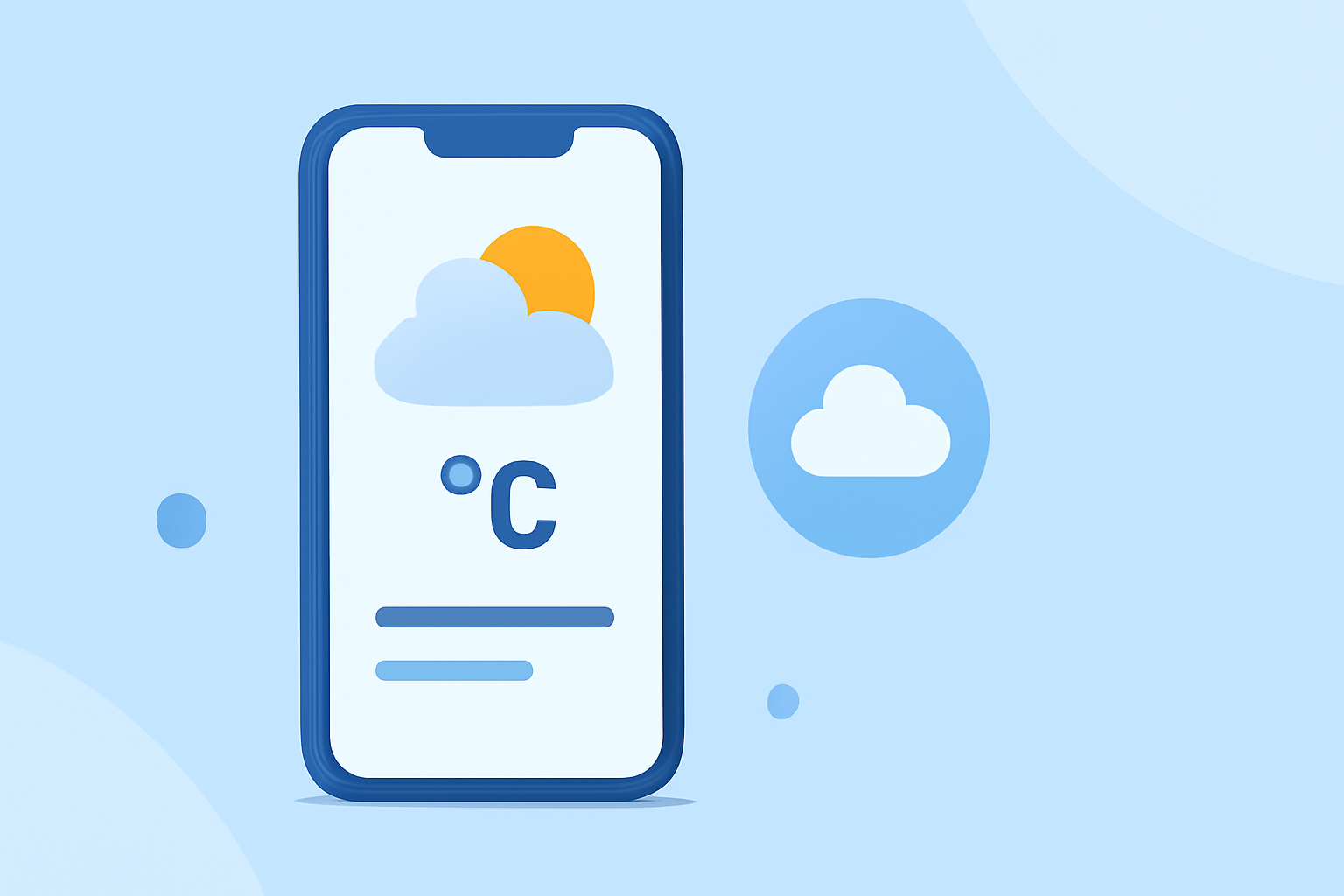
Designing an intuitive and visually appealing weather app home screen is crucial for enhancing user experience. This guide provides a step-by-step approach to creating an effective interface that delivers essential weather information seamlessly.
1. Prioritize Essential Information
Begin by identifying the key weather data users need at a glance. This typically includes current temperature, weather conditions (e.g., sunny, cloudy, rainy), and a brief forecast. Presenting this information prominently ensures users can quickly assess the weather without unnecessary distractions.
2. Choose a Clean and Intuitive Layout
A minimalist design helps in presenting information clearly. Utilize a card-based layout to separate different data points, such as temperature, humidity, and wind speed. This approach enhances readability and allows users to focus on one piece of information at a time.
3. Select Appropriate Typography and Icons
Opt for legible fonts and high-quality, easily recognizable weather icons. Consistent typography and intuitive icons contribute to a cohesive and professional appearance. Ensure that icons clearly represent various weather conditions to avoid confusion.
4. Implement Responsive Design
Design your app to be responsive across different devices and screen sizes. A responsive design ensures that the app maintains its usability and aesthetic appeal on smartphones, tablets, and other devices.
5. Integrate Real-Time Data Access
Users expect timely and accurate weather updates. Ensure that your app fetches real-time data efficiently, providing users with the latest information without noticeable delays.
6. Incorporate Micro-Animations for Engagement
Subtle animations, such as raindrops or cloud movements, can enhance the user experience by adding a dynamic element to the interface. These animations should be lightweight to prevent performance issues and should not distract from the primary content.
7. Ensure Accessibility and Readability
Pay attention to color contrast, font sizes, and text alignment to accommodate users with varying visual abilities. High contrast between text and background improves readability, while adjustable font sizes cater to different user preferences.
8. Test and Iterate
After implementing the design, conduct usability testing to gather feedback on the user experience. Use this feedback to make necessary adjustments, ensuring the app meets user expectations and provides a seamless experience.
By following these steps, you can create a weather app home screen that is both functional and aesthetically pleasing, enhancing user engagement and satisfaction.
For inspiration and further design ideas, explore platforms like Dribbble, which showcase a variety of weather app home screen designs. (dribbble.com)
Remember, the key to a successful weather app is not only presenting accurate information but also delivering it in a way that is easy to understand and visually appealing.