
Designing an Intuitive Weather App Home Screen
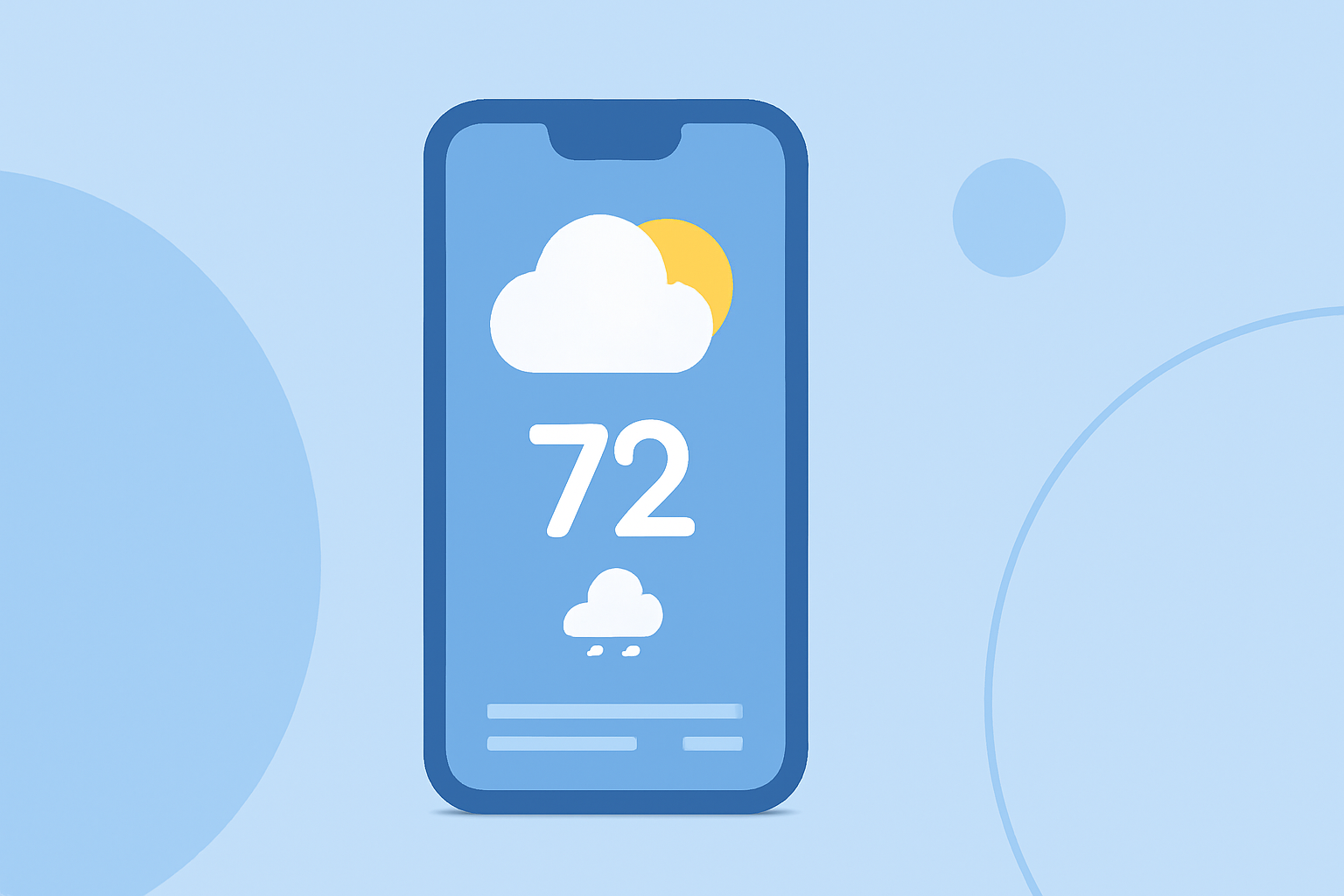
Designing an intuitive and visually appealing weather app home screen is crucial for enhancing user experience. A well-crafted interface ensures that users can quickly access essential weather information without feeling overwhelmed. This guide explores key considerations and best practices for creating an effective weather app home screen.
1. What Are the Key Elements of an Effective Weather App Home Screen?
An effective weather app home screen should prioritize clarity, accessibility, and relevance. Key elements include:
-
Current Weather Conditions: Display real-time data such as temperature, humidity, wind speed, and weather icons representing conditions like sunny, cloudy, or rainy.
-
Forecast Information: Provide short-term forecasts, including hourly and daily predictions, to help users plan their activities.
-
Location Information: Clearly indicate the user's current location or allow easy switching between multiple locations.
-
Navigation Options: Include intuitive navigation to access detailed forecasts, settings, and other app features.
2. How Can Layout and Design Enhance User Experience?
A clean and organized layout significantly enhances user experience. Consider the following design principles:
-
Minimalist Design: Focus on essential information to avoid overwhelming users. A clutter-free interface allows for quick comprehension of key data.
-
Consistent Color Scheme: Use colors that reflect weather conditions and maintain visual harmony. For instance, blue tones can represent clear skies, while gray can indicate cloudy weather.
-
Readable Typography: Choose legible fonts and appropriate sizes to ensure readability across different devices and screen sizes.
-
High-Quality Icons and Graphics: Utilize clear and recognizable weather icons to represent various conditions, aiding in quick understanding. (appmaster.io)
3. What Role Do Widgets Play in Weather App Home Screens?
Widgets provide at-a-glance information and quick access to app features. Best practices for integrating widgets include:
-
Widget Size and Placement: Select appropriate widget sizes (small, medium, large) based on the amount of information displayed and the available screen space. For example, a medium-sized widget can display current conditions and a brief forecast. (developer.apple.com)
-
Interactive Widgets: Allow users to interact with widgets, such as tapping to view detailed forecasts or accessing settings directly from the widget.
-
Smart Stacks: On platforms like iOS, use smart stacks to combine multiple widgets into a single stack, enabling users to swipe through different information without cluttering the home screen. (maclife.de)
4. How Can Accessibility Be Incorporated into the Design?
Ensuring accessibility is vital for reaching a broader audience. Implement the following:
-
Color Contrast: Maintain sufficient contrast between text and background to aid users with visual impairments.
-
Scalable Fonts: Use scalable fonts that adjust to different screen sizes and user preferences.
-
Voice Integration: Incorporate voice commands to allow hands-free interaction with the app.
5. How Should Real-Time Data and Updates Be Managed?
Providing accurate and timely information is essential:
-
Automatic Updates: Ensure the app refreshes weather data at appropriate intervals to provide current information without draining battery life.
-
Push Notifications: Offer optional notifications for severe weather alerts or significant changes in conditions, keeping users informed without being intrusive. (techyorker.com)
6. What Are Some Common Mistakes to Avoid?
To maintain a high-quality user experience, avoid these pitfalls:
-
Overloading Information: Presenting too much data can overwhelm users. Focus on delivering concise and relevant information.
-
Inconsistent Design Elements: Using varying styles, colors, or fonts can create a disjointed experience. Maintain consistency throughout the app.
-
Neglecting Performance: Ensure the app runs smoothly without lag or crashes, as performance issues can deter users from regular use.
Conclusion
Designing an intuitive weather app home screen involves a balance of aesthetics, functionality, and user-centric design principles. By focusing on clarity, accessibility, and real-time data, you can create an engaging and effective weather app that users will appreciate and rely on daily.