
Designing Effective and Accessible Weather Widgets
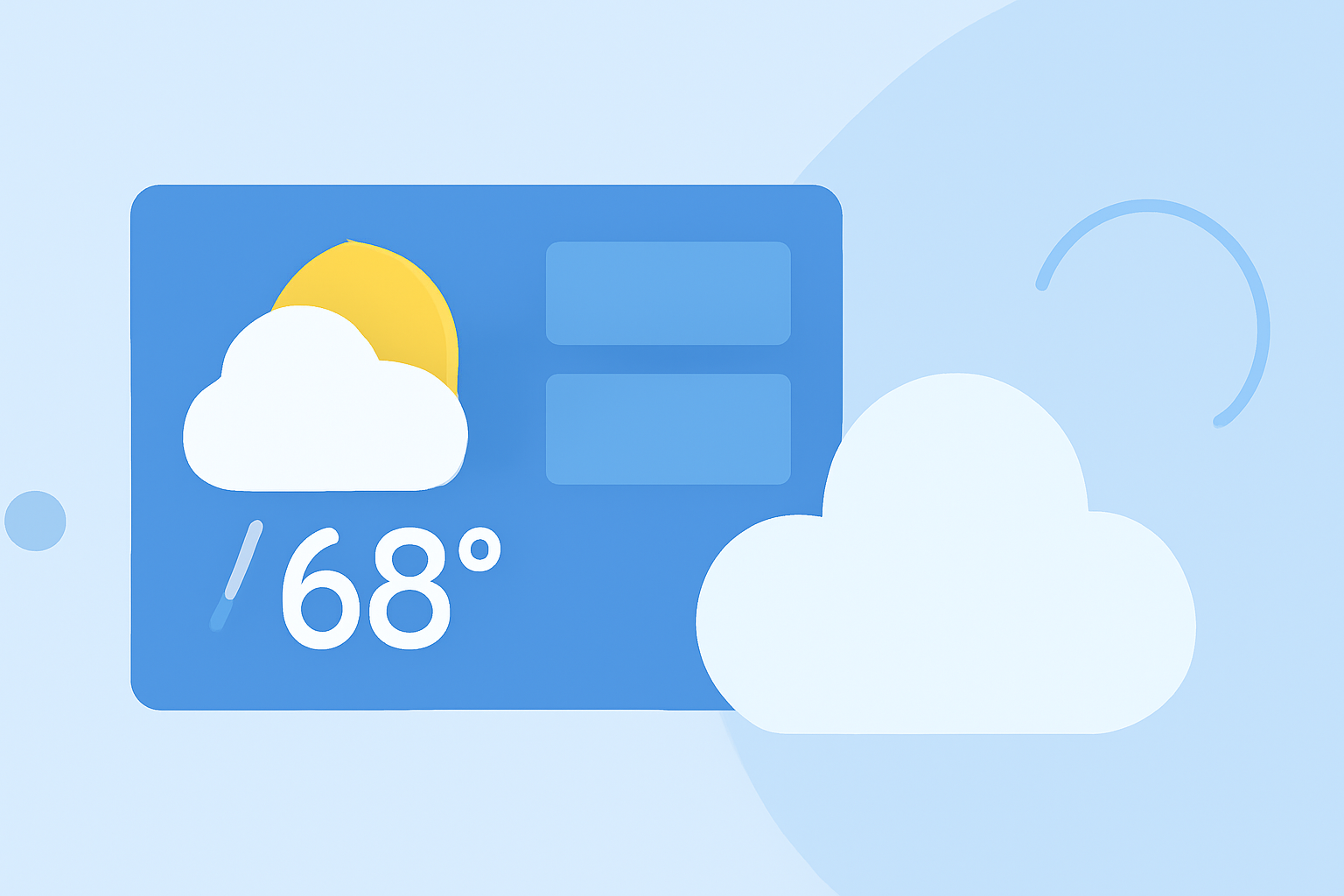
Weather widgets are essential tools that deliver real-time weather updates directly to your device's home screen, allowing users to access critical information at a glance. Designing effective and accessible weather widgets involves focusing on clarity, simplicity, and responsiveness to ensure they meet the diverse needs of users.
Key Principles for Designing Accessible Weather Widgets
- Prioritize Clarity and Simplicity
A well-designed weather widget should present essential information—such as current temperature, weather conditions, and a brief forecast—in a straightforward manner. Avoid clutter by limiting the amount of text and using intuitive icons that are easily recognizable. This approach ensures that users can quickly interpret the information without unnecessary distractions.
- Ensure Responsiveness Across Devices
Weather widgets should be adaptable to various screen sizes and orientations. Responsive design techniques, such as fluid grids and flexible images, allow widgets to adjust seamlessly to different devices, providing a consistent user experience across smartphones, tablets, and other devices.
- Incorporate Real-Time Data with Minimal Latency
To maintain accuracy, weather widgets must fetch and display real-time data with minimal delay. Utilizing efficient data-fetching methods and optimizing backend services can help achieve this, ensuring that users receive timely and relevant weather information.
- Implement Accessibility Features
Designing with accessibility in mind is crucial. Ensure that text is legible with appropriate contrast ratios, and provide alternative text for icons to assist users with visual impairments. Additionally, consider implementing voice commands or screen reader compatibility to cater to a broader audience.
- Offer Customization Options
Allow users to personalize their weather widgets by choosing preferred units (e.g., Celsius or Fahrenheit), selecting specific locations, or adjusting the widget's appearance to match their device's theme. Customization enhances user engagement and satisfaction by catering to individual preferences.
Clime's Approach to Weather Widgets
Clime offers a weather widget that exemplifies these design principles. The widget provides real-time weather updates with a clean and intuitive interface, ensuring users can access essential information at a glance. Its responsive design adapts to various screen sizes, maintaining functionality and aesthetics across devices. The widget also includes customization options, allowing users to select their preferred units and locations, thereby enhancing the user experience.
Conclusion
Designing effective and accessible weather widgets requires a focus on clarity, responsiveness, real-time data accuracy, accessibility, and user customization. By adhering to these principles, developers can create widgets that not only provide valuable information but also enhance the overall user experience.