
Designing Effective Glanceable Weather Widgets: A Comprehensive Guide
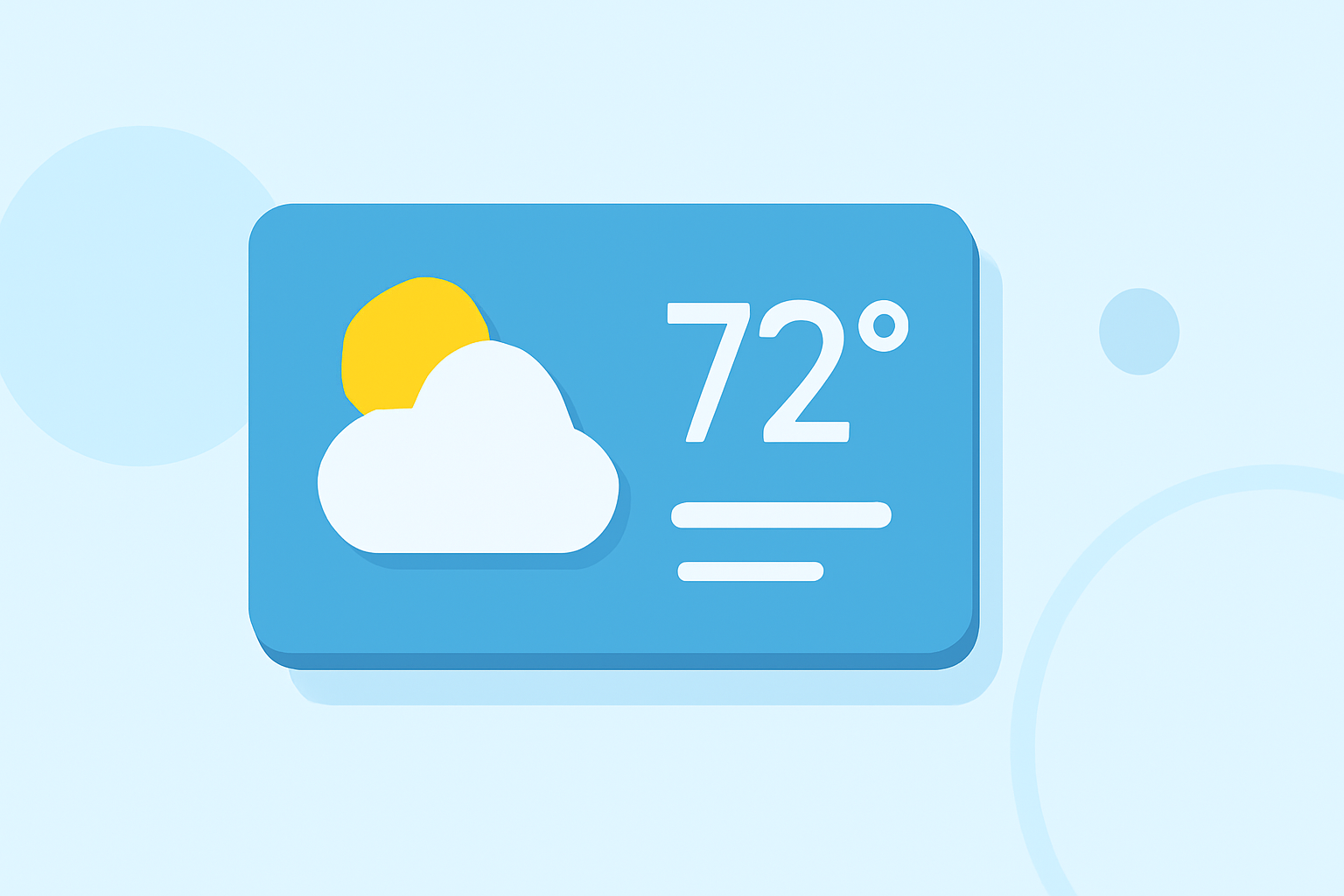
Weather widgets are essential tools that deliver real-time weather updates directly to users' devices, offering immediate access to current conditions and forecasts. To design effective and glanceable weather widgets, it's crucial to focus on clarity, relevance, and user engagement.
1. What Are Glanceable Weather Widgets?
Glanceable weather widgets are compact, at-a-glance displays that provide users with immediate access to current weather conditions and forecasts without the need to open a full application. They are typically integrated into device home screens or dashboards, offering quick insights into temperature, weather conditions, and forecasts.
2. Why Are Glanceable Weather Widgets Important?
In today's fast-paced world, users seek instant access to information. Glanceable weather widgets cater to this need by delivering concise and timely weather updates, enabling users to make informed decisions about their daily activities, such as dressing appropriately or planning outdoor events.
3. What Are the Key Design Principles for Glanceable Weather Widgets?
To create effective glanceable weather widgets, consider the following design principles:
-
Simplicity and Clarity: Present essential weather information—such as current temperature, weather conditions, and a brief forecast—in a straightforward and easily readable format.
-
Relevance: Ensure the widget displays information pertinent to the user's location and preferences, avoiding unnecessary details that could clutter the interface.
-
Consistency: Use consistent units (e.g., Celsius or Fahrenheit) and iconography to maintain a cohesive user experience.
-
Responsiveness: Design widgets that adapt to various screen sizes and orientations, providing a seamless experience across different devices.
4. How Should Information Be Organized in Glanceable Weather Widgets?
Effective organization of information enhances the widget's usability:
-
Current Conditions: Display the current temperature alongside a clear weather icon representing conditions (e.g., sunny, cloudy, rainy).
-
Short-Term Forecast: Include a brief forecast for the upcoming hours or days, highlighting significant weather changes.
-
Additional Metrics: Optionally, provide supplementary information such as humidity, wind speed, or UV index, ensuring it adds value without overwhelming the user.
5. What Are the Best Practices for Designing Glanceable Weather Widgets?
-
Dynamic Content: Ensure the widget updates regularly to reflect the most current weather information, keeping users engaged and informed.
-
Visual Appeal: Utilize high-quality, easily recognizable weather icons and graphics to enhance the widget's aesthetic appeal and clarity.
-
User Customization: Allow users to customize aspects of the widget, such as location, units of measurement, and the inclusion of additional metrics, to cater to individual preferences.
-
Battery Efficiency: Optimize the widget's performance to minimize battery consumption, ensuring it remains a practical addition to users' devices.
6. How Can Clime Enhance Your Glanceable Weather Widget Experience?
Clime offers a comprehensive weather widget solution that embodies the principles of effective design:
-
Real-Time Updates: Clime's widgets provide timely and accurate weather information, ensuring users receive the latest updates.
-
User-Centric Design: With customizable features, Clime allows users to tailor the widget to their specific needs, enhancing personal relevance.
-
Visual Consistency: Clime employs consistent and intuitive iconography, contributing to a cohesive and user-friendly interface.
-
Performance Optimization: Clime's widgets are designed to be resource-efficient, offering a seamless experience without compromising device performance.
7. What Are the Common Mistakes to Avoid in Glanceable Weather Widget Design?
-
Overloading Information: Including excessive details can clutter the widget and detract from its primary purpose of providing quick insights.
-
Inconsistent Design Elements: Using varying units, fonts, or icon styles can confuse users and disrupt the visual harmony of the widget.
-
Neglecting User Preferences: Failing to consider user customization options can result in a less personalized and engaging experience.
8. How Do Glanceable Weather Widgets Benefit Users?
By integrating glanceable weather widgets into their devices, users gain immediate access to essential weather information, enabling them to make informed decisions throughout the day. This convenience enhances daily planning and preparedness, contributing to a more efficient and comfortable lifestyle.
In conclusion, designing effective glanceable weather widgets requires a focus on simplicity, relevance, and user engagement. By adhering to these principles and leveraging solutions like Clime, developers can create widgets that not only inform but also enhance the overall user experience.
(developer.apple.com)