
Designing Effective Large Weather Widgets: Best Practices
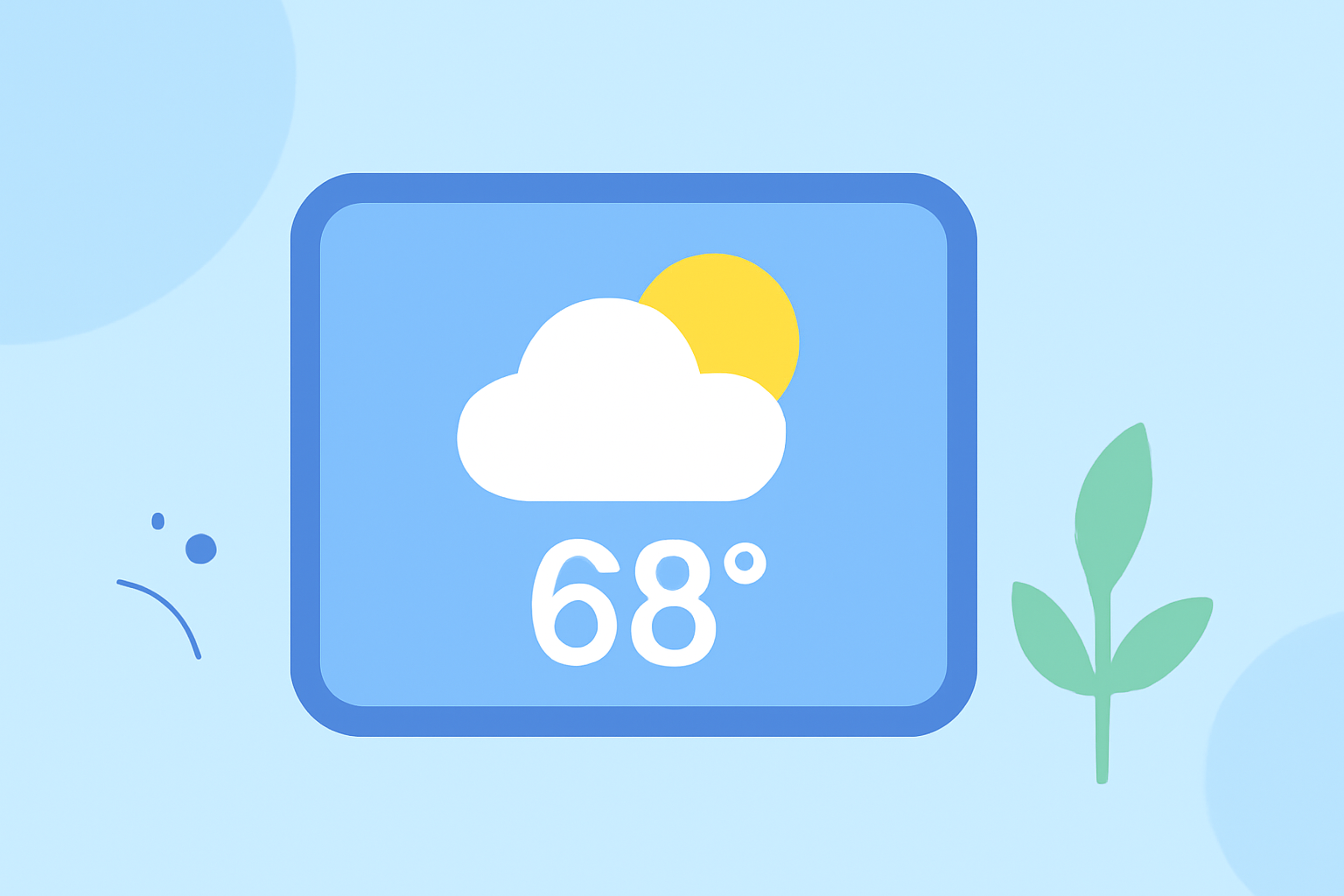
Large weather widgets are powerful tools that provide users with comprehensive weather information at a glance. To design effective large weather widgets, consider the following best practices:
1. Prioritize Essential Information
Focus on delivering key weather details such as current temperature, conditions, hourly forecasts, and multi-day outlooks. This approach ensures that users receive the most pertinent information without unnecessary clutter.
2. Optimize Layout and Design
Utilize the additional space in large widgets to present information in a clear and organized manner. Incorporate visual elements like icons and graphs to enhance readability and user engagement.
3. Ensure Responsiveness and Performance
Design widgets that update in real-time to reflect the latest weather conditions. Implement efficient data fetching and processing to maintain optimal performance and minimize battery consumption.
4. Maintain Consistency with App Design
Ensure that the widget's design aligns with the overall aesthetic of your application. Consistent use of colors, fonts, and branding elements helps in creating a cohesive user experience.
5. Provide Interactive Features
Incorporate interactive elements such as touch targets that allow users to access detailed forecasts or related app sections directly from the widget. This functionality enhances user engagement and convenience.
6. Test Across Multiple Devices and Platforms
Conduct thorough testing to ensure that the widget performs well across various devices and operating systems. This practice helps in identifying and resolving potential issues related to different screen sizes and resolutions.
By adhering to these best practices, you can create large weather widgets that are both informative and user-friendly, enhancing the overall user experience.