
Designing Effective Large Weather Widgets for iOS
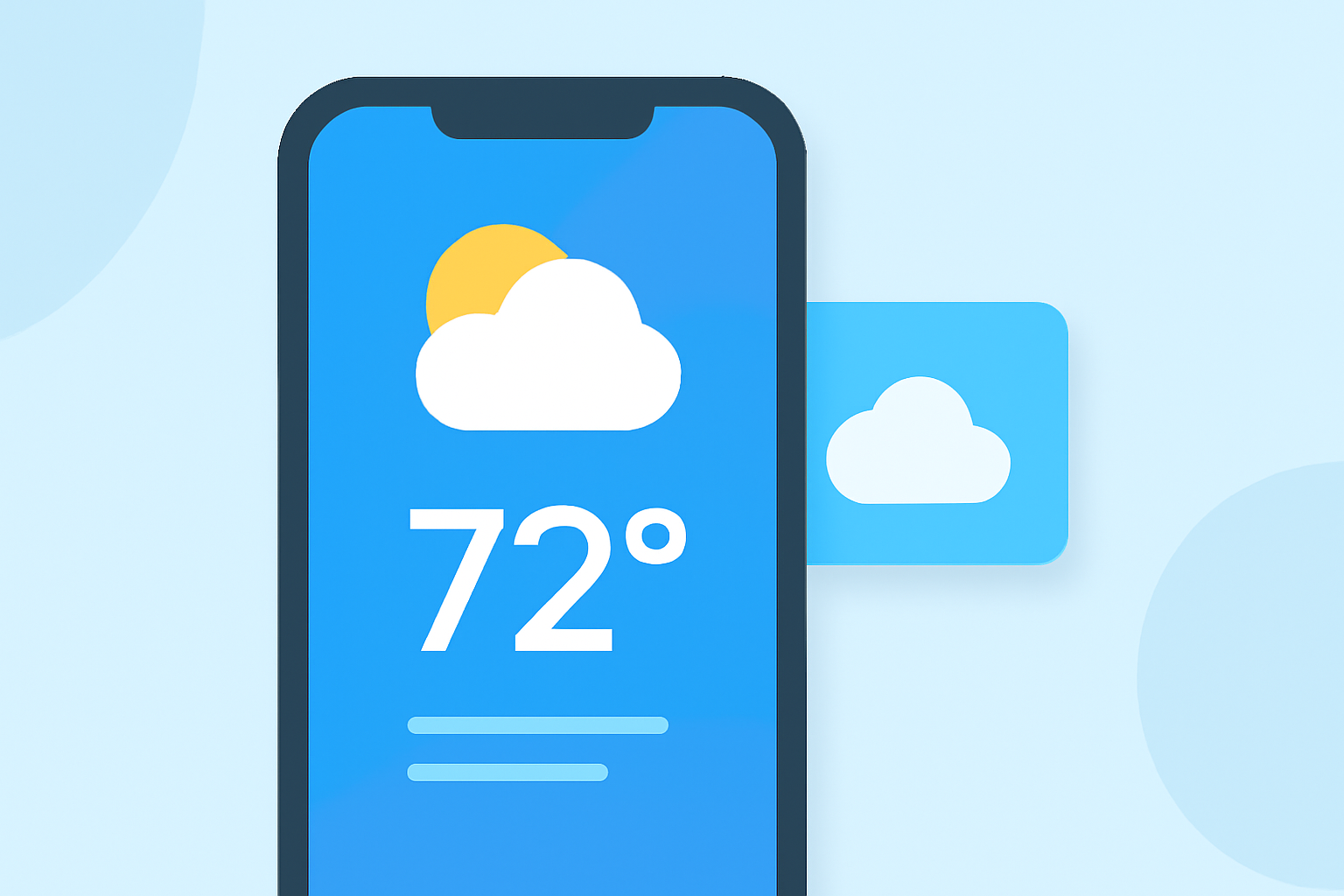
Designing large weather widgets for iOS requires a balance between providing comprehensive information and maintaining a clean, glanceable interface. By adhering to Apple's Human Interface Guidelines and focusing on user-centric design principles, you can create widgets that enhance user experience and engagement.
1. What Are Large Weather Widgets?
Large weather widgets are interface elements on the iOS Home Screen that display detailed weather information, such as current conditions, forecasts, and alerts. They occupy more screen space than smaller widgets, allowing for the presentation of more data without the need to open the app.
2. Why Are They Important?
Weather is a primary concern for many users, and having quick access to accurate and timely information is essential. Large weather widgets provide users with immediate insights into weather conditions, forecasts, and alerts, enhancing their daily planning and decision-making processes.
3. How to Design Effective Large Weather Widgets
-
Focus on Core Information: Prioritize displaying essential weather data, such as current temperature, conditions, and upcoming forecasts. Avoid cluttering the widget with excessive details that may overwhelm the user.
-
Ensure Glanceability: Design the widget so that users can quickly grasp the information at a glance. Use clear typography, intuitive icons, and a logical layout to facilitate easy reading.
-
Maintain Visual Consistency: Align the widget's design with your app's overall aesthetic to create a cohesive user experience. Consistent use of colors, fonts, and iconography reinforces brand identity and user familiarity.
-
Incorporate Dynamic Content: Utilize dynamic data that updates regularly to keep the widget's content fresh and relevant. This approach encourages users to interact with the widget more frequently.
-
Optimize for Multiple Sizes: While focusing on the large widget size, consider how the design translates to smaller sizes. Ensure that the widget remains functional and visually appealing across all supported sizes.
4. How to Implement Large Weather Widgets on iOS
-
Understand Widget Sizes: iOS offers multiple widget sizes, including small, medium, and large. Large widgets provide more space for detailed information but also occupy more screen real estate.
-
Follow Apple's Guidelines: Refer to Apple's Human Interface Guidelines for Widgets to ensure your design aligns with platform standards and provides a seamless user experience. (developer.apple.com)
-
Test Across Devices: Ensure that the widget displays correctly on various iOS devices and orientations. Testing helps identify and resolve potential issues related to layout and responsiveness.
5. How to Enhance User Engagement with Widgets
-
Provide Interactive Elements: Incorporate interactive features, such as tapping on the widget to open the app or accessing additional information, to increase user engagement.
-
Offer Customization Options: Allow users to personalize the widget by selecting preferred locations, units of measurement, or specific weather parameters to display.
-
Ensure Timely Updates: Implement efficient data fetching mechanisms to provide timely and accurate weather information, enhancing the widget's reliability and usefulness.
By adhering to these design principles and implementation strategies, you can create large weather widgets for iOS that are both functional and user-friendly, providing users with essential weather information at a glance.