
Designing Effective Weather Banners on Android
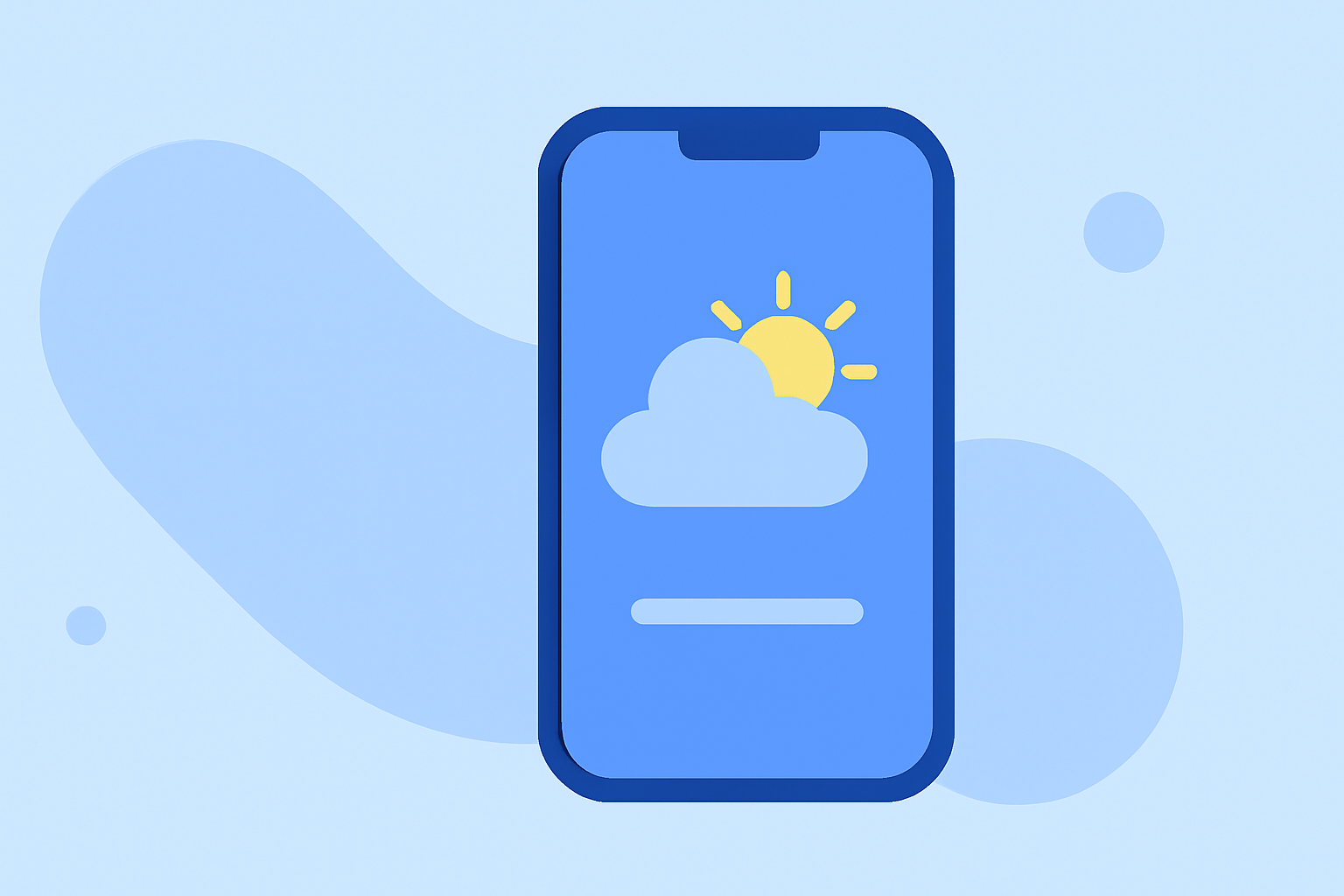
Weather banners are a powerful tool in Android app design, allowing developers to display important weather information prominently. By following best practices, you can create banners that are both functional and visually appealing.
What Are Weather Banners?
Weather banners are UI components that present weather-related information, such as current conditions, forecasts, or alerts, in a concise and attention-grabbing manner. They are typically placed at the top of the screen to ensure visibility and immediate access.
Why Use Weather Banners?
Incorporating weather banners into your app can:
- Enhance User Engagement: Providing timely weather updates keeps users informed and encourages regular app usage.
- Improve User Experience: Well-designed banners offer quick access to essential information without navigating through multiple screens.
- Increase App Retention: Users are more likely to return to apps that provide valuable, real-time information.
Best Practices for Designing Weather Banners
- Prioritize Clarity and Brevity: Use concise language and clear icons to convey weather information quickly.
- Ensure Visual Prominence: Utilize distinct colors and typography to make the banner stand out without overwhelming the user.
- Maintain Consistency: Align the banner's design with the overall app theme to create a cohesive user experience.
- Implement Responsiveness: Design banners that adapt to various screen sizes and orientations for a seamless experience across devices.
- Provide Dismissal Options: Allow users to dismiss the banner if they prefer not to see it, respecting their preferences.
Implementing Weather Banners in Your App
To create a weather banner in your Android app, consider the following steps:
- Design the Banner Layout: Create a layout that includes elements like an icon, temperature, and a brief description of the weather condition.
- Fetch Weather Data: Use a reliable weather API to retrieve real-time data for your location.
- Update the Banner Dynamically: Set up a mechanism to refresh the banner content at regular intervals to provide up-to-date information.
- Handle User Interaction: Implement touch events to allow users to tap the banner for more detailed weather information or to dismiss it.
Enhancing User Experience with Weather Banners
Beyond basic functionality, consider the following to enhance user experience:
- Personalization: Allow users to set their preferred location for weather updates.
- Interactive Elements: Incorporate features like swipe gestures to dismiss the banner or tap to view detailed forecasts.
- Accessibility: Ensure the banner is accessible to all users, including those with disabilities, by following accessibility guidelines.
Conclusion
Designing effective weather banners on Android involves a combination of clear communication, visual design, and technical implementation. By adhering to best practices and focusing on user needs, you can create banners that not only inform but also enhance the overall user experience.
For more detailed guidelines on implementing banners in Android, refer to the official Android Developers documentation. (developer.android.com)
By following these practices, you can create weather banners that are both functional and engaging, providing users with timely and relevant information in an accessible and visually appealing manner.