
Designing Effective Weather Banners for Android Widgets
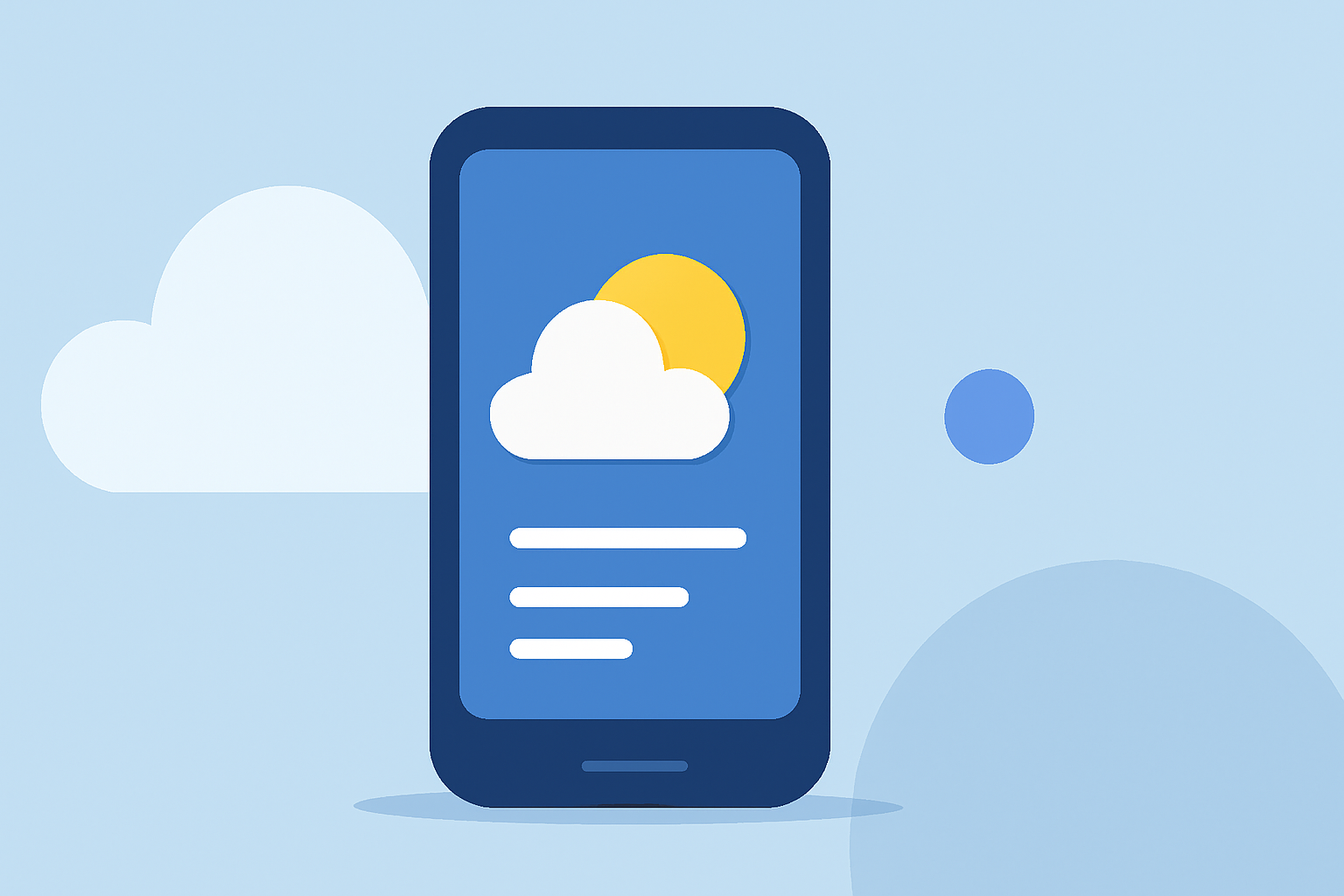
Designing an effective weather banner for your Android widget involves adhering to established design principles to ensure clarity, accessibility, and aesthetic appeal. Below are key considerations to guide you in crafting a compelling weather widget.
1. Utilize Material Design Principles
Adhering to Material Design guidelines ensures consistency and familiarity for users. Focus on color, typography, and shape to create a cohesive and intuitive widget. (developer.android.com)
2. Choose Appropriate Colors
Select colors that enhance readability and align with your app's branding. Utilize Material color roles and tokens to maintain accessibility and support dynamic themes, such as light and dark modes. (developer.android.com)
3. Implement Clear Typography
Establish a clear hierarchy using varying font sizes and weights to guide the user's attention to essential information. Ensure legibility by considering line spacing and letter spacing, especially for smaller text within the widget. (developer.android.com)
4. Define Widget Shape and Size
The shape of your widget contributes to its overall mood. For rectangular widgets, use the system's corner radius property to maintain consistency across devices. If your widget displays minimal data, consider using expressive shapes to add energy to the user's home screen. (developer.android.com)
5. Support Dynamic Themes
Starting with Android 12, widgets can adapt to the device's theme colors for buttons, backgrounds, and other components. This provides visual consistency across different widgets, home screen icons, and wallpapers, offering users a more cohesive experience. (developer.android.com)
6. Ensure Accessibility
Design your widget to be accessible to all users, including those with visual impairments. Maintain sufficient contrast between text and background colors, and provide alternative text for images.
7. Optimize for Performance
Ensure that your widget loads quickly and updates efficiently to provide real-time weather information without draining device resources.
8. Test Across Devices
Test your widget on various devices and screen sizes to ensure it displays correctly and maintains functionality across different Android versions and device configurations.
By following these guidelines, you can create a weather banner that not only provides accurate and timely information but also enhances the overall user experience on Android devices.