
Designing Effective Weather Banners for Smart Displays
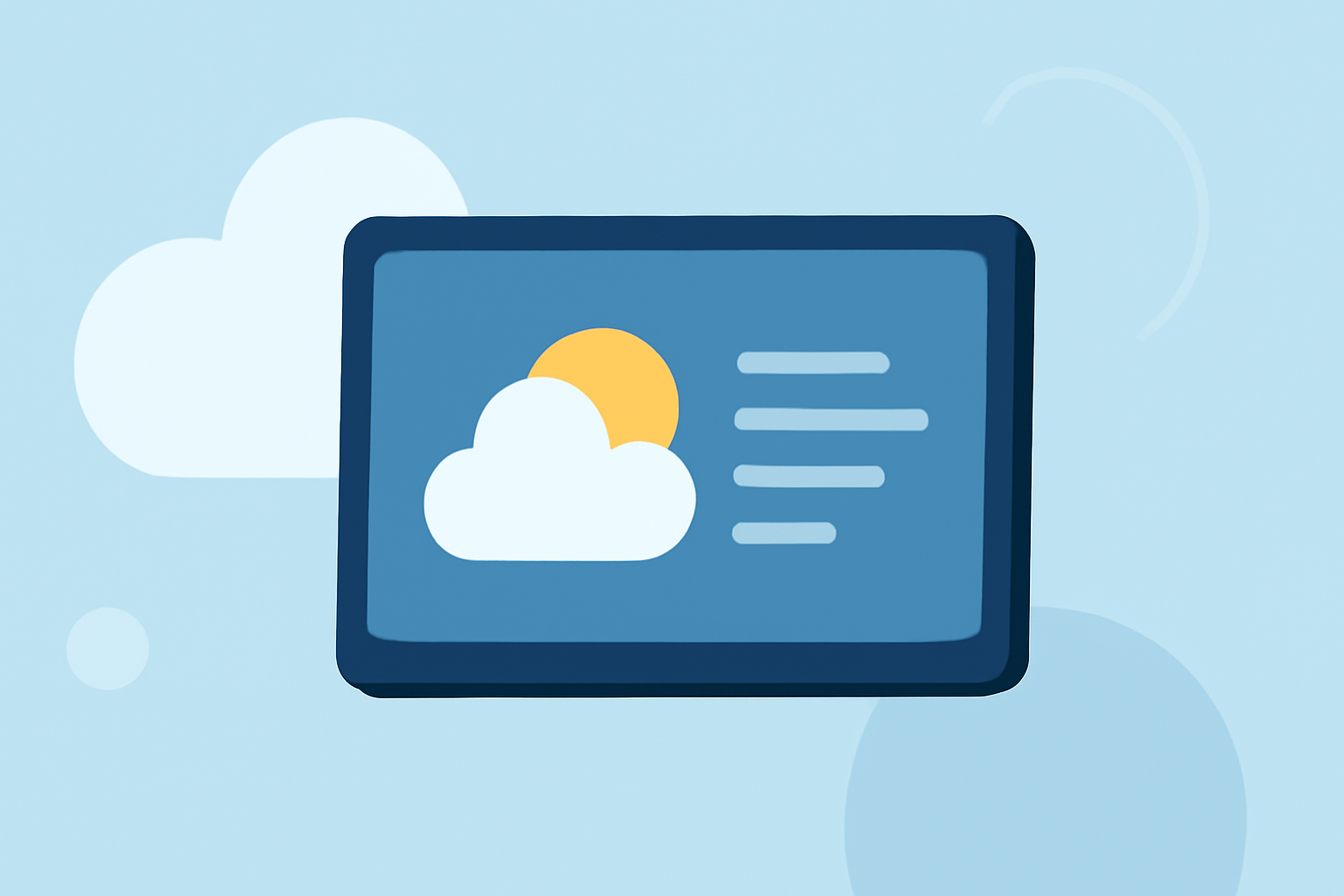
Integrating weather information into your smart display can enhance user engagement and provide valuable, real-time updates. Crafting an effective weather banner involves selecting the right design elements, ensuring accurate data, and maintaining visual appeal.
Key Elements of an Effective Weather Banner
-
Real-Time Data Integration: Ensure your banner displays current weather conditions and forecasts, updating automatically to provide timely information.
-
Clear Visual Hierarchy: Organize information with a clear visual hierarchy, using size, color, and placement to guide the viewer's attention to the most important details first.
-
Legible Typography: Choose clean, legible fonts that are easy to read on digital screens, avoiding overly decorative styles that may hinder readability.
-
Appropriate Color Schemes: Utilize colors that align with the weather conditions, such as blue for clear skies and gray for overcast, to reinforce the message and enhance understanding.
-
Responsive Design: Design your banner to adapt to various screen sizes and orientations, ensuring consistent display across different devices.
Design Techniques and Tools
-
Weather Widgets and Apps: Utilize weather widgets or apps that offer customizable templates for digital signage, allowing you to display current conditions, forecasts, and alerts. (signagerocket.com)
-
Digital Signage Platforms: Leverage digital signage platforms that support weather content integration, providing tools to customize and schedule weather displays. (support.optisigns.com)
-
Custom Development: For a tailored solution, consider developing a custom weather display using APIs from reliable weather data providers, ensuring accuracy and relevance.
Best Practices for Implementation
-
Regular Updates: Set your system to update weather information at appropriate intervals to maintain accuracy without overloading the display.
-
User-Friendly Interface: Design the banner to be intuitive, allowing users to quickly grasp the information without confusion.
-
Testing Across Devices: Test your weather banner on various devices and screen sizes to ensure consistent performance and appearance.
By thoughtfully designing your weather banner with these elements and practices, you can create an informative and visually appealing display that enhances user experience and engagement.