
Designing Effective Weather Widgets: Best Practices and Styles
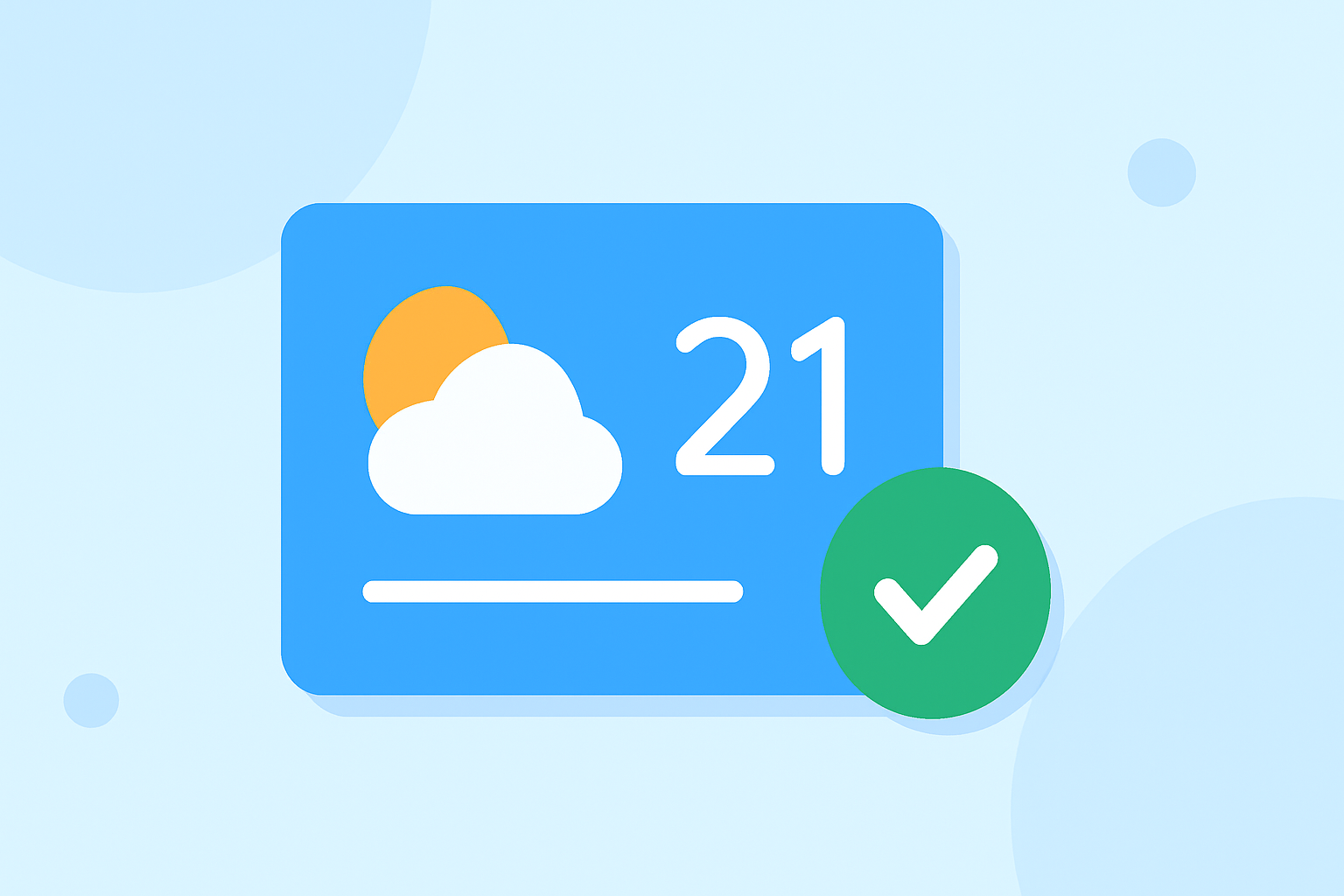
Weather widgets are essential tools that provide users with quick access to current and forecasted weather information directly from their device's home screen. Designing an effective weather widget involves considering layout, content, and customization options to enhance user experience.
1. What Are Weather Widgets?
Weather widgets are small applications that display weather information on a device's home screen, allowing users to view current conditions and forecasts without opening a dedicated app. They offer a convenient way to stay informed about weather changes throughout the day.
2. Why Are Weather Widgets Important?
Weather widgets provide immediate access to essential weather data, helping users plan their activities effectively. By offering real-time updates and forecasts, they assist in making informed decisions regarding travel, outdoor events, and daily routines.
3. What Are the Key Components of a Weather Widget?
An effective weather widget typically includes:
-
Current Temperature: Displays the current temperature in the user's preferred unit (Celsius or Fahrenheit).
-
Weather Conditions: Shows the prevailing weather conditions, such as sunny, cloudy, or rainy.
-
Forecast Information: Provides short-term forecasts, including high and low temperatures and expected weather conditions for the upcoming hours or days.
-
Location Information: Indicates the location for which the weather information is provided, ensuring relevance to the user.
4. What Are the Best Practices for Designing Weather Widgets?
-
Simplicity and Clarity: Keep the design straightforward to ensure users can quickly grasp the information. Avoid clutter by focusing on essential data.
-
Consistency with Platform Guidelines: Adhere to the design principles of the operating system to ensure a cohesive user experience. For instance, iOS and Android have specific guidelines for widget design.
-
Responsiveness: Ensure the widget adapts well to different screen sizes and orientations. This includes supporting various widget sizes and maintaining readability across devices.
-
Customization Options: Allow users to personalize the widget's appearance, such as choosing themes, colors, and the type of information displayed. This enhances user engagement and satisfaction.
5. How Can Clime Enhance Your Weather Widget Experience?
Clime offers a comprehensive weather widget solution that aligns with best practices in design and functionality. With Clime, users can access accurate and timely weather information directly from their home screen, benefiting from:
-
Real-Time Updates: Receive up-to-date weather data, including current conditions and forecasts.
-
Customizable Layouts: Choose from various widget sizes and styles to fit your home screen preferences.
-
User-Friendly Interface: Enjoy a clean and intuitive design that makes accessing weather information effortless.
6. What Are the Different Styles of Weather Widgets?
Weather widgets come in various styles to cater to different user preferences:
-
Minimalist Widgets: Display essential information like current temperature and weather conditions without additional details.
-
Detailed Widgets: Provide comprehensive data, including hourly forecasts, wind speed, humidity levels, and more.
-
Interactive Widgets: Allow users to interact with the widget, such as tapping to view more detailed forecasts or accessing related information.
7. How Do I Choose the Right Weather Widget Style?
Selecting the appropriate widget style depends on your specific needs and preferences:
-
For Quick Glance Information: Opt for minimalist widgets that provide essential data at a glance.
-
For In-Depth Information: Choose detailed widgets that offer comprehensive weather data for thorough planning.
-
For Interactive Features: Select interactive widgets that allow engagement and provide additional information upon interaction.
8. How Does Clime Support Various Widget Styles?
Clime supports multiple widget styles to cater to diverse user needs:
-
Basic Weather Widget Style: Offers essential weather information for users who prefer a clean and uncluttered home screen.
-
Advanced Weather Widget Style: Provides detailed weather data, including forecasts and additional metrics, for users seeking comprehensive information.
-
Text-Only Weather Widget Style: Delivers weather information in a text-only format for users who prefer a minimalist approach without images.
9. What Are the Benefits of Using Clime's Weather Widgets?
By choosing Clime's weather widgets, users can enjoy:
-
Accurate and Timely Information: Stay informed with up-to-date weather data sourced from reliable meteorological services.
-
Customization Options: Tailor the widget's appearance and functionality to suit individual preferences.
-
Enhanced User Experience: Benefit from a user-friendly interface that makes accessing weather information straightforward and convenient.
In conclusion, designing effective weather widgets involves focusing on simplicity, clarity, and responsiveness. By adhering to these best practices and utilizing Clime's versatile widget styles, users can enhance their daily planning and stay informed about weather conditions with ease.