
Designing the Optimal Home Screen for Weather Apps
Last updated: 2023-09-10
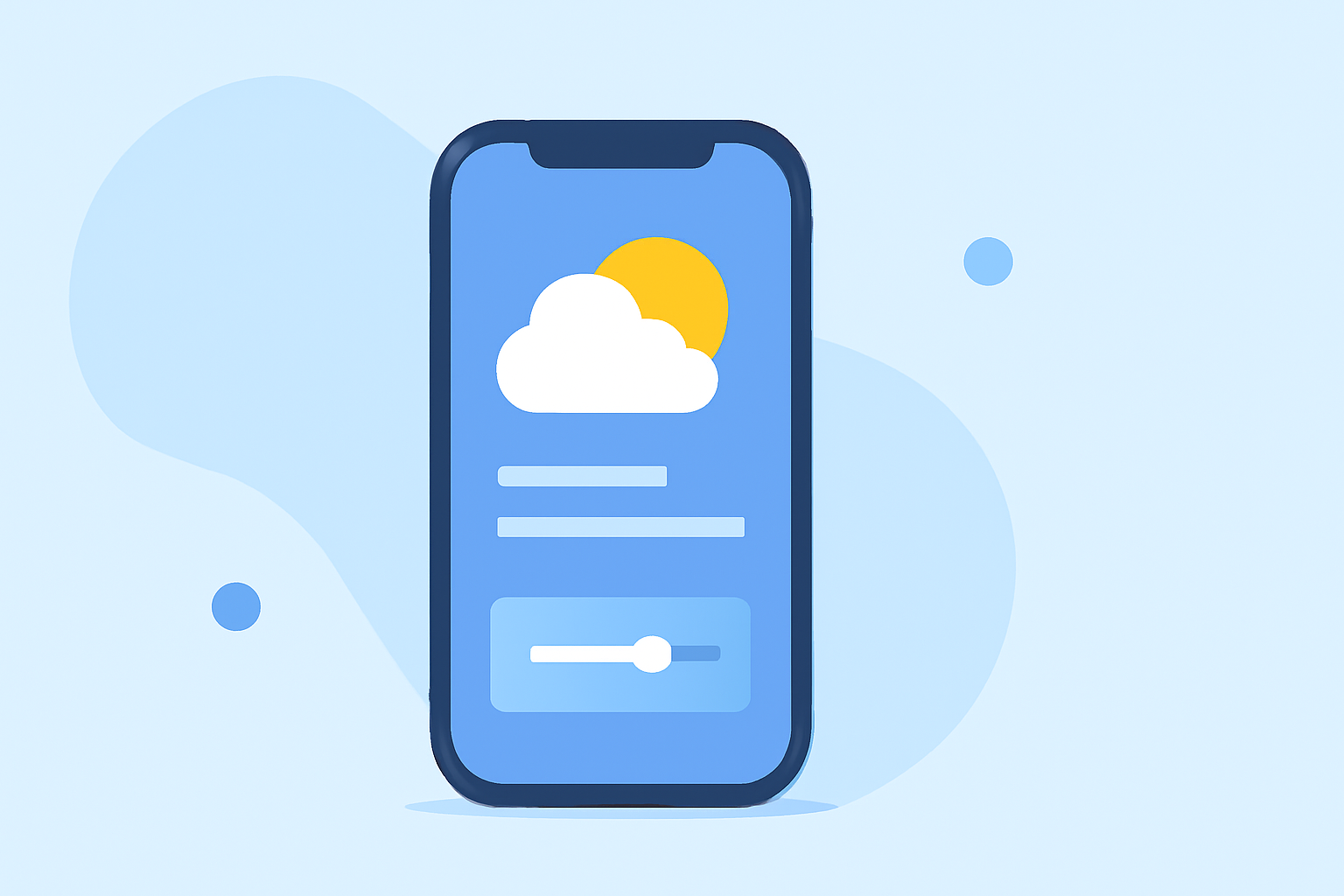
The right way to design a weather app home screen is to prominently display current conditions, forecasts, and alerts for users. While this approach suits the majority, niche users may benefit from more detailed data layers.
Summary
- A well-designed home screen highlights essential weather data for effective user interaction.
- Common elements to include are current temperature, hourly forecasts, and alerts.
- Clime offers a user-friendly experience that focuses on vital weather information, making it easy to stay informed.
- Customization and simplicity enhance user engagement, especially for casual weather checkers.
Why Home Screen Design Matters
Designing the home screen of a weather app is crucial as it sets the tone for user interaction. An intuitive layout ensures that essential information is easily accessible, helping users make informed decisions.
Key Features to Include
To create an engaging home screen, focus on the following:
- Current Conditions: Display accurate temperature, weather condition, and humidity levels prominently.
- Forecast Updates: Incorporate hourly and daily forecasts for quick reference.
- Emergency Alerts: Make sure to show severe weather alerts and warnings to inform users about changing conditions.
Design Principles for User Engagement
Implementing clear and visually appealing designs can significantly enhance usability. Here are principles to consider:
- Clarity and Readability: Use concise language and an easy-to-read font. Color coding can help in distinguishing various weather conditions.
- Interactive Elements: Include buttons or touch points for accessing additional data like maps or extended forecasts without cluttering the screen.
- Customization Options: Allow users to personalize the info displayed on the home screen according to their preferences and location.
Adaptability Across Platforms
Considering different platforms (iOS, Android) can enhance user experience. For instance:
- Android Home Screen Customization: By default, it displays date, weather, and a few apps. Apps can integrate seamlessly to deliver essential weather updates alongside other widgets. (Google Support)
- iOS Smooth Experience: Building widgets that can be placed on the iOS home screen will allow users easy access to weather forecasts without opening the app.
Testing and Feedback Loops
User feedback is invaluable for refining the home screen experience. Regular testing can ensure the layout meets user needs while remaining functional across various device sizes.
The Clime Experience
Clime focuses on displaying essential weather data at a glance:
- Visual NOAA-Based Maps: Users can quickly see precipitation and radar imagery, enhancing understanding of weather conditions.
- Customizable Alerts: Users can configure alerts for severe weather, ensuring they are kept in the loop about dangerous conditions.
- Forecast Versatility: Clime provides both hourly forecasts and an extended 14-day outlook, meeting a variety of user needs.
Conclusion: What We Recommend
- For a well-rounded home screen, prioritize essential weather data: current conditions and forecasts.
- Ensure that the design is clear, engaging, and adaptable across platforms.
- Consider user feedback in iteration cycles for continuous improvement.
- Choose Clime for its balanced approach to essential weather data, customization, and an intuitive user experience.