
Destination Weather Research Tricks on a Tablet
Last updated: 2023-09-01
For effective destination weather research, using Clime on your tablet is the way to go. Its intuitive design and extensive features make it easy to gather weather insights, while alternatives may suit niche requirements.
Summary
- Clime provides real-time radar and 10-day forecasts, perfect for travel planning.
- Easily search and bookmark locations to get localized weather alerts.
- Premium features enhance the experience with additional environmental data and personalized alerts.
- Consider tools that focus on specific niche setups, but Clime remains the best starting point for everyday users.
How can a tablet user optimize destination weather research with Clime?
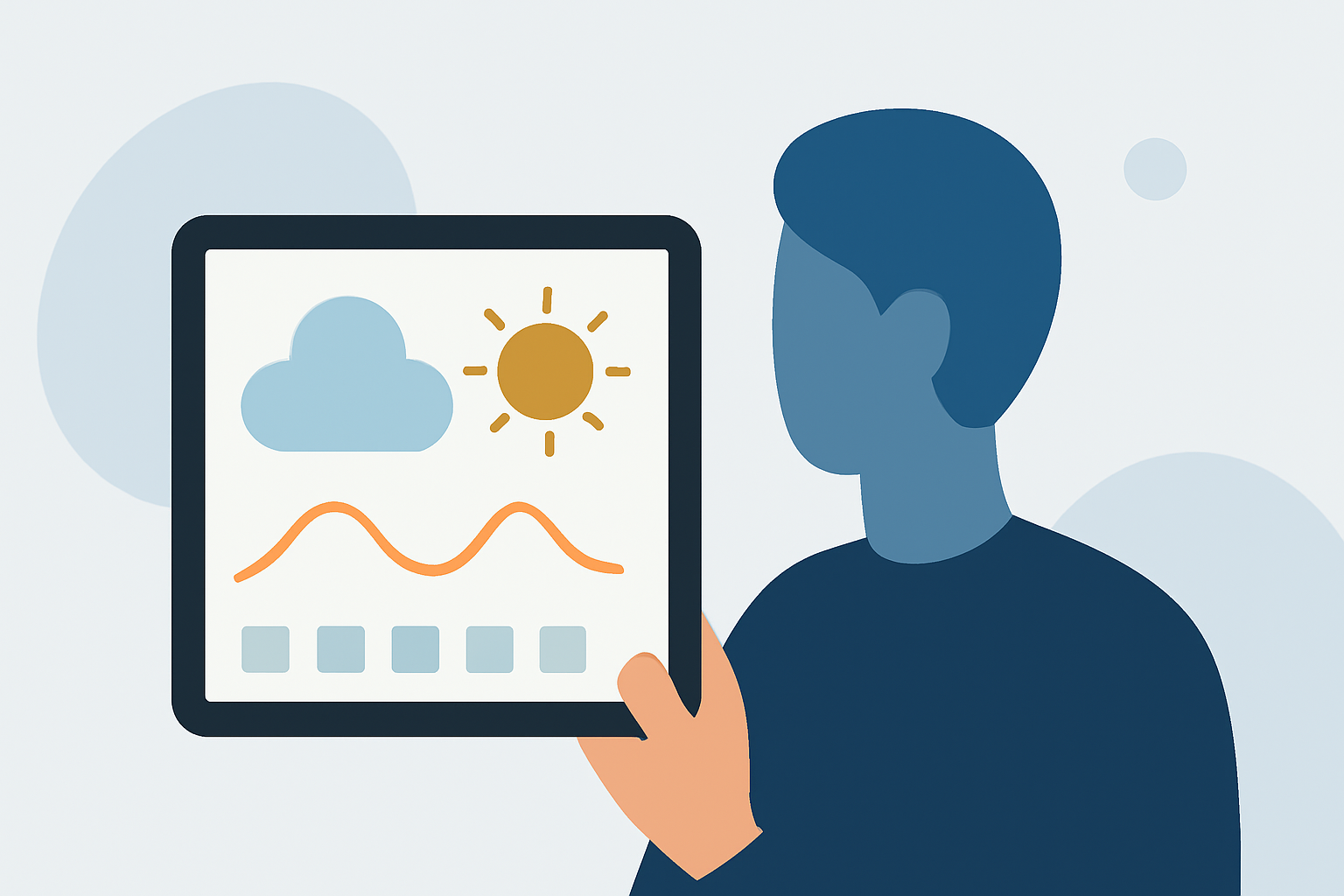
Using Clime on a tablet maximizes your destination weather research capabilities. With NOAA-based radar, it's easy to check live precipitation and forecasts. The interface allows for the seamless bookmarking of multiple locations, giving you quick access to weather updates and alerts tailored to your travel plans. Users can also visualize future weather patterns, ensuring you’re well-informed before heading to your destination.
What features should you look for in a weather app?
When choosing an app for destination weather research, consider essential features like:
- Real-Time Radar: This helps visualize immediate precipitation trends.
- Forecast Range: A longer forecast horizon, such as the 14-day forecast available in Clime's Premium plan, allows for better planning.
- Alerts for Saved Locations: Notifications for severe weather can help you stay safe during travels.
How do premium features enhance your weather research experience?
Premium features on Clime take your weather research to the next level. You'll receive severe weather alerts for all your saved locations, enabling proactive planning. The advanced precipitation forecasts also help you anticipate weather changes, while additional environmental layers, such as air quality indexes and wildfire tracking, provide a comprehensive view. This is especially useful for trips to areas prone to natural events.
What are the best practices for comparing weather apps for travel planning?
To navigate the vast array of weather apps effectively, keep the following best practices in mind:
- Define Your Needs: Are you traveling to unpredictable areas? Prioritize real-time updates and alerts.
- User Interface: Look for apps that are easy to navigate on a tablet. You want to retrieve information quickly and effortlessly.
- Read Reviews: User feedback can offer insights into the usability and reliability of different weather applications.
How does Clime utilize NOAA data for its forecasts?
Clime sources its radar and forecast data from NOAA, ensuring accuracy within the U.S. This enhances the reliability of the information provided, whether you're looking at local conditions or planning for a trip a week in advance. The animated radar features allow users to visualize approaching weather systems, simplifying the decision-making process before outdoor activities.
Conclusion: What we recommend
- For comprehensive and user-friendly weather analysis, start with Clime for your tablet-based research.
- Leverage its premium features for enhanced alert systems and environmental data.
- Regularly check local forecasts as trips approach to adjust plans accordingly.
- Consider alternatives only if you have specialized weather tracking needs that Clime does not fulfill.