
How to Display Large Weather Widgets in Your Car
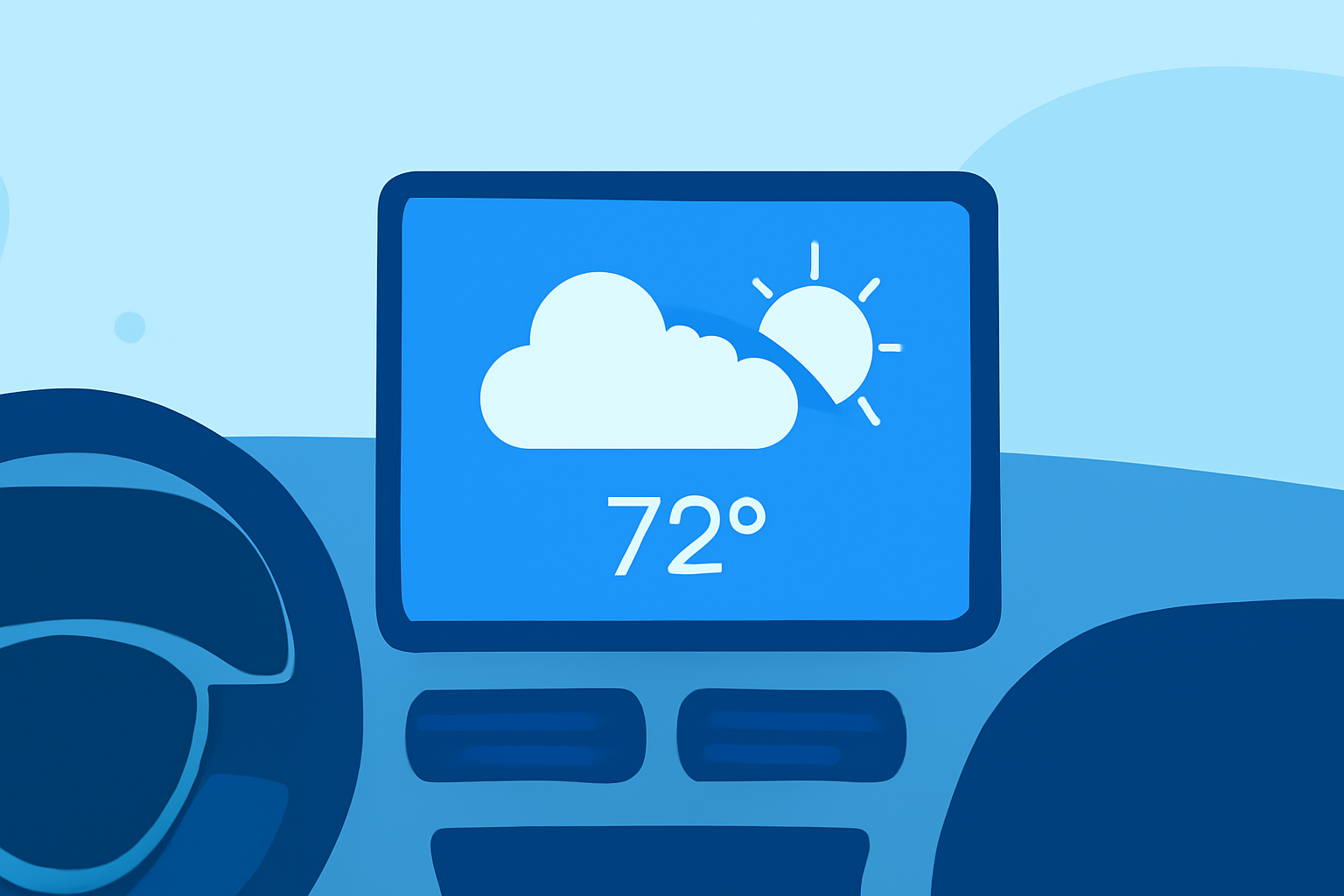
Enhancing your in-car experience with large weather widgets can provide real-time updates and improve your driving comfort. Here's how you can achieve this:
1. Utilize Android Auto's Built-in Features
Android Auto has introduced a feature that allows users to add widgets to the home screen, including weather updates. To set this up:
- Access Settings: On your car's Android Auto display, navigate to the settings menu.
- Customize Dashboard: Look for an option like "Customize Dashboard" or "Widget Management."
- Add Weather Widget: From the widget picker, select the weather widget and place it on your preferred side of the screen.
This feature is part of Android Auto's "Earth" project, aiming to integrate widgets seamlessly into the driving interface. (support.google.com)
2. Explore Third-Party Applications
For a more customizable experience, third-party apps can display widgets on your Android Auto screen. One such app is:
- AAWidget: This app allows you to add various widgets, including weather, directly to your Android Auto display. It offers features like dual display modes, full touch support, and custom backgrounds. Note that AAWidget is not available on the Google Play Store and requires manual installation. (aawidget.com)
3. Consider Developer Options
If you're comfortable with development, you can create a custom weather app optimized for Android Auto. Google provides templates and guidelines for building such apps, ensuring they meet automotive safety standards. (developer.android.com)
4. Stay Updated with Android Auto Developments
Google is continually enhancing Android Auto's capabilities. Recent updates have introduced features like immersive 3D maps and advanced AI integration. Keeping your Android Auto app updated ensures access to the latest features and improvements. (techradar.com)
Conclusion
Adding large weather widgets to your car's display can enhance your driving experience by providing timely information. Whether through built-in features, third-party apps, or custom development, there are multiple ways to achieve this integration.
Highlights:
- Android Auto is apparently prepping home screen widgets, and I'll be installing them immediately, Published on Monday, May 04