
Displaying Daily Weather Forecasts on Your Smart Display
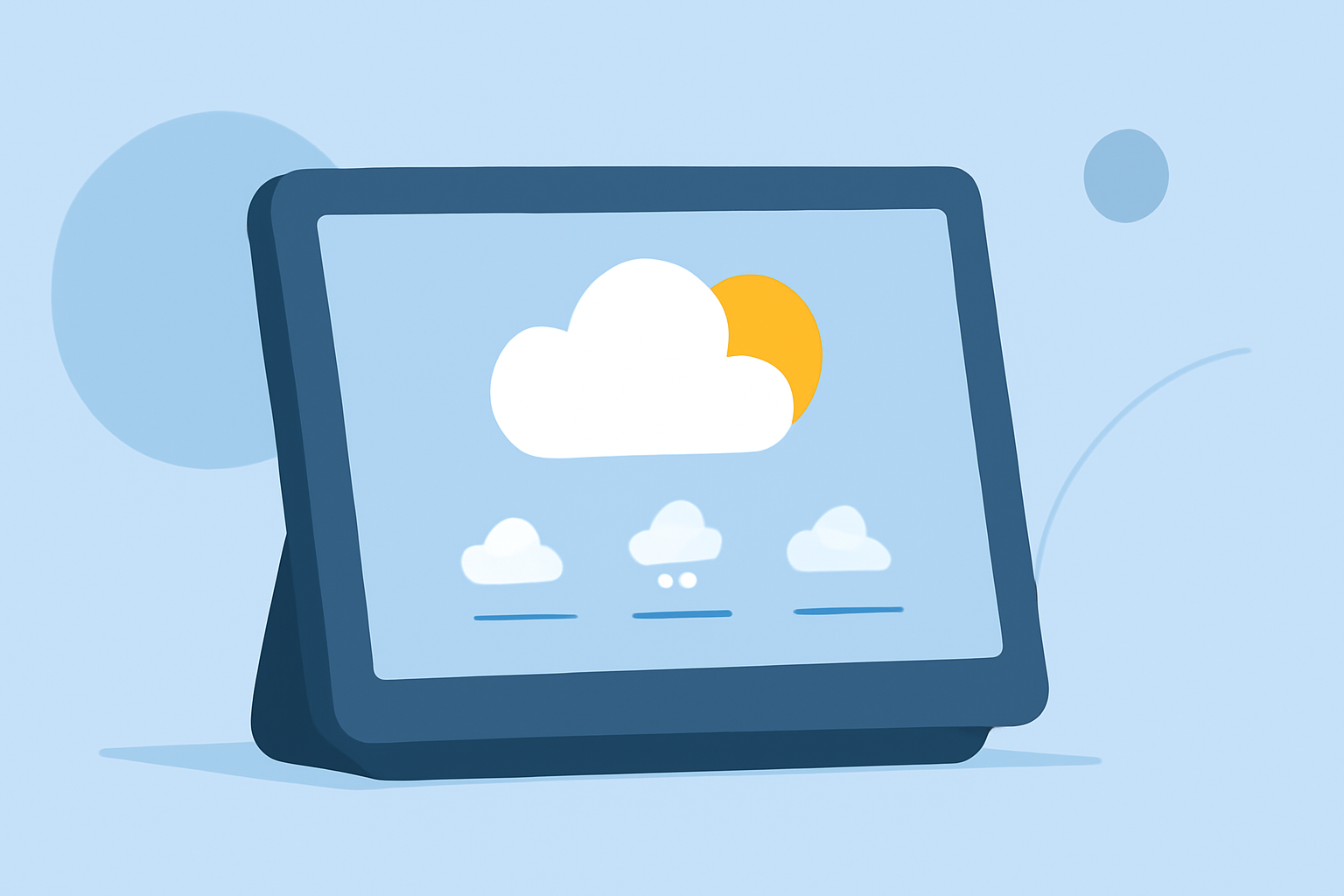
Integrating daily weather forecasts into your smart display can enhance your daily planning and keep you informed about changing conditions. Here's how to set up and customize this feature:
1. Choose a Compatible Smart Display
Ensure your smart display supports weather widgets or apps. Many devices offer built-in weather features or support third-party applications.
2. Set Up the Weather Widget or App
-
Built-in Widgets: Access your device's settings or app store to locate and enable the weather widget.
-
Third-Party Apps: Download and install a reputable weather app from your device's app store.
3. Configure Location Settings
Input your location to receive accurate forecasts. This can typically be done within the weather app or widget settings.
4. Customize Display Preferences
Adjust settings such as temperature units (Celsius or Fahrenheit), update frequency, and the number of forecast days displayed to suit your preferences.
5. Utilize Additional Features
Many weather apps offer features like severe weather alerts, radar maps, and hourly forecasts. Explore these options to enhance your weather monitoring experience.
6. Keep Your Device Updated
Regularly update your device's software and weather app to ensure access to the latest features and accurate information.
By following these steps, you can effectively display daily weather forecasts on your smart display, keeping you informed and prepared for the day ahead.