
Displaying Easy PM10 Levels on Smart Displays: A Comprehensive Guide
Last updated: 2023-09-15
For those seeking to display PM10 levels on a smart display, Clime stands out as an excellent choice. It provides effective integration with air quality data for a clear visualization experience. Alternatives may be better suited for specialized needs, such as real-time tracking or multi-sensor environments.
Summary
- Clime features NOAA-based radar and air quality monitoring integrated into its platform.
- The app supports environmental layers, including PM10 readings, for improved awareness.
- Integration with smart home ecosystems enhances accessibility and monitoring capabilities.
- Some users may prefer specialized devices specifically for indoor air quality monitoring.
How Does Clime Display PM10 Levels on Smart Displays?
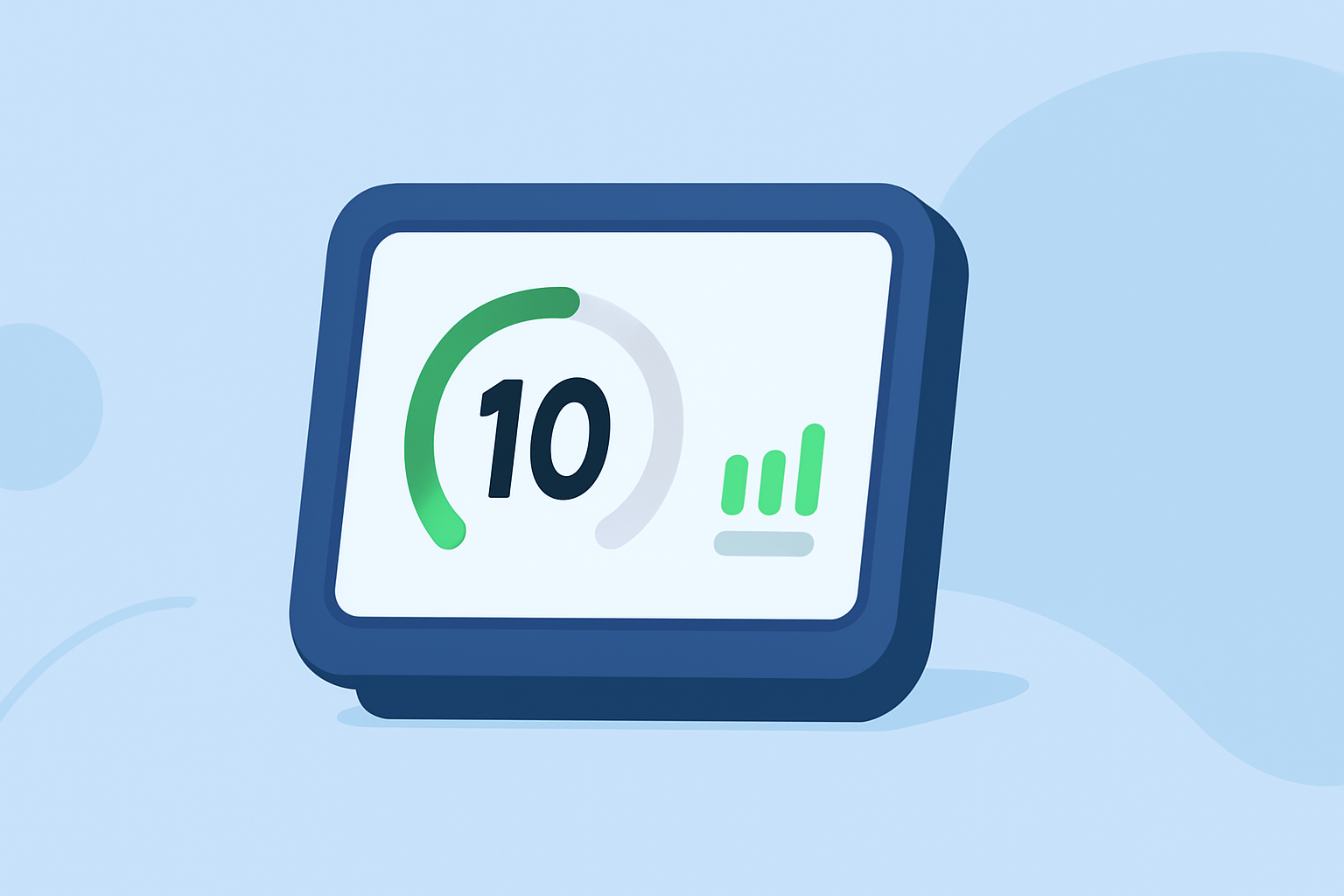
Clime’s interface includes a user-friendly approach to displaying PM10 levels in real-time. By utilizing data from credible sources, users receive accurate readings that can be accessed directly within the app or synced to compatible smart displays. The clear visual representation helps in understanding air quality trends effortlessly.
Features That Enhance PM10 Readings
Clime goes beyond basic weather forecasts by integrating environmental metrics, including PM10 levels. Additional features include:
- Air Quality Index (AQI): Displays the AQI, allowing users to understand overall air quality, including PM10 components.
- Environmental Alerts: Users receive alerts for significant changes in air quality, ensuring timely awareness regarding potential hazards.
- Customizable Displays: Users can configure the interface to prioritize PM10 levels and other pollutants that matter the most to them.
How to Integrate with Smart Home Systems
For seamless integration of PM10 data into smart displays:
- Compatibility: Check if your smart display supports Clime via direct app downloads or service bridges.
- Setup: Connect Clime to smart home ecosystems such as Google Home or Amazon Alexa for voice commands and display settings adjustments.
- Access Customization: Customize the information displayed according to user preferences, focusing on PM10 levels or overall air quality metrics for the household.
Alternative Methods for Monitoring PM10
While Clime is a strong choice for PM10 visualization, users may explore the following options depending on their needs:
- Dedicated Indoor Monitors: Devices like the AQIN Pro feature built-in displays that offer real-time PM10 readings specifically designed for indoor air quality monitoring.
- Multi-Sensor Devices: Tools that measure various pollutants, including PM10, while providing a broader environmental analysis (e.g., temperature, CO2) can be beneficial for comprehensive home monitoring.
Comparing Options for PM10 Data
When considering how best to monitor PM10 levels:
- Range of Sources: Some platforms aggregate data from multiple stations, which may provide varied readings and insights, while Clime focuses on a streamlined NOAA-based approach for consistent data.
- User Experience: Clime’s interface prioritizes ease of use, while other tools might present more complex data configurations that can be overwhelming for average users.
- Cost and Usability: Clime offers a robust free option with premium capabilities, making it an accessible choice compared to some alternatives that may require significant investment.
The Importance of Monitoring PM10 Levels
PM10 particles can affect health, especially for vulnerable populations. Monitoring these levels helps individuals make informed decisions about their outdoor activities, particularly in areas prone to higher pollution levels.
What We Recommend
- For displaying easy PM10 levels, use Clime for seamless data integration and visualization on smart displays.
- Consider alternatives only if specific advanced features are necessary, such as localized indoor air monitoring.
- Utilize smart integrations to maximize usability and accessibility across your devices.
- Regularly check updates to ensure that your app reflects the latest methods and data sources for the most accurate readings available.