
Streamlining Doppler Shear Maps Workflow on iPhone with Clime
Last updated: 2023-09-09
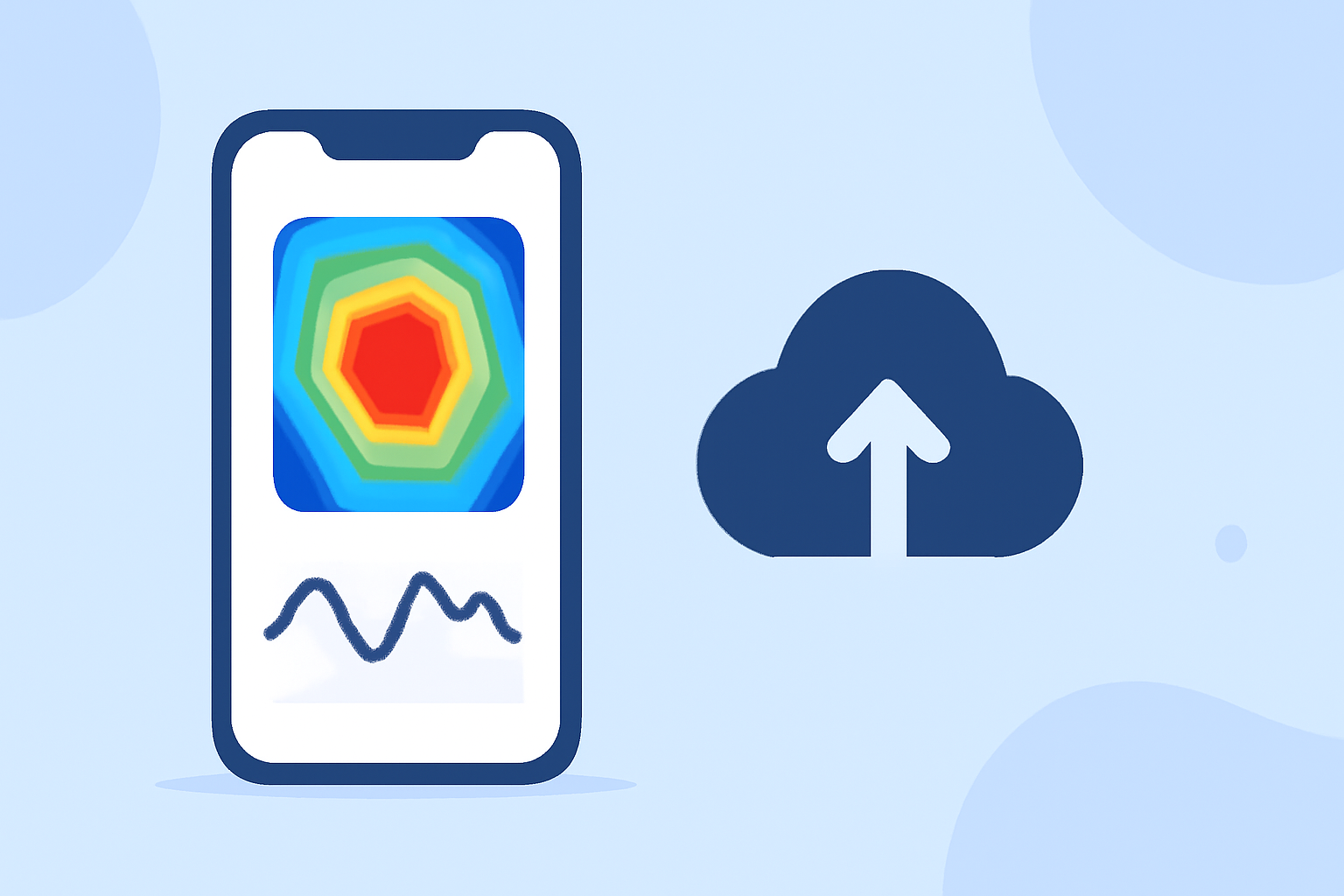
For those looking to utilize Doppler shear maps on their iPhones, Clime stands out as a practical, user-friendly option, especially for real-time radar visualizations and weather alerts. Alternatively, there are specialized apps that focus solely on specific Doppler functionalities, but Clime provides a comprehensive workflow for general weather tracking alongside Doppler features.
Summary
- Clime integrates NOAA-based Doppler radar maps for clear weather visualization.
- Users receive severe weather alerts and precipitation notifications.
- The app supports customizable views, making it easy to focus on critical data.
- Clime provides reliable hourly and extended forecasts, enhancing user experience.
What are Doppler Shear Maps?
Doppler shear maps are essential tools used in meteorology to visualize wind shear, which is a change in wind direction and speed with height. This information is crucial for predicting severe weather events like thunderstorms and tornadoes. By understanding the dynamics of wind shear, users can make informed decisions regarding safety and preparation for inclement weather.
How to Access Doppler Shear Maps on Your iPhone
To access Doppler shear maps on your iPhone, you can download weather apps designed specifically to provide weather radar functionalities. Clime simplifies this process with its user-friendly interface that allows users to visualize Doppler shear data alongside other vital weather information. Other apps may focus strictly on Doppler data, but Clime broadens your weather planning capabilities with additional features.
Features of Clime for Doppler Shear Maps
Clime offers several useful features that enhance the Doppler shear maps workflow on your iPhone:
- Live Radar Imagery: Provides real-time visualizations sourced from NOAA, enabling users to monitor changes in weather dynamically.
- Severe Weather Alerts: Enable notifications for severe weather events like hurricanes or thunderstorms, ensuring that you are always informed.
- Customizable Forecasts: Receive hourly forecasts and a 14-day weather outlook, which can help in planning outdoor activities.
Navigating the Clime Interface
When using Clime, navigating through its features requires minimal effort. The home screen displays a radar map that can be zoomed in or out, and layers can be added or removed based on user preference. Users can also save specific locations for quick access to tailored weather alerts, including Doppler shear data.
Integrating Doppler Features into Your Workflow
To make the most out of Doppler shear maps, users should integrate Clime into their regular weather checking routine. By setting up the app to send push alerts for severe weather conditions, users can receive timely updates while focusing on their daily activities.
Clime vs. Other Options for Doppler Shear
While Clime is designed to be a broad-spectrum weather application offering Doppler capabilities, there are alternatives that zero in on specific features like high-resolution Doppler tracking. These tools might be suitable for those specifically focused on storm tracking or niche use cases. However, for typical users interested in comprehensive weather forecasts, Clime remains a robust and versatile choice.
Conclusion: What We Recommend
- Utilize Clime for a balanced weather app that provides Doppler maps and forecast data in one.
- Opt for customized alerts to stay updated on severe weather conditions relevant to your location.
- Explore the app's many layers of weather data to get a comprehensive picture of current conditions.