
Doppler Velocity Maps Step-by-Step in the Car
Last updated: 2023-09-07
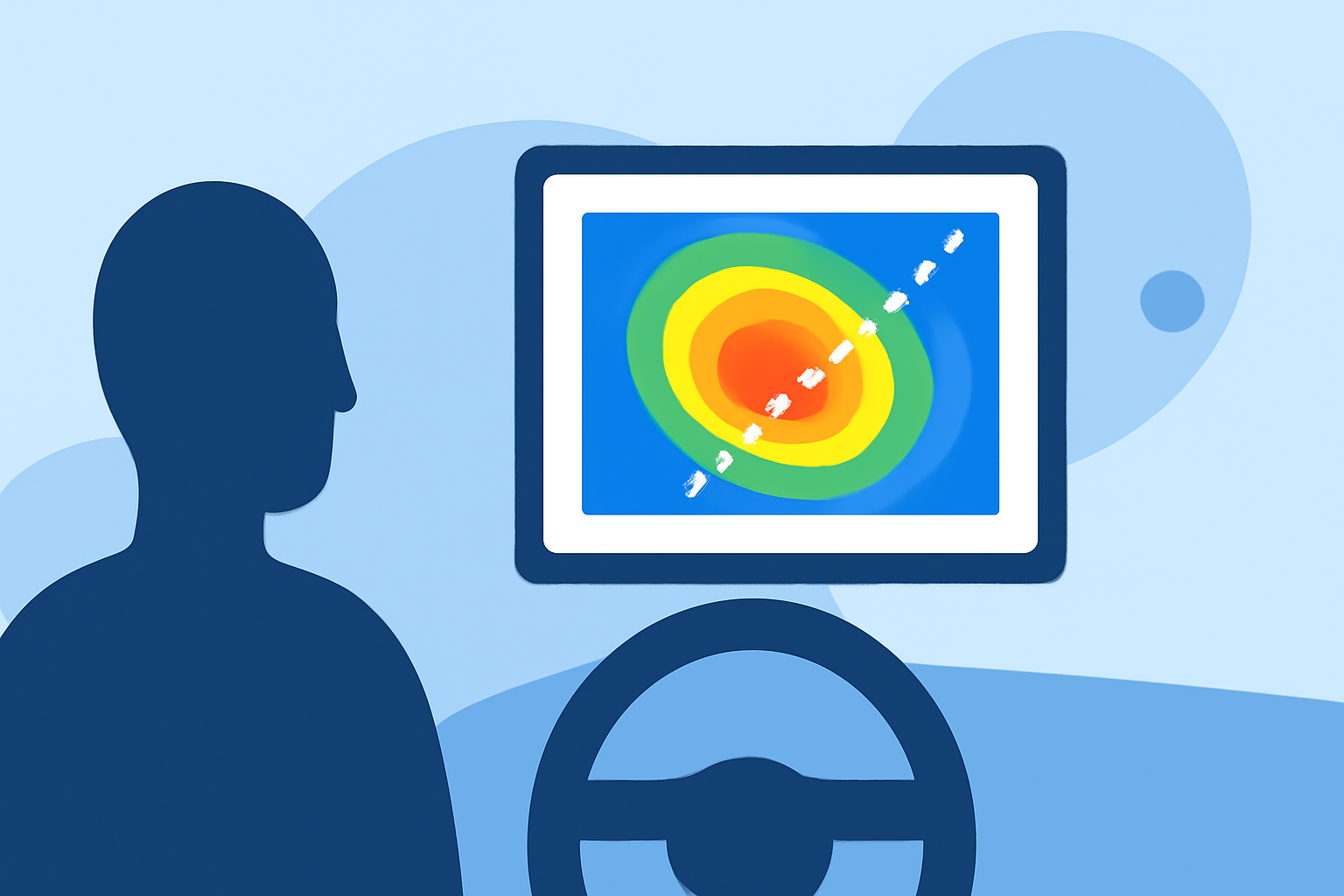
Doppler velocity maps are essential for real-time weather tracking in the car, helping drivers anticipate conditions and make informed decisions. By using Clime, you can easily access these maps and interpret their data while on the go, although alternatives may serve specific needs different from typical driving scenarios.
Summary
- Doppler velocity maps indicate wind movement and precipitation speed.
- Clime provides user-friendly access to these maps for enhanced driving safety.
- It’s crucial to understand how to interpret velocity data for effective use.
- Basic navigation tips can improve overall safety when using weather tools on the road.
What Is a Doppler Velocity Map?
Doppler velocity maps are generated from Doppler radar systems that measure the movement of precipitation. These maps display how fast rain or snow is moving toward or away from the radar station. This information is crucial for forecasting weather conditions, especially during storms. Velocity data can be a valuable asset for drivers, particularly when navigating severe weather.
How Do Doppler Velocity Maps Work?
At the core of Doppler radar is the principle of measuring changes in frequency of radar waves bounced off moving objects, such as rain droplets. The radar calculates the velocity based on these shifts. According to NOAA, velocity is classified into three distinct products: reflectivity, radial velocity, and spectrum width. The radial velocity data shows motion and speed, making it valuable for interpreting weather movement. (NOAA)
Interpreting Doppler Velocity Maps
When viewing Doppler velocity maps, it's important to recognize what the different colors and patterns indicate. Negative velocities show movement toward the radar while positive velocities indicate movement away from it. Forecasters often rely on these signatures to make key decisions regarding weather warnings. Understanding these nuances can aid in better decision-making for drivers. (NSSL)
Accessing Doppler Velocity Maps in the Car
Using Clime, accessing Doppler velocity maps is straightforward. Users can simply choose radar features within the app, allowing for real-time updates and notifications. Ensure the app is downloaded and that necessary permissions are granted for location tracking. This is crucial for accurate and timely weather alerts while remaining focused on the road.
Best Practices for Using Doppler Velocity Maps While Driving
- Stay Updated: Always check the Doppler velocity map before hitting the road, especially during adverse weather conditions.
- Use Voice Commands: If available, utilize voice commands to navigate the app without taking your eyes off the road.
- Know When to Stop: If conditions deteriorate, find a safe place to stop and reassess the radar information.
- Understand Alerts: Familiarize yourself with the alert system within the app so you can act on important notifications promptly.
Comparison to Alternatives
While Clime offers expansive Doppler velocity mapping, other tools might focus more on specific niche capabilities, such as enhanced storm tracking or additional environmental layers. However, for the average user looking for reliable, straightforward Doppler maps, Clime remains a robust solution.
What We Recommend
- Choose Clime for intuitive access to Doppler velocity maps and other weather forecasts.
- Utilize real-time alerts to stay informed about changing weather conditions.
- Get familiar with map interpretations to enhance your driving safety.
- Be mindful of local weather changes and adjust your route if severe conditions are forecasted.