
Enhancing Your Lock Screen with Dynamic Weather Notifications in 2026
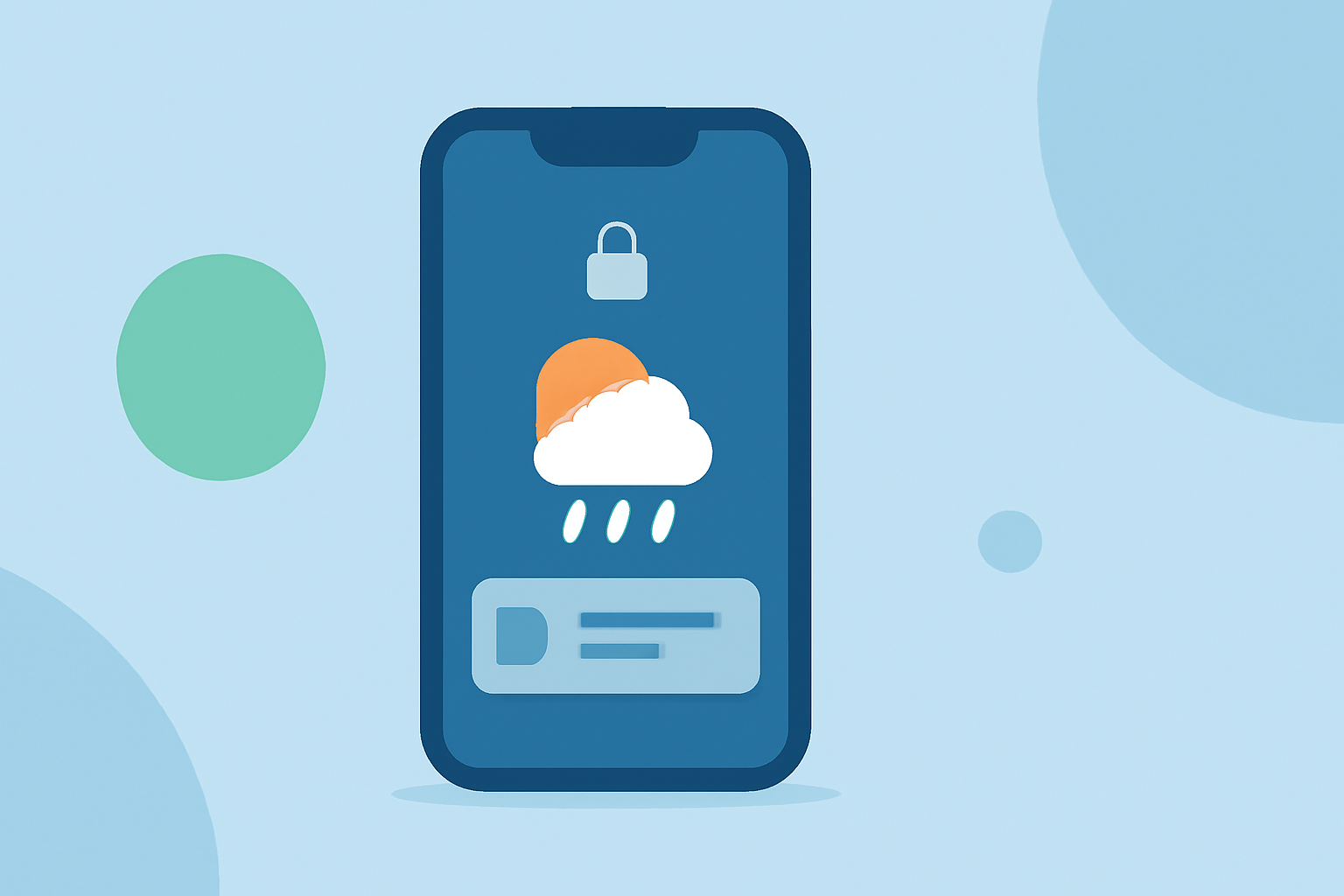
In 2026, smartphone lock screens have evolved beyond static displays, offering dynamic weather notifications that provide real-time updates at a glance. This advancement enhances user experience by delivering timely and relevant information without the need to unlock the device. Here's how you can leverage these features to stay informed about weather conditions directly from your lock screen.
What Are Dynamic Weather Lock Screen Notifications?
Dynamic weather lock screen notifications are interactive elements that display current weather conditions, forecasts, and alerts directly on your smartphone's lock screen. These notifications utilize real-time data to present information such as temperature, precipitation, wind speed, and severe weather warnings, allowing users to make informed decisions without unlocking their devices.
How Do They Work?
These notifications function by integrating with your device's native weather application or third-party weather services. They analyze your location and provide localized weather updates, ensuring the information is relevant and timely. The notifications can be customized to display various weather parameters, including:
- Current Conditions: Temperature, humidity, and weather descriptions (e.g., sunny, cloudy, rainy).
- Forecasts: Hourly or daily predictions for temperature, precipitation, and other weather factors.
- Severe Weather Alerts: Notifications about extreme weather events like storms, hurricanes, or heatwaves.
Examples of Dynamic Weather Lock Screen Features in 2026
Several smartphone manufacturers have introduced innovative features to enhance the lock screen experience with dynamic weather notifications:
- Samsung's One UI 8.5:
Samsung's One UI 8.5 update brings AI-powered weather animations to the lock screen. This feature analyzes your wallpaper and overlays realistic weather effects, such as rain, snow, or fog, that move naturally behind visible objects. Users can enable this feature by navigating to Settings > Wallpaper & Style > Lock Screen, then selecting the Weather option. (sammyfans.com)
- Apple's iOS 26.3:
Apple's iOS 26.3 update introduces a dedicated Weather category in the Lock Screen wallpaper picker, offering new preset layouts that display real-time weather conditions. Users can customize their lock screen to show current temperature, precipitation, wind speed, and more, providing a comprehensive weather dashboard at a glance. (onecooltip.com)
Benefits of Dynamic Weather Lock Screen Notifications
- Instant Access to Information: View current weather conditions and forecasts without unlocking your device.
- Personalized Experience: Customize the lock screen to display weather information relevant to your location and preferences.
- Enhanced Planning: Make informed decisions about daily activities, travel, and outdoor events based on up-to-date weather data.
How to Set Up Dynamic Weather Lock Screen Notifications
Setting up dynamic weather notifications varies depending on your device and operating system. Below are general steps applicable to most smartphones:
-
Update Your Device: Ensure your device is running the latest software version that supports dynamic weather lock screen features.
-
Access Lock Screen Settings: Navigate to your device's settings menu and select the lock screen or wallpaper customization section.
-
Select Weather Widgets: Choose from available weather widgets or lock screen layouts that display weather information.
-
Customize Display Options: Adjust settings to display desired weather parameters, such as temperature, precipitation, or wind speed.
-
Enable Notifications: Ensure that weather notifications are enabled to receive real-time updates on your lock screen.
Conclusion
Dynamic weather lock screen notifications in 2026 offer a convenient and efficient way to stay informed about weather conditions without unlocking your smartphone. By customizing your lock screen to display real-time weather updates, you can enhance your daily planning and make informed decisions based on current conditions.
Highlights:
- Samsung One UI 8.5 lock screen adopts AI weather effects - Sammy Fans, Published on Tuesday, January 06
- Samsung is borrowing a neat Pixel lock screen trick for One UI 8.5 - Android Authority, Published on Tuesday, January 06
- Cool Tech Tips for a Cooler Life - www.One Cool Tip .com: Turn Your Lock Screen Into a Live Weather Dashboard, Published on Wednesday, February 11