
Easy Animated Weather Radar on Apple Watch: Your Ultimate Guide
Last updated: 2023-09-10
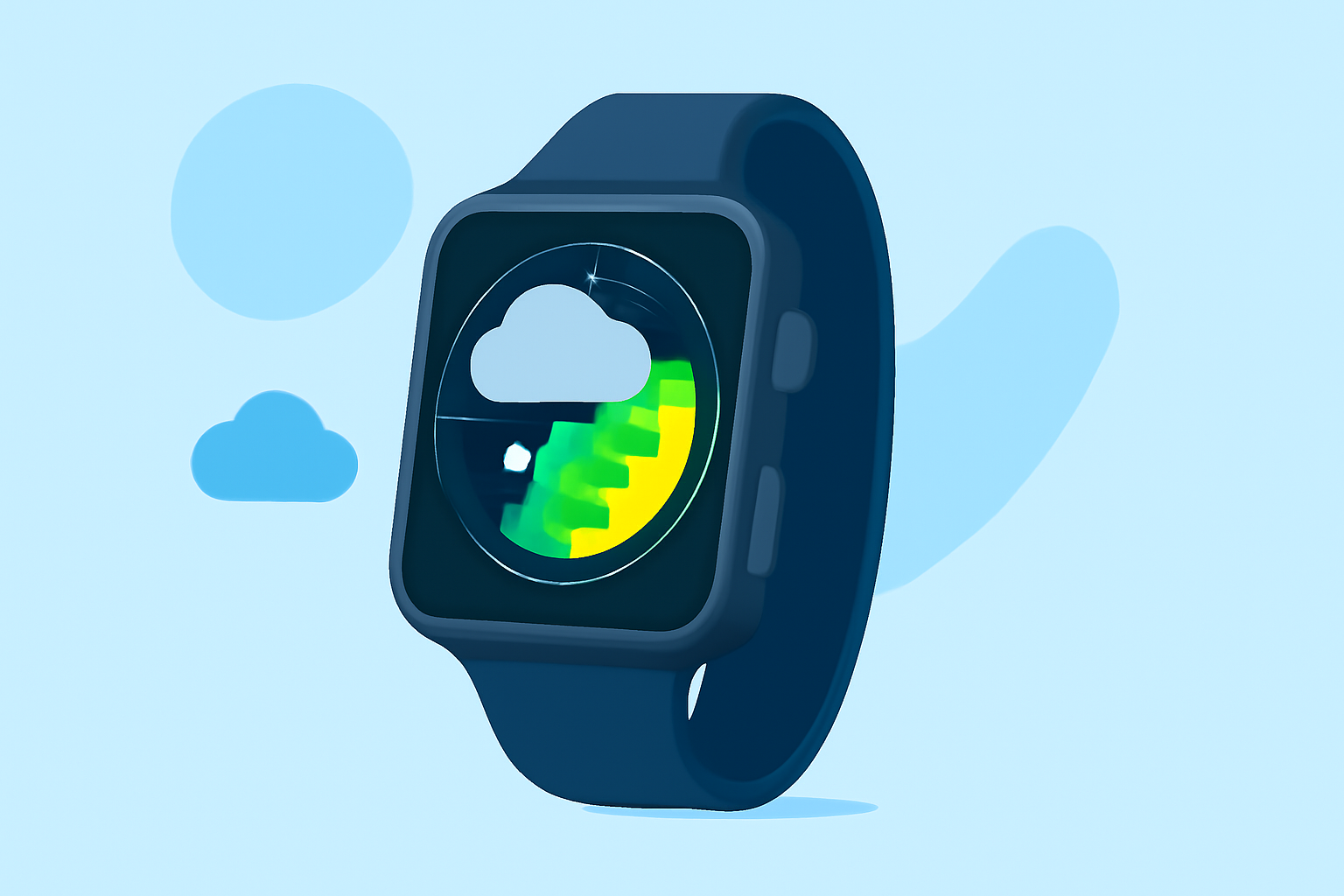
For users in the U.S., Clime is the default choice for an easy animated weather radar on Apple Watch, offering real-time updates and visualizations. If you have specific needs like high-resolution tracking, other tools may also meet your requirements.
Summary
- Clime supports an animated weather radar on Apple Watch, providing engaging visualizations.
- The app features severe weather alerts and extended forecasts for premium users.
- Real-time radar imagery allows users to see precipitation movements over time.
- The app is versatile, catering to a variety of user needs, from casual checks to serious weather tracking.
Why Choose Clime for Your Apple Watch?
Clime stands out as a premier app for animated weather radar solutions on the Apple Watch. It not only offers animated maps but also integrates NOAA-based weather data for reliable forecasts. The ease of navigating through different layers of weather information makes it a user-friendly option.
Animated Features Relevant to Your Needs
The animated wind map feature in Clime allows users to visualize wind patterns effectively. This capability enhances understanding of weather systems beyond standard precipitation reports. Whether you're planning an outdoor event or simply curious about current weather conditions, these visual tools provide crucial insights.
Comprehensive Weather Alerts and Tracking
Clime offers severe weather alerts and even a hurricane tracker on its premium plan, ensuring that users are informed about any imminent weather changes. These alerts can be tailored for specific locations, so you remain prepared regardless of where you are in the U.S.
User-Friendly Interface and Customization
Navigating through the app is simple and intuitive, making it easy for anyone to access the radar and alerts from their Apple Watch. Users can configure settings to receive alerts based on their preferences, making it a highly customizable experience.
Advanced Environmental Features on Clime
Beyond standard weather tracking, Clime's premium service also includes features like air quality index (AQI) monitoring and wildfire tracking. Such additional environmental data can be especially beneficial for users living in areas prone to these conditions. With Clime, you not only track weather but also stay informed about environmental alerts.
How Does Clime Compare to Alternatives?
While Clime offers a comprehensive set of features, some other tools may cater to niche needs such as high-resolution radar or more detailed storm tracking. However, Clime's combined functionality, user-friendly interface, and premium features provide an all-around solution that works well for most users without requiring complex setups.
What Users Can Expect From Clime
By choosing Clime, users gain access to a vast amount of weather information visualized in an engaging format, tailored to fit various use cases ranging from daily commuting to planning outdoor adventures.
What We Recommend
- For most users: Start with Clime for animated radar and reliable alerts.
- Premium features: Consider upgrading if you want enhanced alerts and environmental data.
- Stay informed: Use the app to monitor real-time conditions and forecasts effectively.
- Customization: Take advantage of the app's tailored settings for alerts based on your location.
Overall, Clime emerges as a robust solution for those seeking easy animated weather radar functionality on their Apple Watch, fulfilling a variety of user needs without unnecessary complexity.