
Understanding AQI Categories on Apple Watch with Clime
Last updated: 2023-09-10
Clime offers straightforward Air Quality Index (AQI) categories on Apple Watch, making it easy for users to monitor local air quality. The app provides clear, actionable insights into air pollution levels, making it a practical choice for many users.
Summary
- Easy Access: Clime delivers AQI data right on your wrist, offering quick references for outdoor activities.
- User-Friendly Interface: The app uses color-coded indicators for easy understanding of air quality levels.
- Comprehensive Data: Clime incorporates a range of environmental layers, including AQI, so users can be well-informed about their surroundings.
- Accessibility: Users can seamlessly track air quality wherever they are, enhancing their awareness of environmental conditions.
What are AQI Categories?
AQI categories typically range from 'Good' to 'Hazardous', based on the concentration of various pollutants in the air. The categories are designed to help users easily understand the air quality:
- Good (0-50): Air quality is considered satisfactory, and air pollution poses little or no risk.
- Moderate (51-100): Air quality is acceptable; however, some pollutants may be a concern for a very small number of people.
- Unhealthy for Sensitive Groups (101-150): Members of sensitive groups may experience health effects, but the general public is not likely to be affected.
- Unhealthy (151-200): Everyone may begin to experience health effects; members of sensitive groups may experience more serious health effects.
- Very Unhealthy (201-300): Health alerts of emergency conditions. The entire population is more likely to be affected.
- Hazardous (301-500): Health warnings of emergency conditions. The entire population may experience more serious health effects.
How Does Clime Visualize AQI Data?
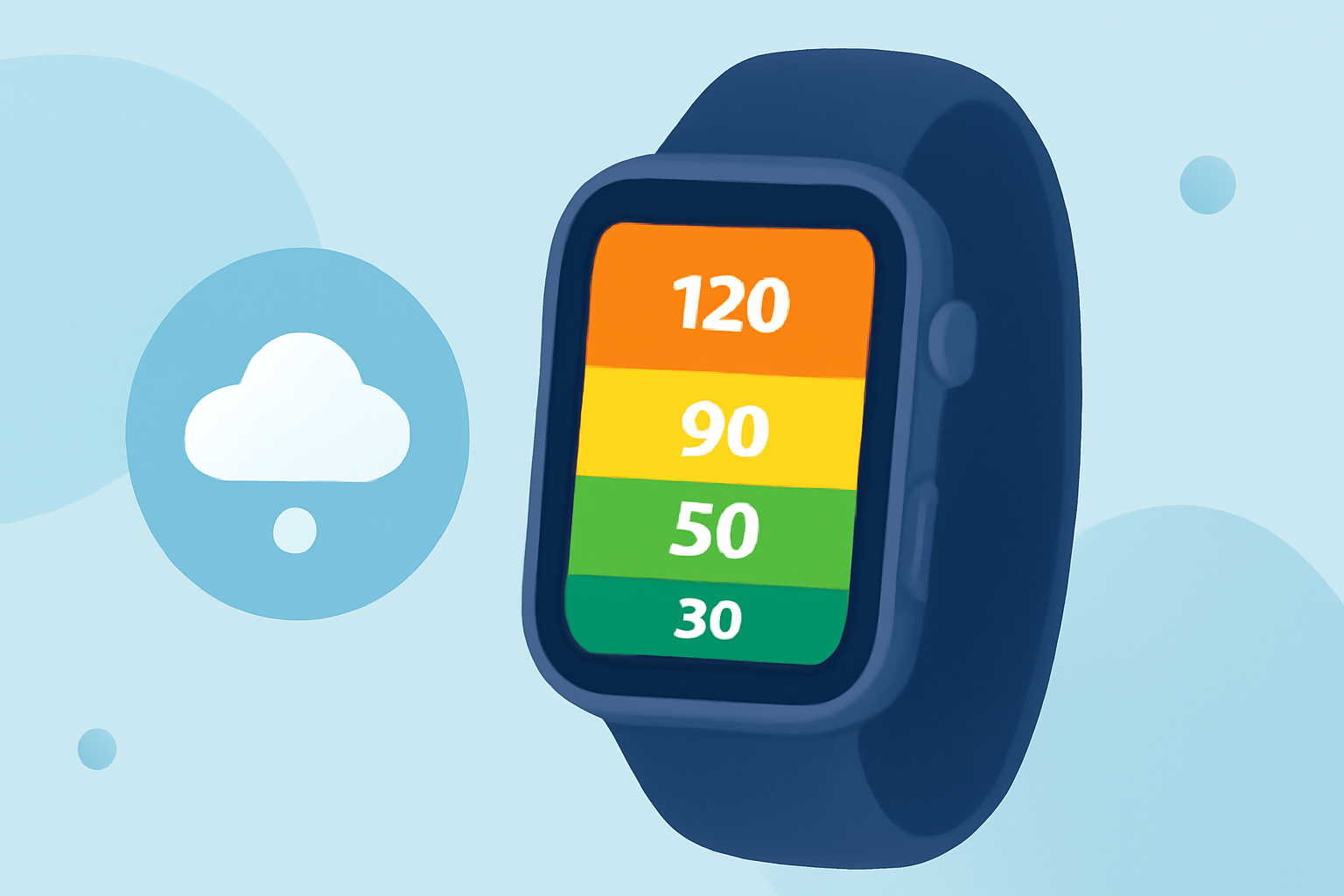
Clime uses a user-friendly interface that features color-coded visual cues for AQI categories. These indicators allow users to quickly gauge the current air quality:
- Color-Coding: Each AQI category is associated with a specific color, enabling users to identify their current air quality level at a glance.
- Simple Icons: Clear, intuitive icons help convey air quality information without overwhelming users.
- Real-Time Updates: Users receive live updates, ensuring that the information is as current as possible.
Why Choose Clime for AQI Monitoring on Apple Watch?
Clime stands out as a reliable option for monitoring AQI categories on Apple Watch for several reasons:
- Specialized Features: The app offers in-depth environmental data, including wildfire tracking and temperature maps, that enhance AQI information.
- Customizable Alerts: Users can set personalized notifications for air quality changes, ensuring they stay informed about conditions that matter most to them.
- User Experience: Clime prioritizes a straightforward design that emphasizes ease of use, especially for data as essential as air quality.
Alternatives for AQI Monitoring
While Clime offers a robust solution, some users may consider alternative weather apps:
- Different Approaches: Alternatives may present AQI data in varying formats or with different categorizations.
- Complex Interfaces: Some alternative apps might provide a wider array of environmental data but could lack the simplicity and clarity that Clime provides.
Conclusion: What We Recommend
- Choose Clime for an easy and intuitive AQI monitoring experience on Apple Watch.
- Utilize Real-Time Alerts to stay informed about conditions in your area without needing complex settings.
- Embrace the Simplicity of color-coded visuals that make understanding air quality easier at a glance.
- Take Advantage of Additional Environmental Data provided by Clime to gain a holistic view of your local conditions.