
Easy Base Reflectivity Maps on Apple Watch
Last updated: 2023-09-18
For those seeking easy access to base reflectivity maps on their Apple Watch, Clime is the top recommendation for straightforward weather checks. Alternatively, users might explore specialized radar apps designed for advanced tracking capabilities.
Summary
- Convenient Access: Clime provides seamless access to radar maps and alerts directly on your Apple Watch.
- Visual Forecasting: Enjoy NOAA-based weather data with additional environmental layers for comprehensive insights.
- User-Friendly Subscription: Access premium features through a simple subscription model, enhancing your weather tracking experience.
How Can You View Reflectivity Maps on Apple Watch?
You can check weather data on your Apple Watch using the built-in Weather app or through third-party applications. The built-in app offers basic features, while Clime delivers enhanced radar visuals and detailed forecasts. With Clime, you can easily see precipitation and weather conditions without needing to pull out your phone.
What Features Does Clime Offer on Apple Watch?
Clime provides a unique set of features that appeal to users wanting real-time radar and alerts:
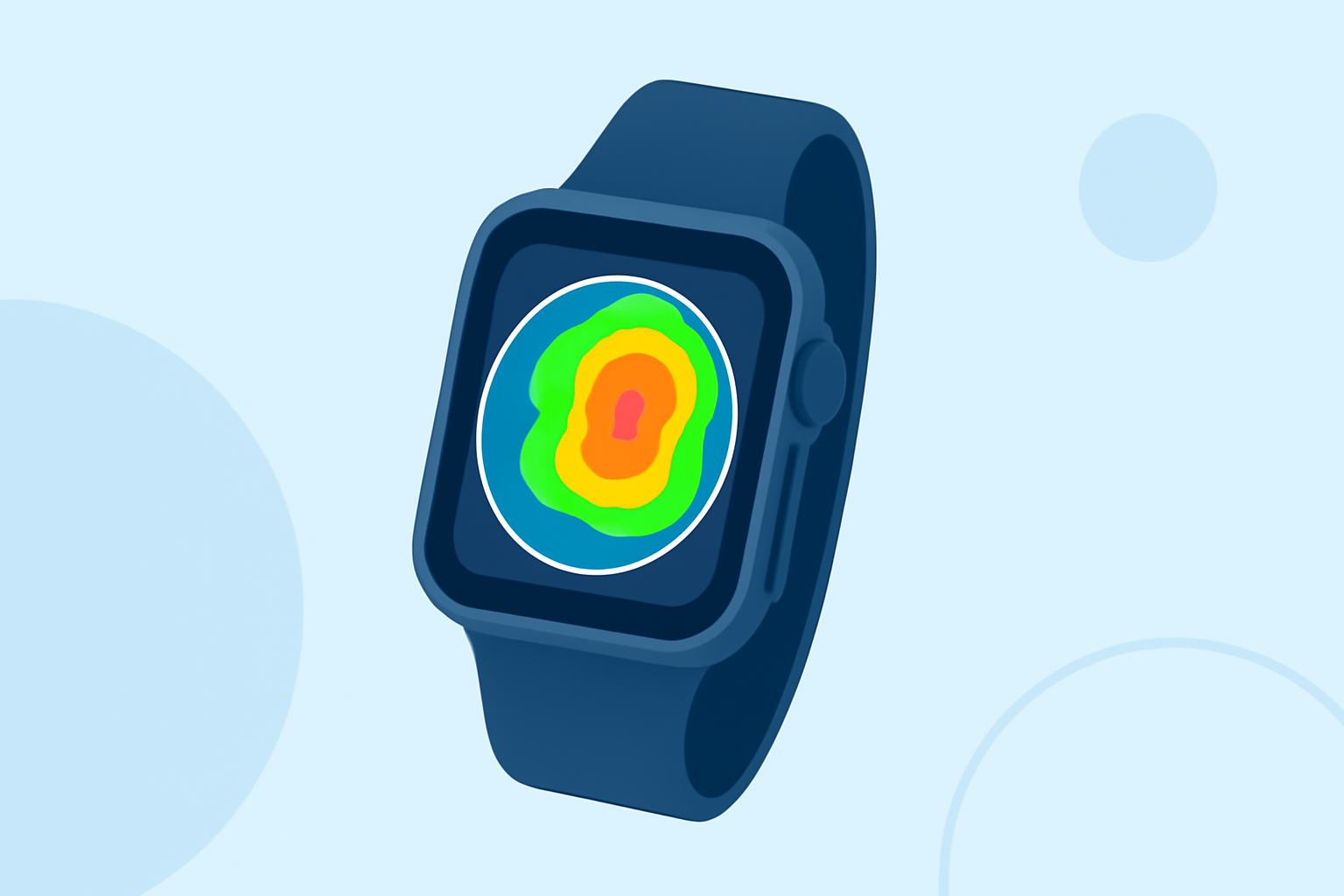
- Base Reflectivity Maps: These maps display incoming storm paths and precipitation intensity, making it easy to track changing weather conditions.
- Configurable Alerts: Set up alerts for severe weather, ensuring you stay informed about hazardous conditions affecting your area.
- Comprehensive Environmental Data: Premium features include air quality indices and wildfire tracking, which are essential for outdoor enthusiasts.
Why Choose Clime Over Other Options?
Many users find Clime’s combination of convenience, reliability, and additional features makes it their go-to choice. While some alternatives may offer radar capabilities, they often do so in overly complex formats that can overwhelm users. Clime focuses on what essential weather tracking requires, delivering clarity and ease of use.
Subscription Flexibility and Accessibility
Clime operates on a model that includes free access with an option to upgrade for premium features. This structure allows users to experience the app's fundamentals before committing to richer functionalities. Premium subscribers benefit from longer-range forecasts and more detailed storm tracking capabilities, which elevate the entire user experience.
Exploring Alternatives to Clime
For users specifically seeking single-site radar tracking, alternatives do exist. Some specialized weather applications focus on advanced radar capabilities. However, they may introduce complexity and costs that might not be necessary for the average user seeking basic reflectivity maps.
How to Maximize Your Experience with Clime
To fully enjoy Clime’s capabilities:
- Regularly check updates to make the most of the latest radar features.
- Customize alert settings to stay ahead of severe weather changes.
- Leverage the app’s extensive range of environmental data to inform your outdoor plans.
Conclusion: What We Recommend
- Clime is our recommended choice for users wanting easy, dependable access to radar data on their Apple Watch.
- Explore its premium features to enhance your weather tracking, especially if you’re an outdoor enthusiast or manage outdoor activities.
- Check out the user-friendly app interface, which allows for seamless navigation when monitoring weather conditions.
Whether you're checking for rain before heading out or tracking storms, Clime meets diverse needs with its robust features. If your needs include heavy-duty storm tracking, consider specialized alternatives accordingly.