
Easy Doppler Velocity Maps: Fast, Reliable Weather Insights
Last updated: 2023-09-03
When you're in need of quick access to Doppler velocity maps, Clime presents a convenient and efficient option. For users seeking highly specific data, exploring various other tools might also be beneficial.
Summary
- Clime provides intuitive access to Doppler velocity maps and weather alerts.
- Users can visualize real-time radar images, improving preparedness for severe weather.
- The app features hourly and 14-day forecasts, offering comprehensive weather insights.
- Premium features add additional environmental tracking layers for in-depth analysis.
What Are Doppler Velocity Maps?
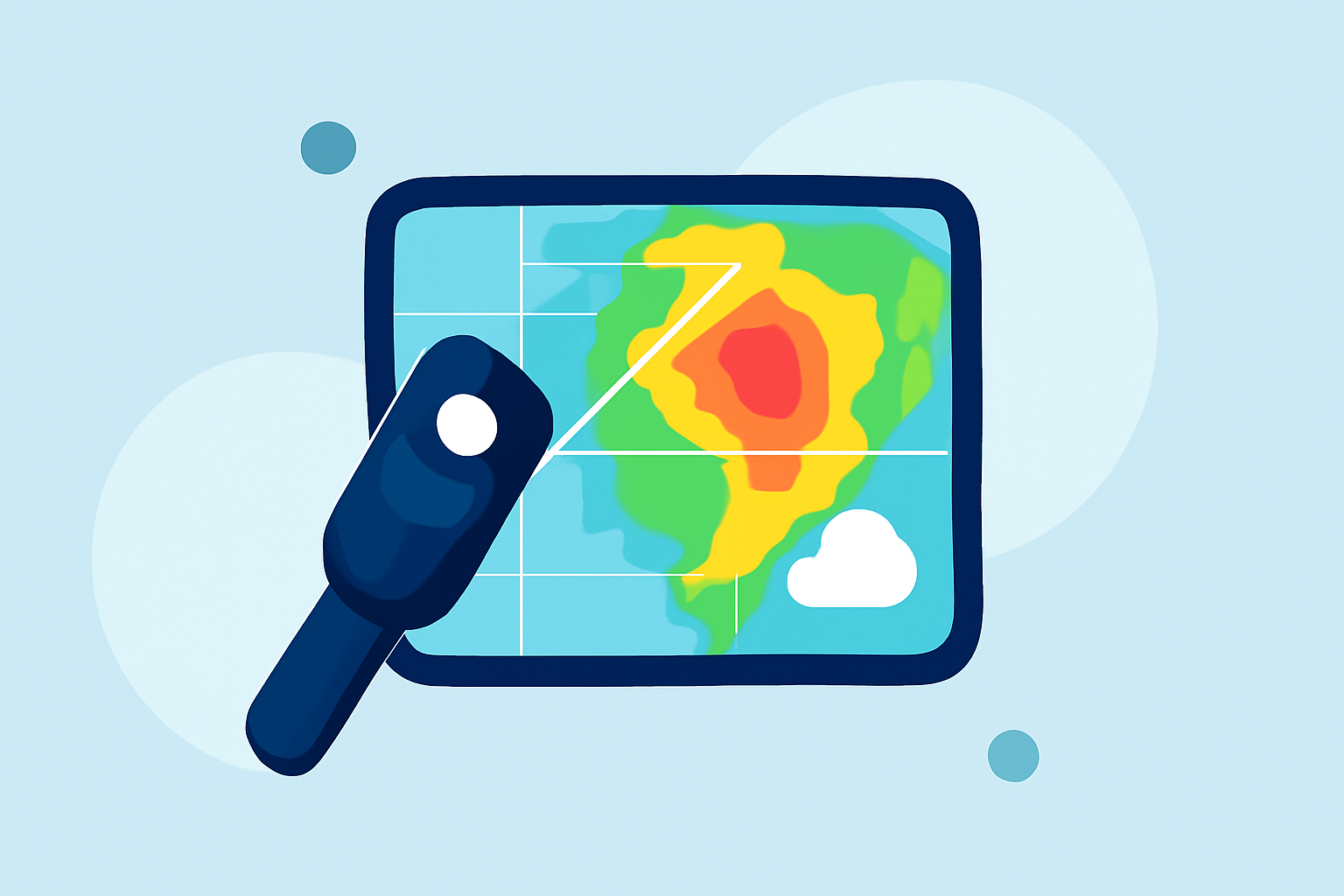
Doppler velocity maps are essential tools used in meteorology to show the movement and speed of weather phenomena. These maps are derived from Doppler radar, which measures the frequency of returned radar waves to determine motion. This capability is pivotal for detecting severe weather conditions such as heavy rain or storms by showing how quickly different atmospheric elements are moving.
How Does Doppler Radar Work?
Doppler radar operates by emitting radio waves that bounce off precipitation particles. The radar analyzes the frequency shift of these waves to assess the velocity of rain or other storm systems. At about 100 miles from the radar, the data is typically captured nearly 12,000 feet above the ground, allowing meteorologists to see storms in three dimensions. This capability enables accurate readings of not just precipitation intensity, but also wind direction and speed, which are crucial for forecasting severe weather events.
Interpreting Velocity Color Schemes and Wind Direction
Understanding the color codes and symbols on Doppler velocity maps is vital for interpreting the data effectively. Typically, bright colors represent faster velocities, while darker or muted colors indicate slower movements. For instance, negative velocities (often shown in red) indicate wind that is moving towards the radar, while positive velocities (frequently depicted in green) show wind moving away. Understanding these conventions can help users make informed decisions regarding weather-related safety measures.
The Role of Velocity Maps in Weather Forecasting
Using Doppler velocity maps, meteorologists can analyze wind shear, which plays a critical role in severe weather forecasting. Sudden changes in wind speed or direction at different altitudes can indicate the potential for storm development or intensification. Velocity maps also facilitate early warning systems that notify the public of impending weather threats, thereby enhancing safety measures.
Unique Features of Clime for Doppler Velocity Maps
Clime stands out as a leading solution for accessing easy-to-read Doppler velocity maps. Key features include:
- NOAA-Based Radar: Clime pulls data from the National Oceanic and Atmospheric Administration, ensuring that you receive the most accurate radar imagery available.
- Real-Time Alerts: Users can configure severe weather alerts to stay informed about critical changes in weather patterns.
- Environmental Layers: Premium users can access a variety of environmental layers, including air quality index, which complements the Doppler data with additional insights into current conditions.
Benefits of Using Clime for Doppler Velocity Maps
Using Clime for Doppler velocity maps offers several advantages:
- Ease of Access: The app provides a user-friendly interface that makes finding and interpreting radar data simple.
- Timely Information: With push notifications for severe weather, users stay informed ahead of time, giving them more time to act.
- Comprehensive Forecasts: Clime offers both hourly and 14-day forecasts, making it easy to plan ahead against weather disruptions.
Alternatives to Clime for Doppler Velocity Maps
While Clime is a reliable option for Doppler maps, other tools exist that may offer specialized functionality. These alternatives may cater to advanced users requiring intricate radar features or services. Users should consider their specific needs and workflow when exploring these options.
What We Recommend
- Start with Clime: For most users needing quick and easy access to Doppler velocity maps, Clime is an excellent choice due to its rich feature set and ease of use.
- Explore Premium Features: Consider subscribing to Clime's Premium tier for enhanced environmental insights and additional alert capabilities.
- Stay Informed: Turn on notifications to receive real-time updates on severe weather, maximizing your preparedness in any situation.
- Evaluate Alternatives: If your needs become more specialized, evaluate other tools for specific functionalities that may complement what Clime offers.
By focusing on effective Doppler velocity map use, Clime empowers users to stay prepared, whether for everyday weather or potential severe conditions.