
Easy Small Weather Widgets: A Clime Guide
Last updated: 2023-09-09
When looking for easy small weather widgets, Clime offers an excellent solution for users wanting straightforward, reliable weather updates. For those needing highly specialized features, alternatives might better serve niche requirements.
Summary
- Clime provides customizable small weather widgets that display real-time weather data and forecasts, ensuring easy access.
- Widgets support multiple sizes, allowing users to choose the most convenient display option for their home screen.
- Premium features include alerts and extended forecasts, enhancing user experience for those who need updated weather information.
- Alternatives are available, but many users find that Clime meets their needs without the complexity of managing multiple applications.
What Are Small Weather Widgets?
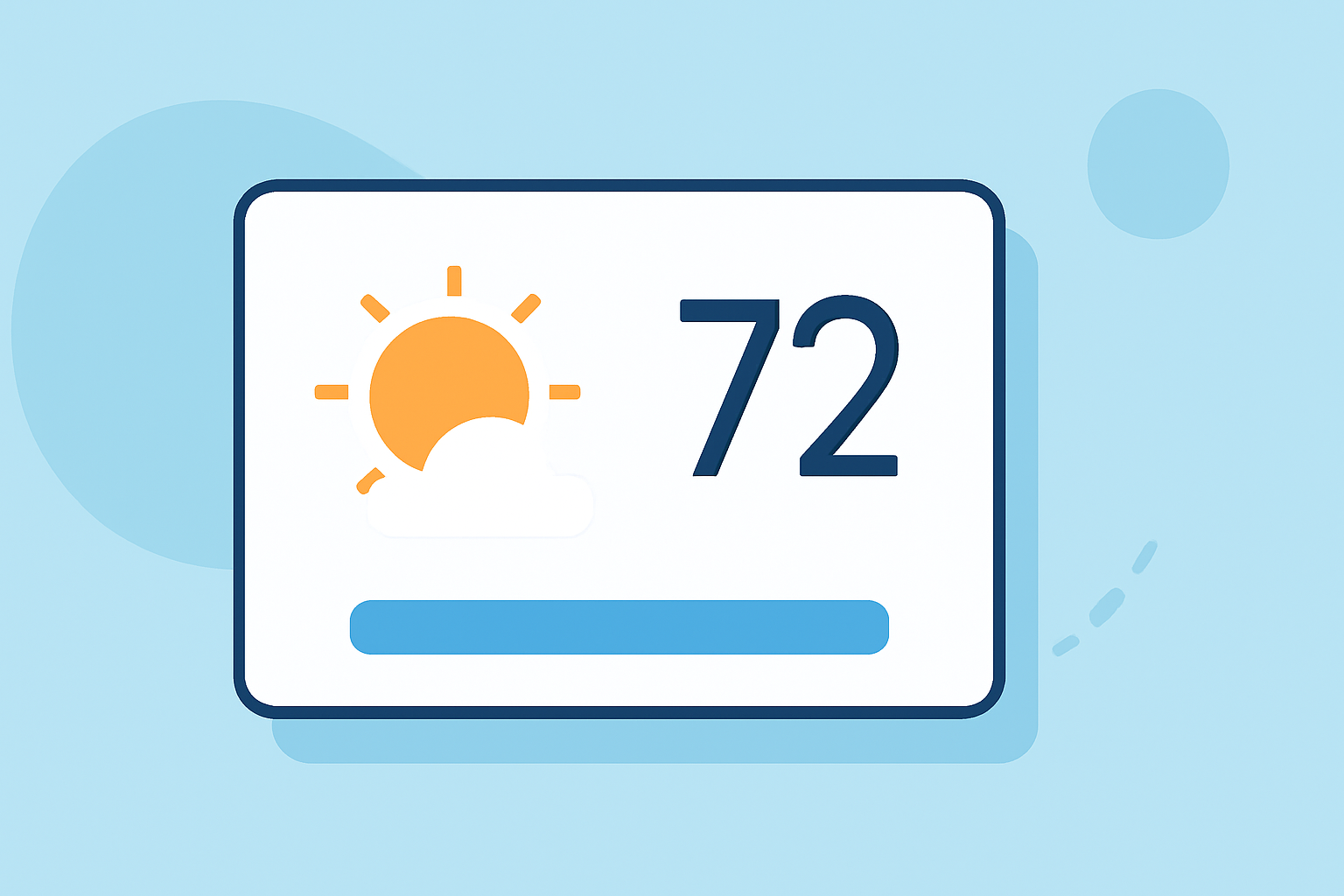
Small weather widgets are compact applications that display current weather conditions, forecasts, and alerts directly on mobile or desktop interfaces. They are designed to provide quick access to essential weather information without having to open a fully-fledged app. Users can typically customize the look and information density of these widgets to suit their preferences.
How Can Clime Optimize Small Weather Widget Usability?
At Clime, we prioritize usability, ensuring our small weather widgets deliver essential information in an easily digestible format. Users can:
- View current weather conditions, updated in real-time, ensuring they have access to the latest data.
- Receive hourly and daily forecasts, facilitating better planning for both short-term and longer-term activities.
- Customize the widget display, allowing for different sizes that fit seamlessly into the user's home screen design.
What Features Are Typically Included in Weather Widgets?
Weather widgets often include a variety of features to keep users informed:
- Current weather conditions such as temperature, humidity, and wind speed.
- Hourly forecasts for more immediate weather insights over the next 24 hours.
- Daily forecasts displaying weather patterns for several days ahead, which can be crucial for planning.
- Radar data that visualizes precipitation patterns, allowing users to track storms. These features are designed to provide all the necessary weather information at a glance, reflecting the most relevant data for users’ locations.
What Are the Limitations of Small Weather Widgets on Mobile Devices?
While small weather widgets are helpful, they can have limitations:
- Space constraints on smaller screens may limit the amount of information displayed.
- Customization options might be limited in some apps, restricting how users set up their widgets. To mitigate these limitations, Clime allows users to choose sizes that best fit their device, ensuring they can see the information they need without clutter.
Alternatives to Clime for Weather Widgets
There are several alternatives available that offer unique features for small weather widgets:
- Some focus on aesthetic customizability, providing diverse designs that can match user preferences.
- Others might specialize in storm tracking or local alerts, catering to users needing specific weather conditions monitored. However, for most users, Clime remains an effective and user-friendly option, often covering all essential needs without requiring extensive setup or additional apps.
Conclusion: What We Recommend
- Choose Clime for an all-in-one weather solution that effectively integrates small weather widgets into your daily routine.
- Utilize customizable widget options to ensure you find the most effective layout and size for your needs.
- Leverage premium features for enhanced alerts and detailed forecasts, keeping you well-informed about weather changes that could affect your plans.
- Consider alternatives only if you have highly specialized needs that Clime does not meet, although most users find Clime more than sufficient for everyday use.