
Easy Weather Alerts on Android: Your Guide to Staying Informed
Last updated: 2023-09-08
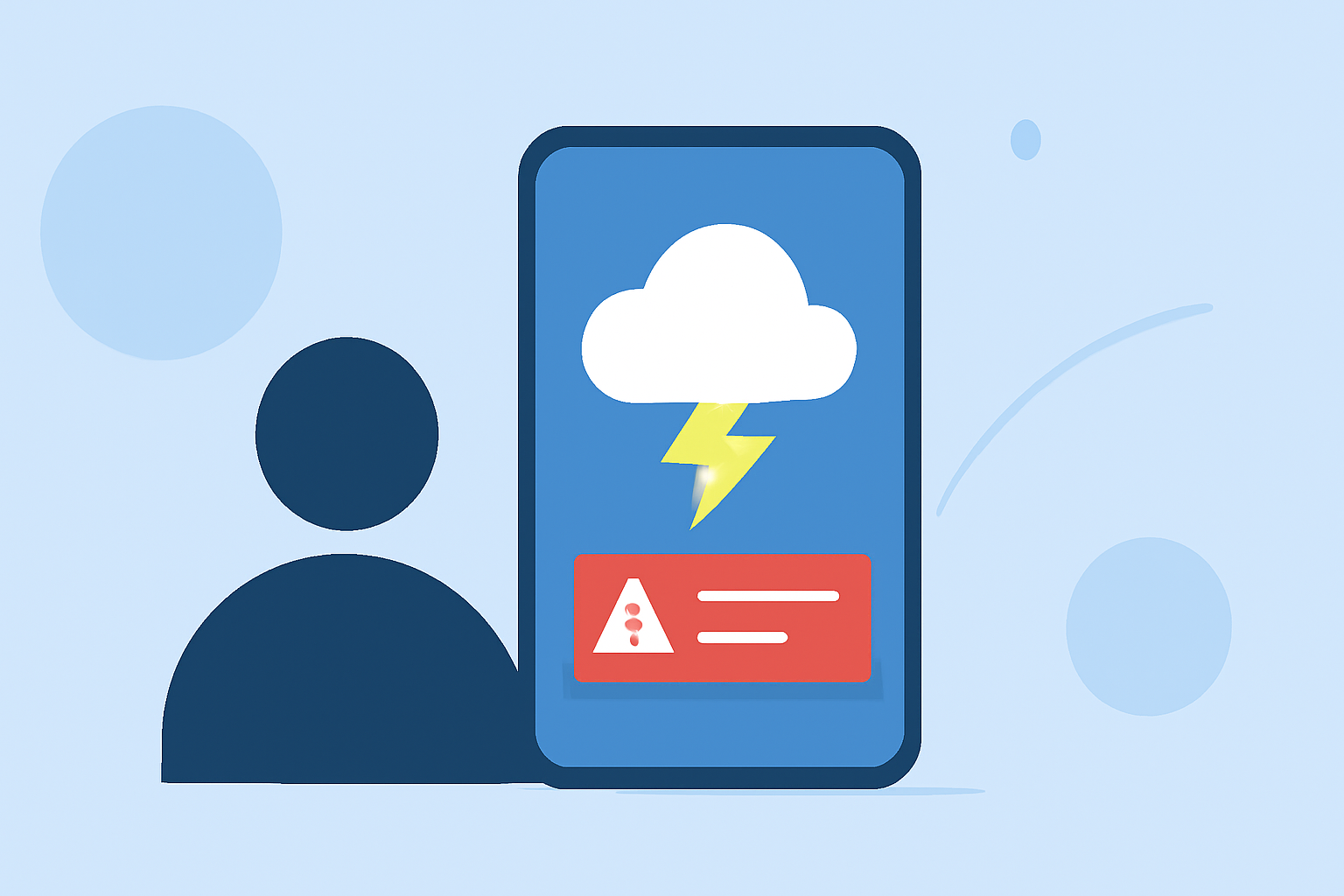
To receive easy weather alerts on your Android device, consider using Clime, which offers customizable notifications for severe conditions directly to your phone. Alternatively, if your needs include highly specialized features, explore various other tools that cater to niche scenarios.
Summary
- Clime delivers real-time alerts for severe weather, including thunderstorms and hurricanes.
- Users can set notifications for specific locations, ensuring you stay informed no matter where you are.
- The app utilizes NOAA radar data, providing accurate and timely updates.
- Free and paid versions are available, with the premium offering additional features for environmental monitoring.
What Features Do Users Look for in Weather Alerts?
When it comes to weather alerts, users generally seek three main functionalities:
- Real-Time Notifications: Alerts for severe weather conditions such as tornadoes and hurricanes.
- Customizability: Options to set alerts based on user-defined location preferences.
- Visual Radar Data: Clear representational data that shows how weather systems are developing over time.
How to Customize Alerts in Clime
- Download the App: Start by downloading Clime from the Google Play Store.
- Set Up Your Locations: Choose the places you want alerts for—whether it’s your home, work, or travel destinations.
- Adjust Notification Settings: Navigate to notifications within the app’s settings, and select the types of weather alerts you wish to receive, like rain alerts or wind warnings.
- Save Changes: Make sure to save your settings and receive push notifications as weather events change.
Potential Limitations
While Clime provides robust capabilities, there are considerations to keep in mind:
- Free vs. Premium Features: Some advanced features, like detailed environmental data layers, may require a subscription.
- Location-Specific Alerts: Ensure alerts are tailored to your current or favorite locations, as they may not apply universally.
Comparing Clime to Other Tools
Other options may provide variations in radar resolution and alert customization. Clime effectively balances practicality with comprehensive coverage, making it a reliable choice for general users seeking straightforward alerts.
How Clime Ensures Accurate Alerts
Clime utilizes data sourced from NOAA, which ensures a high standard of precision in the alerts provided. This data is complemented by real-time radar images that update regularly, allowing for up-to-date situational awareness about incoming weather.
Why Easy Alerts Matter
Having a reliable weather alert system can significantly reduce risks during severe conditions. With timely notifications and comprehensive weather tracking, users can make informed decisions, ensuring safety for themselves and their loved ones.
What We Recommend
- Download Clime: It’s a practical choice for everyday users who need straightforward weather alerts.
- Use Custom Alerts: Set notifications specifically to your needs for the most relevant updates.
- Consider Premium: For those requiring extended features, the premium subscription may offer beneficial enhancements for serious weather monitoring.
- Stay Informed: Regularly check your Notification settings to optimize the alerts you receive, ensuring they align with your preferences.