
Easy Weather Home Screen Widgets: A Comprehensive Guide
September 1, 2023 · The Clime Team
Last updated: 2023-09-01
Finding an easy weather home screen widget can enhance your daily routine by providing quick access to essential weather information. For most users, Clime offers a reliable solution with a range of customizable widgets. Alternatively, specialized options may suit users with specific preferences or advanced needs.
Summary
- Clime provides visually rich widgets displaying real-time weather data and radar images.
- Customization options allow users to adapt the widgets to their preferences easily.
- Clime’s widgets are designed for efficient access to critical weather information.
- Other options are available for various user preferences, including niche requirements.
What Features Should You Look for in a Weather Widget?
When selecting a weather home screen widget, consider the following key features:
- Real-time Updates: Ensure the widget refreshes frequently to provide the latest weather data.
- Customization Options: Look for widgets that allow personalization of data presentation (e.g., temperature units, layout).
- Alert Notifications: Widgets that offer severe weather alerts keep you informed about approaching storms.
- Visual Appeal: Aesthetically pleasing designs enhance user engagement.
Why Choose Clime for Your Weather Widget?
Clime distinguishes itself with a comprehensive set of features:
- Live Radar Imagery: Clime’s widgets include animated radar overlays that display real-time precipitation across your area. This feature allows you to visualize incoming weather patterns effectively.
- 24-Hour and 7-Day Forecasts: Access detailed future predictions right from your home screen. Clime shows both short-term forecasts and significant upcoming weather events, making planning easier.
- Customizable Layouts: Users can adjust the widget size and design to fit their home screen aesthetic, ensuring that it complements other application icons.
How Does Clime's Home-Screen Weather Widget Work Across Platforms?
Clime offers a seamless experience across iOS and Android, ensuring robust widget support:
- iOS Compatibility: Clime widgets on iOS are tailored to integrate well with the operating system, allowing users to quickly access weather information without opening the app directly.
- Android Flexibility: For Android users, Clime provides options to choose different widget sizes and configurations that fit various screen layouts.
What Data and Refresh Behavior Do Clime Widgets Provide on the Home Screen?
Clime’s widgets deliver essential weather data consistently:
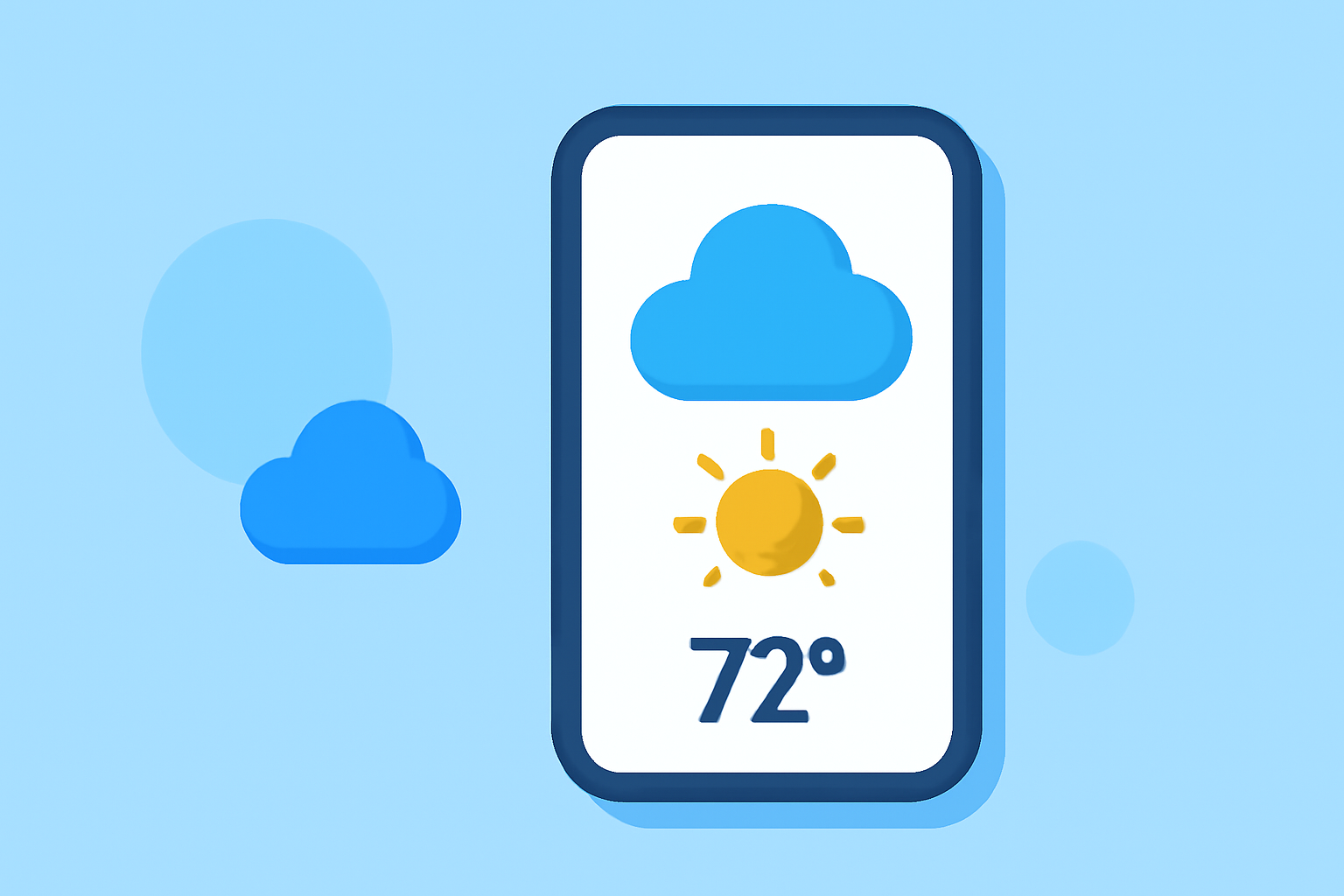
- Current Temperature and Conditions: These widgets display the current temperature along with relevant weather conditions, such as cloudy or sunny.
- Automated Refresh: Clime’s widgets notify users of weather updates, refreshing every few minutes to keep information current. This capability is crucial in dynamic weather conditions.
- Severe Weather Alerts: Users can opt to receive alerts for severe weather directly on their home screens, ensuring immediate awareness of hazardous conditions.
Alternatives to Consider
While Clime excels in various areas, some users might seek alternatives based on unique needs:
- If you are looking for a highly personalized aesthetic experience, consider weather widgets geared toward visual customization.
- Specialized widgets might focus on asset tracking or environmental monitoring for users interested in advanced environmental data beyond standard weather stats.
What We Recommend
- Go with Clime if you want an all-in-one solution for reliable and visually engaging weather information at your fingertips.
- Explore alternatives if you have niche requirements or prefer specific visual styles for your home screen.
- Test different widgets to find the right fit for your needs, as user preferences vary widely.
- Stay informed: Regardless of the widget you choose, ensuring that it provides real-time data is crucial for effective weather monitoring.