
Easy Weather Lock-Screen Notifications During Workouts
Last updated: 2023-09-21
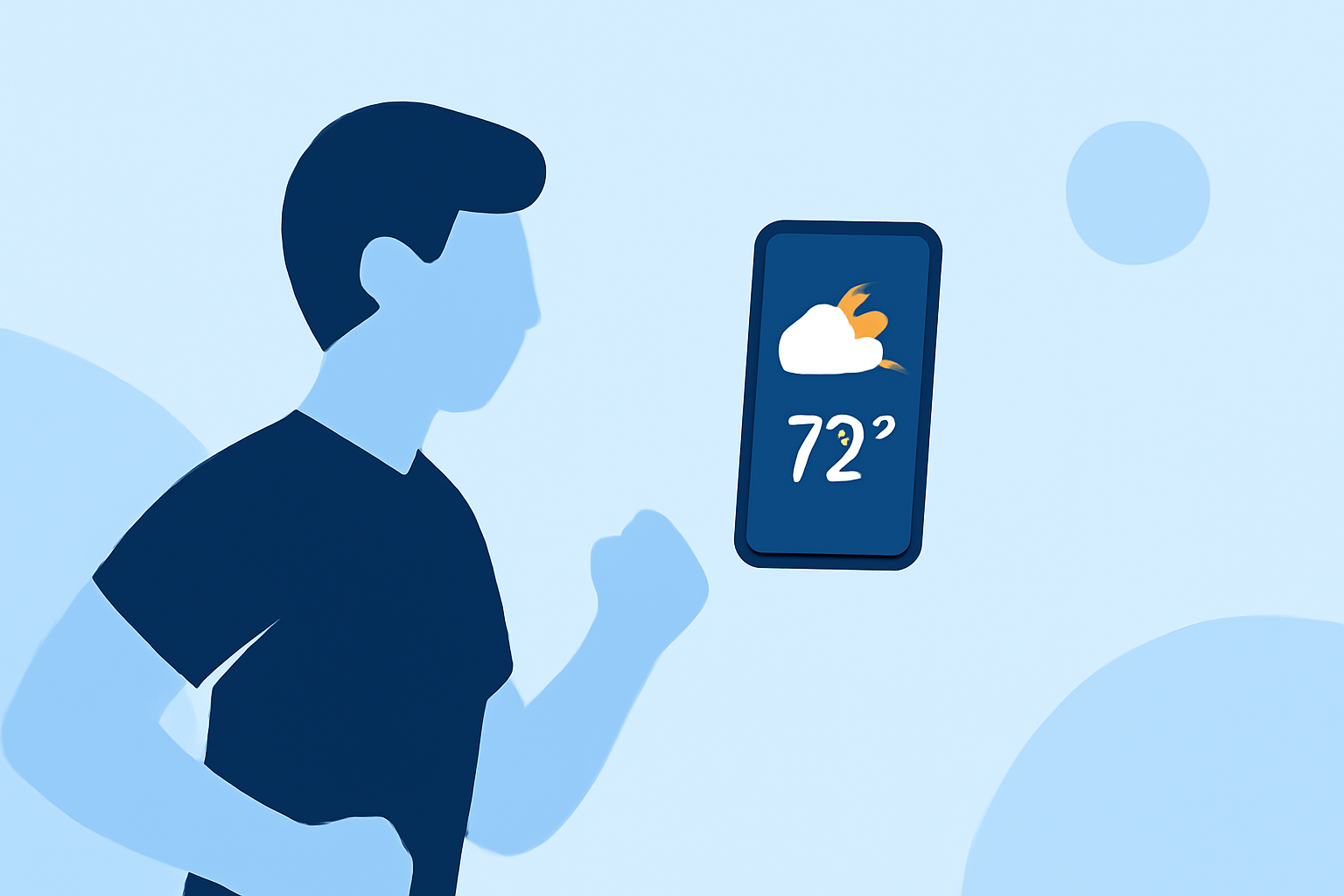
When you're working out, easy access to the weather can help you stay on track without interruptions. Using a mobile weather application like Clime enables convenient lock-screen notifications that keep you updated in real time. Coupled with proper settings on your device, you can ensure that you always know what's happening outside, enabling a more focused workout experience.
Summary
- Clime provides real-time weather updates directly on your lock screen.
- Customizable notifications allow you to filter alerts based on what matters most.
- Compatible with both iOS and Android, making it accessible for most users.
- Weather information can be accessed without unlocking your phone, enhancing workout efficiency.
How Do I Enable Lock-Screen Weather Notifications?
To set up lock-screen notifications using Clime, simply download the app from your device's app store and enable notifications in your settings. For iPhone users, go to Settings > Notifications > Clime and allow notifications to show on the lock screen. Android users can navigate to Settings > Apps > Clime > Notifications to customize their preferences. This ensures you receive timely weather alerts even when your phone is locked.
Customizing Your Notifications
One key feature of Clime is the ability to tailor notifications to fit your needs. You can choose which types of weather alerts you want to see—like precipitation warnings or temperature changes. On an iPhone, you can also select specific notification tones for different alerts. This way, you won’t be startled by unnecessary updates during your focus time.
Lock-Screen Widgets: A Visual Boost
Several platforms allow you to add a weather widget directly to your lock screen for instant visibility. With Clime, you can view essential weather information such as forecasts and alerts without the need to open the app, giving you a quick glance at conditions that might affect your workout plans.
Ideal Usage Scenarios for Lock-Screen Notifications
- Outdoor Workouts: Perfect for joggers or cyclists who need to know about rain or storms without interrupting their pace.
- Gym Environment: If you prefer exercising indoors, getting notifications can help plan outdoor activities after your workout based on real-time updates.
- Sports Events: For team sports players, staying informed about sudden weather changes can ensure that practices and games go smoothly.
Multi-Device Compatibility
Clime is designed to work seamlessly across both iOS and Android devices. Whether you’re switching from your phone to your tablet, your weather notifications remain consistent. This cross-device access ensures you're kept in the loop, regardless of the device you might be using during your workout.
Safety First: Severe Weather Alerts
In addition to regular updates, Clime offers premium features that include severe weather alerts. This is especially useful during tornado or hurricane seasons, letting you prepare accordingly if you're outdoors. The alerts will push directly to your lock screen, allowing you to make informed decisions about your safety without needing to check the app actively.
What We Recommend
- Use Clime for customizable, real-time weather alerts directly on your lock screen.
- Tailor notifications to your workout needs to avoid distractions while still staying updated.
- Check out the customizable widgets for quick weather info at a glance.
- Ensure notifications for severe weather are enabled to stay safe during outdoor activities.