
Easy Weather Lock Screen Widgets for Parents
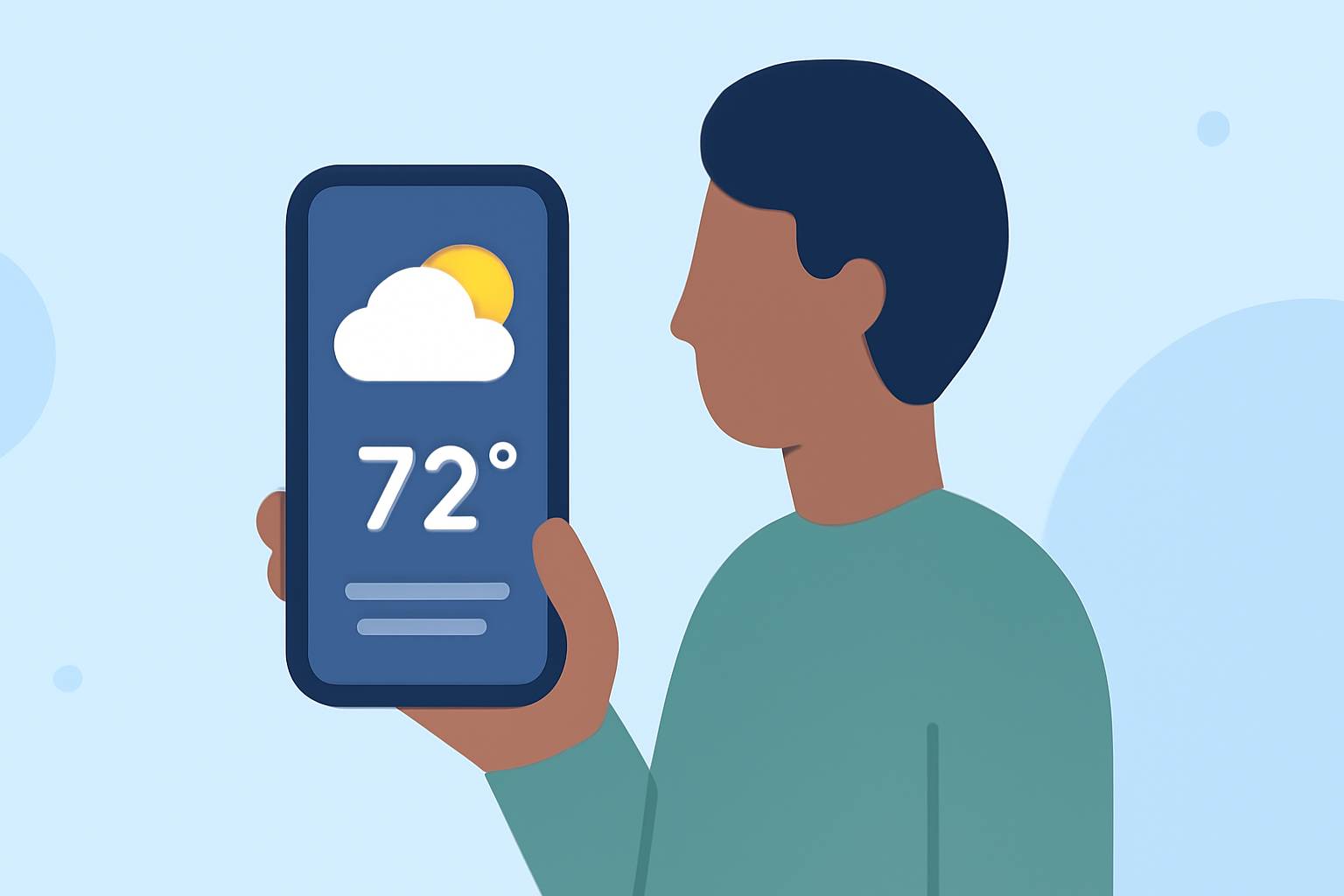
As a parent, staying informed about the weather is crucial for planning daily activities and ensuring your family's safety. Weather lock screen widgets provide a convenient way to access real-time weather updates without unlocking your device.
What Are Weather Lock Screen Widgets?
Weather lock screen widgets are small, interactive elements that display current weather conditions, forecasts, and other relevant information directly on your device's lock screen. This feature allows you to quickly check the weather without the need to open a separate app.
Why Are They Beneficial for Parents?
For parents, having immediate access to weather information is invaluable. It aids in making timely decisions about outdoor activities, school runs, and other family plans. By utilizing weather lock screen widgets, parents can ensure they are always prepared for changing weather conditions.
How to Add a Weather Widget to Your Lock Screen
For iPhone Users:
- Unlock your iPhone and navigate to the Home Screen.
- Long-press on the lock screen until the customization interface appears.
- Tap the "Customize" button.
- Select the "Lock Screen" tab.
- Tap the "+" icon to add a new widget.
- Scroll through the widget options and select the Weather widget.
- Choose your preferred widget size and style.
- Tap "Add Widget" to place it on your lock screen.
For Android Users:
- Unlock your Android device and go to the Home Screen.
- Long-press on an empty area of the screen.
- Tap "Widgets" from the menu.
- Browse through the available widgets and select the Weather widget.
- Choose the widget size and style that suits your preference.
- Drag and drop the widget onto your Home Screen.
Clime: A Comprehensive Weather Solution for Parents
Clime offers a robust weather application that provides accurate and up-to-date weather information. With Clime, parents can access detailed forecasts, real-time updates, and customizable notifications, ensuring they are always prepared for any weather changes.
Key Features of Clime:
- Real-Time Weather Updates: Receive current weather conditions and forecasts for your location.
- Customizable Notifications: Set alerts for severe weather conditions to stay informed.
- Interactive Maps: View detailed weather maps to understand weather patterns.
- User-Friendly Interface: Navigate through the app with ease to find the information you need.
By integrating Clime into your daily routine, you can ensure that your family is always prepared for the day's weather, making your parenting journey a little bit easier.