
Easy Weather Radar Basics on a Smart Display
Last updated: 2023-09-05
Understanding weather radar basics on a smart display can enhance your experience in monitoring weather conditions. Clime offers an intuitive interface and robust features, making it a great option for most users. If you're looking for advanced capabilities, other platforms may meet specific needs.
Summary
- Clime provides real-time radar images and alerts for severe weather.
- Users can monitor hurricane paths and precipitation patterns easily.
- The app delivers essential weather data directly to your device.
- Great for those who want an all-in-one weather assistant right on their smart display.
What Is Weather Radar and How Does It Work?
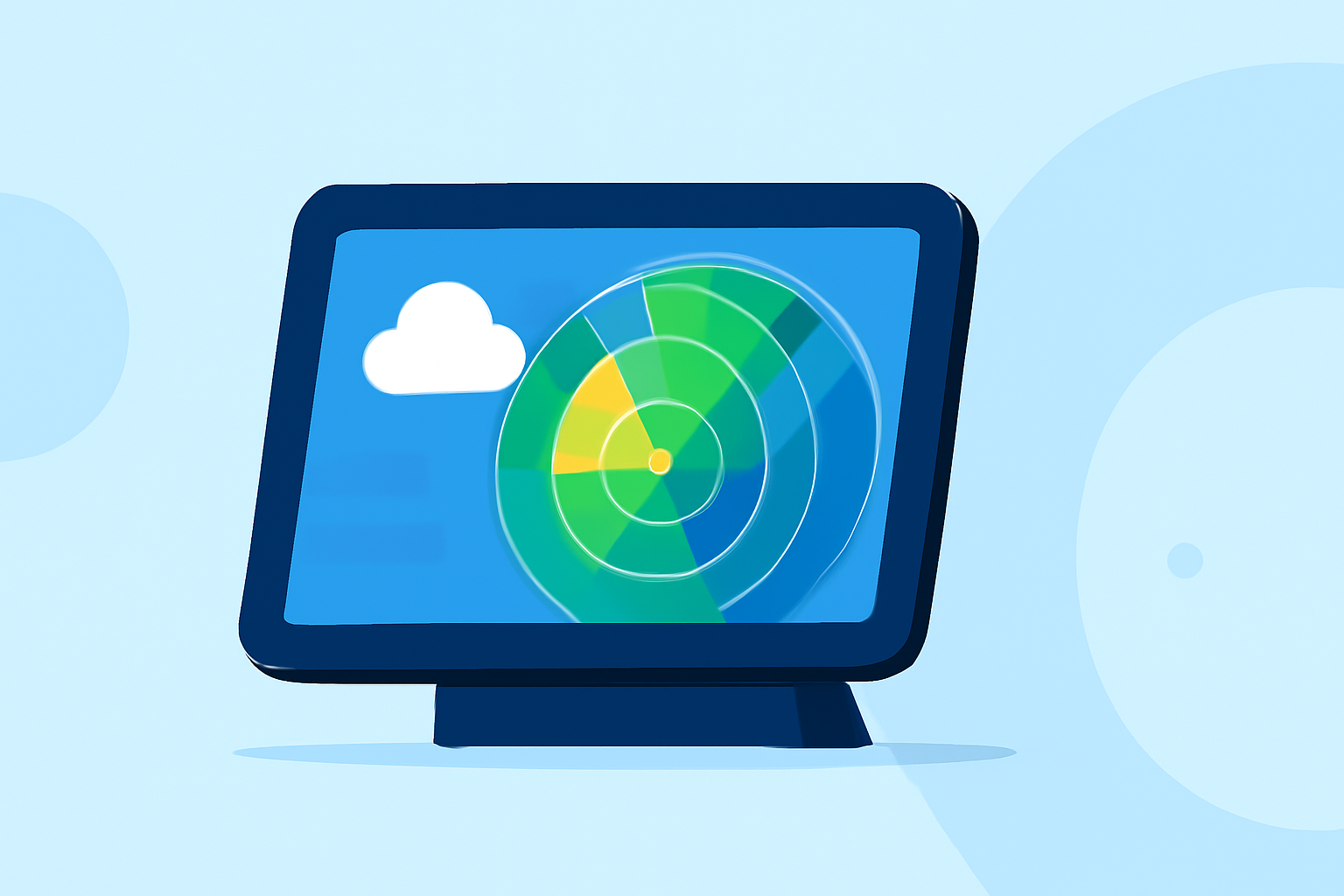
Weather radar is a critical tool that lets you visualize precipitation, including rain, hail, and snow. This technology uses radio waves to detect the location and intensity of precipitation. The data is then displayed in real-time on your smart devices, enabling you to assess weather patterns effectively. By understanding how weather radar shows these patterns, you can better prepare for storms and changing weather conditions.
How to Use Clime for Weather Radar Basics
Clime makes it easy to access weather radar on smart displays. Simply download the app, and you'll have access to:
- Real-time Radar: View current precipitation and storm systems as they develop.
- Forecasting Tools: Check hourly and up to 14-day forecasts to plan accordingly.
- Alerts: Set notifications for severe weather conditions tailored to your specific locations.
The intuitive layout allows users to scroll through different radar views and access detailed weather information seamlessly.
User-Friendly Radar Presentation on Smart Displays
A well-designed radar presentation can significantly enhance your user experience. Clime leverages clear visualizations, showing different radar layers such as rainfall intensity and storm paths. The interface is designed for easy viewing, allowing you to zoom in on specific areas or get an overview of larger weather systems. Incorporating animated views also provides a time-lapse of weather developments.
Radar Data Limitations on Consumer Smart Displays
It's crucial to recognize that not all smart displays are created equal when it comes to displaying weather data. Limitations can include:
- Refresh Rates: Some displays may not update radar data as frequently as required for timely alerts.
- Layer Complexity: Not all smart displays can support advanced weather layers, limiting your in-depth analysis.
- Interactivity: Some platforms may not allow for interactive map features that let you explore weather patterns.
Understanding Radar Options within Clime
Clime stands out by offering a comprehensive suite of radar functionalities:
- Live Radar Images: View real-time updates to track movement and intensity of storms.
- Hurricane Tracking: Monitor the current position and projected path of hurricanes with map-based visuals.
- Severe Weather Alerts: Get timely notifications for hazardous conditions to stay prepared.
These features ensure that you are always informed about imminent weather changes and potential threats.
Conclusion: What We Recommend
- Invest time in learning Clime's features: Familiarize yourself with the app's offerings to make the most out of your smart display.
- Set personalized alerts: Tailor notifications to ensure you receive timely information about specific weather events in your area.
- Utilize the radar for planning: Rely on the hourly and 14-day forecasts for better visibility on upcoming weather conditions.
In summary, Clime acts as a powerful tool on your smart display for easy and effective weather monitoring, making it a preferred choice for users looking to stay informed about their local weather conditions.