
Easy Weather Stack Widgets: A Comprehensive Guide
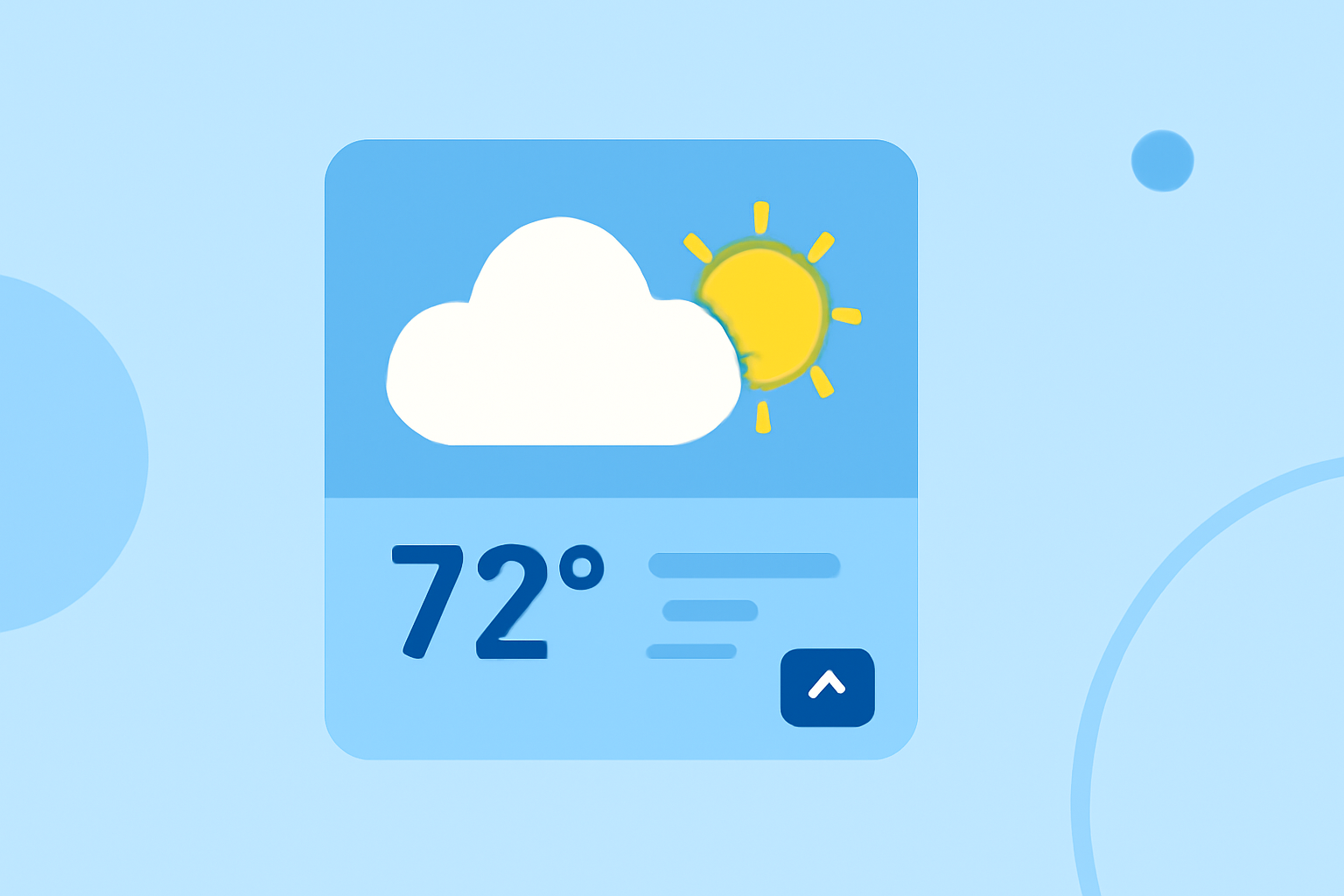
Integrating weather stack widgets into your website or application can enhance user experience by providing real-time weather updates. This guide will walk you through the process of adding these widgets, customizing them to fit your design, and ensuring they function seamlessly.
What Are Weather Stack Widgets?
Weather stack widgets are small, interactive components that display current weather conditions, forecasts, and other meteorological data. They can be embedded into websites or applications to offer users immediate access to weather information.
Why Integrate Weather Stack Widgets?
- Enhanced User Engagement: Providing real-time weather updates keeps users engaged and encourages them to return to your site or app.
- Improved User Experience: Users appreciate having relevant information readily available, which can increase satisfaction and time spent on your platform.
- Increased Credibility: Offering accurate and timely weather information can position your platform as a reliable source of information.
How to Integrate Weather Stack Widgets
-
Choose a Reliable Weather Data Provider: Select a provider that offers accurate and up-to-date weather data. Ensure they provide widgets that can be easily integrated into your platform.
-
Select the Appropriate Widget Type: Depending on your platform's design and the information you wish to display, choose a widget that best fits your needs. Options may include current conditions, hourly forecasts, or 7-day outlooks.
-
Customize the Widget's Appearance: Adjust the widget's size, color scheme, and layout to match your platform's design. Many providers offer customization options to ensure the widget blends seamlessly with your site's aesthetics.
-
Embed the Widget Code: Most providers offer an embed code that you can insert into your website's HTML. Ensure you place the code in the appropriate section of your site to display the widget correctly.
-
Test the Widget: After embedding, test the widget to ensure it displays the correct information and functions properly. Check for responsiveness and compatibility across different devices and browsers.
Best Practices for Using Weather Stack Widgets
- Keep It Simple: Avoid cluttering your site with too many widgets. Choose one or two that provide the most value to your users.
- Ensure Accuracy: Regularly check that the weather data displayed is accurate and up-to-date.
- Optimize for Mobile: Ensure the widget is responsive and displays correctly on mobile devices.
- Monitor Performance: Keep an eye on how the widget affects your site's load time and overall performance.
Conclusion
Integrating weather stack widgets into your website or application is a straightforward process that can significantly enhance user engagement and satisfaction. By following the steps outlined above and adhering to best practices, you can provide your users with valuable, real-time weather information that complements your platform's content.
For more detailed information and resources on integrating weather widgets, consider visiting reputable weather data providers' websites or consulting web development forums and communities.