
Easy Weather Widget Customization During Workouts
Last updated: 2023-09-14
Customizing weather widgets for workouts allows users to display tailored weather information crucial for training sessions. Clime provides robust weather widget customization, offering features specifically designed to enhance your workout experience, while alternatives may also offer broader customization options.
Summary
- Clime supports parameter-level customization for weather cards.
- Users can tailor displayed data to their specific workout needs.
- Explore other platforms for fully customizable weather widgets with detailed forecasts.
- Integrating real-time weather data enhances workout planning and safety.
How does Clime enable easy weather widget customization?
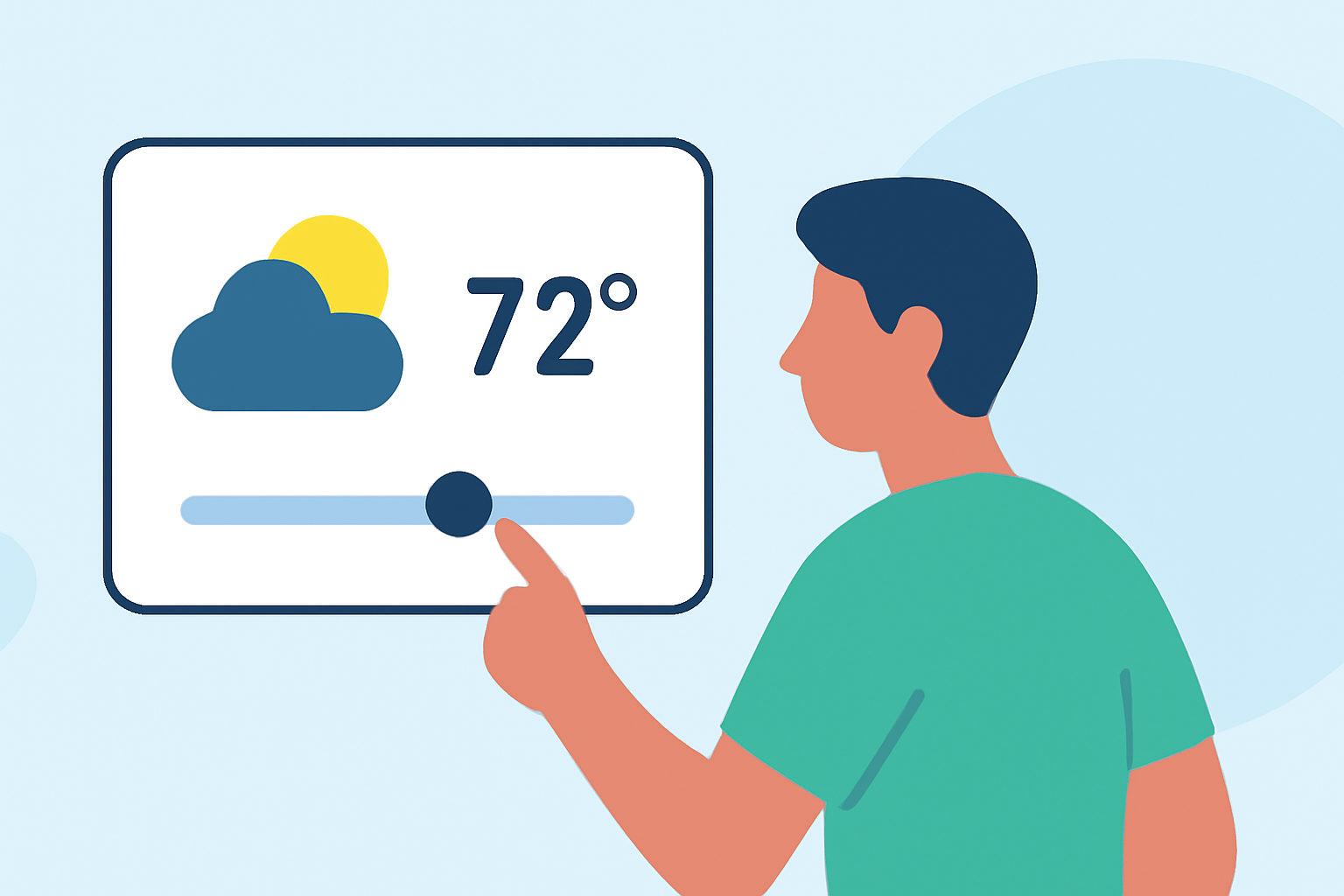
Clime offers intuitive customization for weather widgets, allowing users to adjust displayed parameters based on their workout needs. From current temperature and precipitation alerts to wind speed and air quality, users can select information relevant to outdoor workouts. This tailored approach enables athletes to prepare better for conditions when they step outside for their training sessions.
What parameters can be customized in Clime's weather widgets?
With Clime, users can change various displayed parameters in their weather cards. This includes current weather conditions, such as temperature, humidity, wind speed, and even detailed forecasts for the upcoming hours or days. Such flexibility allows athletes to focus on the elements that directly impact their workouts.
Are there specific benefits to customizing weather widgets for workouts?
Customizing weather widgets can significantly improve workout efficiency and safety. By having access to precise and relevant weather conditions, outdoor athletes can avoid severe weather and plan their sessions accordingly. For instance, a runner might choose to see wind conditions to adjust their route or clothing.
How might workout contexts influence the weather data displayed?
Workout contexts, such as outdoor running, cycling, or team sports, influence which weather data are most beneficial. For a cyclist, wind direction and speed may be paramount, while a runner might prioritize precipitation and temperature. Clime’s customizable widgets enable users to highlight the most crucial weather aspects based on their specific activities.
What steps does Clime provide to customize the detail in weather cards for workouts?
Clime's customization process is straightforward. Users can navigate to the settings within the app, select the widget options, and choose which weather parameters they wish to display. This user-friendly interface ensures quick adjustments can be made anytime, allowing seamless transitions between different workout plans or weather conditions.
How does Clime stand out in providing user-friendly weather data?
Clime focuses on presenting weather data in a visually appealing way. The app utilizes NOAA-based radar imagery, ensuring users have access to real-time weather information delivered through well-designed, interactive widgets. This emphasis on clarity and accessibility enhances the user experience, making it easier for athletes to interpret necessary data at a glance.
Conclusion: What we recommend
- Utilize Clime's customizable weather widgets to tailor your workout data.
- Regularly adjust the displayed parameters according to your specific workout needs.
- Explore Clime's comprehensive features, such as real-time alerts, to stay informed of changing weather conditions while exercising.
- Consider the simplicity and clarity that Clime’s design provides when tracking outdoor activities.