
Easy Wildfire Smoke Safety on Apple Watch
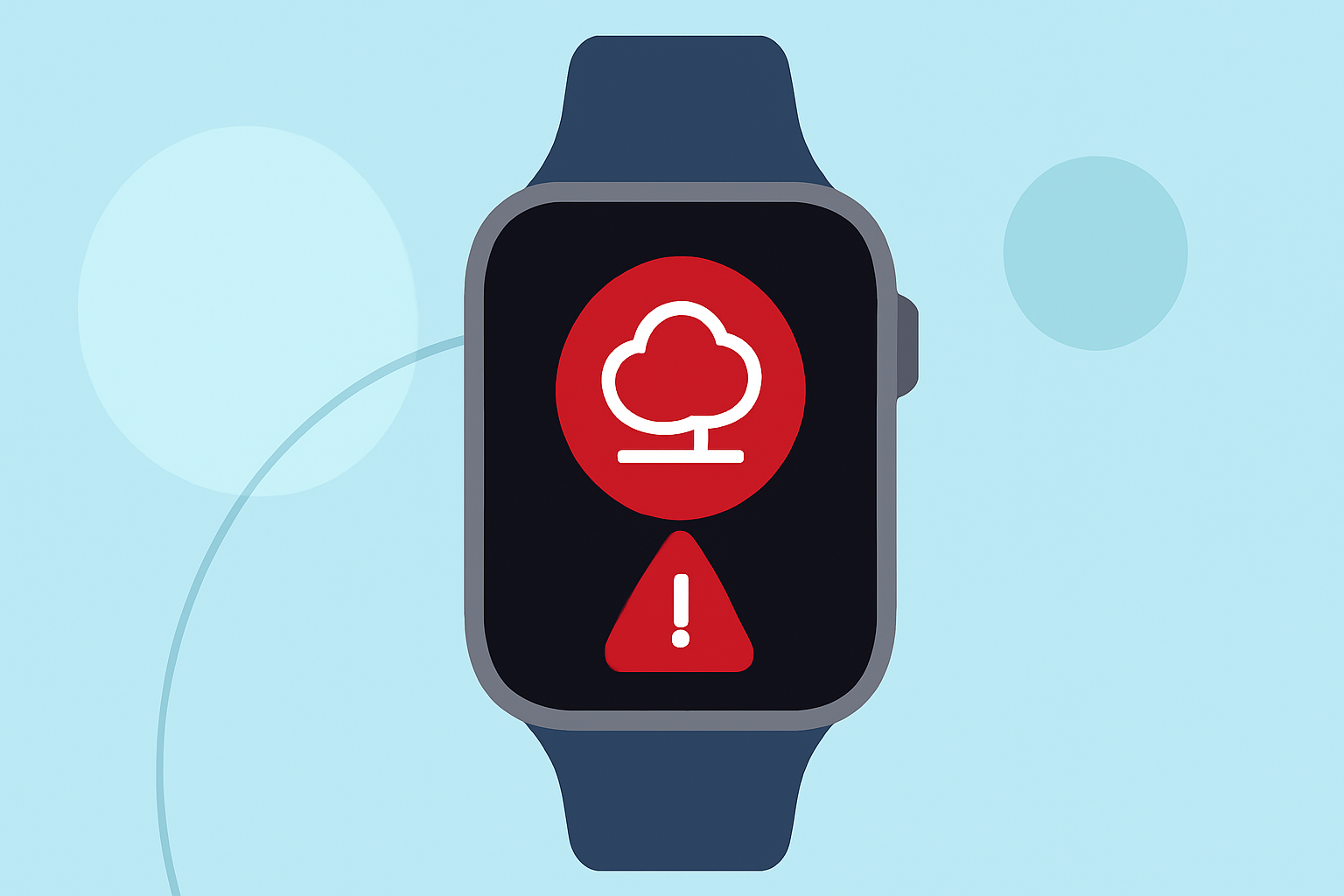
Wildfires pose significant health risks due to the smoke they produce, which can degrade air quality and affect respiratory health. Monitoring air quality is crucial, especially during wildfire seasons. Your Apple Watch can be a valuable tool in this endeavor, offering real-time updates and alerts to help you make informed decisions.
Understanding Air Quality and Wildfire Smoke
Air quality is often measured by the Air Quality Index (AQI), which categorizes pollution levels from "Good" to "Hazardous." Wildfire smoke can elevate AQI levels, leading to health advisories. Prolonged exposure to poor air quality can cause respiratory issues, especially in vulnerable populations.
Using Your Apple Watch to Monitor Air Quality
While the Apple Watch doesn't natively provide AQI data, several third-party apps can integrate with your device to deliver real-time air quality information:
Air Lookout: Apple WatchOS Complications by Geof Crowl on Dribbble Air Lookout This app simplifies air quality data, presenting it in an easy-to-understand format. It supports iOS, iPadOS, watchOS, and offers widgets and shortcuts for quick access. Air Lookout Pro provides additional features like morning and evening summaries, custom app icons, and historical data. (apps.apple.com)
Wifi Weather Stations Weather Signal: Outdoor Safety This app offers a comprehensive safety signal, combining air quality, wildfire activity, pollen levels, and weather conditions. It provides a clear recommendation: Go, Caution, or Avoid, helping you decide when it's safe to go outside. (apps.apple.com)
Smoke Tracker - Quit Smoking & Vaping App Free Smoke Point Designed for wildfire triangulation, Smoke Point helps locate new wildfires using camera networks and user observations. It provides live images and position data, aiding in early detection and situational awareness. (apps.apple.com)
How do I check the app version? – Watch Duty Support Watch Duty: Wildfire & Floods This app offers real-time updates on wildfires and floods, including push notifications, active fire perimeters, satellite hotspots, and evacuation information. It's powered by a team of professionals monitoring radio scanners around the clock. (apps.apple.com)
Tower 5 Tower 5 provides wildfire intelligence with active fire perimeters, satellite hotspots, smoke plumes, and weather warnings. It offers layers like hazard potential, climate-projected risk, and historical fire perimeters, all on an easy-to-read map. (tower5.org)
Setting Up and Using These Apps on Your Apple Watch
- Download the App: Visit the App Store on your iPhone and search for the desired app.
- Install and Configure: Follow the installation prompts and grant necessary permissions, such as location access.
- Enable Notifications: Allow push notifications to receive timely updates on air quality and wildfire activity.
- Add Watch Complications: Customize your watch face by adding complications from the app for quick access to air quality data.
- Monitor Regularly: Check the app periodically for updates, especially during wildfire seasons or when air quality is a concern.
Additional Tips for Wildfire Smoke Safety
- Stay Informed: Regularly monitor local air quality reports and heed advisories from health authorities.
- Limit Outdoor Activities: During high AQI levels, reduce outdoor exertion to minimize exposure.
- Create a Clean Indoor Environment: Use air purifiers and keep windows closed to reduce indoor smoke infiltration.
- Prepare an Emergency Kit: Have essentials ready, including masks rated for smoke filtration, in case of evacuation orders.
By leveraging your Apple Watch with these applications, you can stay informed about air quality and wildfire conditions, making proactive decisions to protect your health and safety.