
Effective Temperature Rise Notifications: Essential Tips in Under 5 Minutes
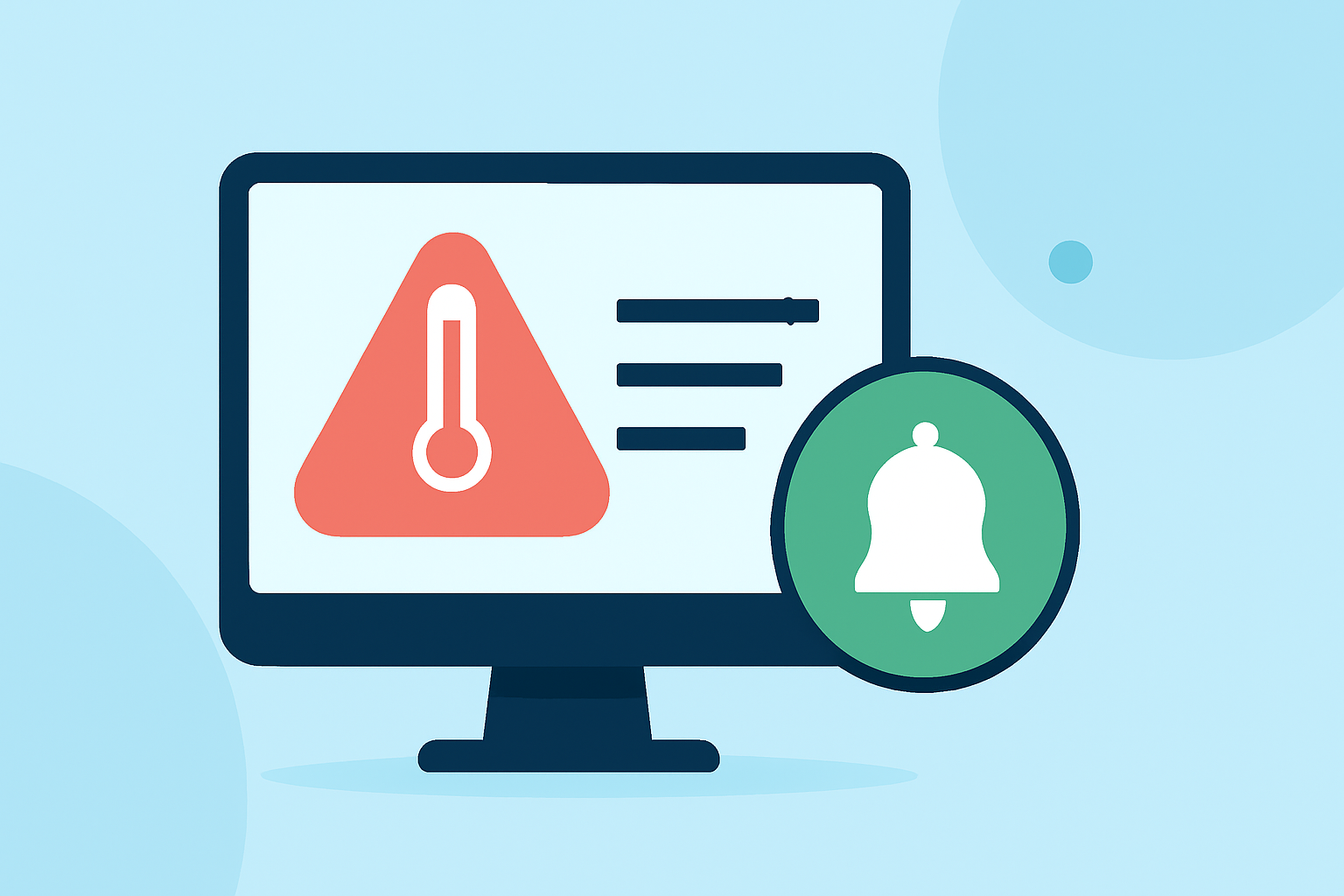
Monitoring temperature fluctuations is crucial for safeguarding sensitive equipment and products. Implementing effective temperature rise notifications ensures prompt responses to potential issues. Here's how to set up and manage these notifications efficiently.
1. Understand Temperature Alerts
Temperature alerts notify you when equipment exceeds predefined temperature thresholds. These alerts can be configured to trigger based on specific conditions, such as a single reading exceeding the threshold or an average reading over a set period. For instance, an alert can be set to activate if the average temperature over an hour surpasses a maximum limit. (cmusersguide.compliancemate.com)
2. Set Appropriate Thresholds
Establishing accurate temperature thresholds is vital. For refrigeration units holding high-risk foods, a common threshold is 5°C (41°F). For freezers, a threshold of -5°C (23°F) is typically sufficient. If you have products sensitive to freezing, consider setting a lower threshold, such as 0°C (32°F). (squizify.tawk.help)
3. Implement Time-Delayed Alerts
To reduce false alarms from brief temperature fluctuations, use time-delayed alerts. This approach requires the temperature to remain outside the desired range for a specified duration before triggering an alert. For example, setting a 15-minute delay can filter out short-term spikes like door openings or defrost cycles. (hubble.com)
4. Utilize Adaptive Thresholds
Adaptive thresholds adjust based on the equipment's historical performance, accommodating natural temperature variations. This method helps in setting dynamic thresholds that adapt to the equipment's baseline behavior, reducing unnecessary alerts. (hubble.com)
5. Configure Multi-Tiered Alerts
For larger teams, setting up tiered alerts ensures that the right personnel are notified promptly. For example, the first alert can be sent after 30 minutes to the shift lead, the second after 60 minutes to the location manager, and the third after 90 minutes to the regional director. This structure ensures timely responses and efficient issue resolution. (glaciergrid.com)
6. Schedule Alert Downtime During Planned Events
During activities like restocking or cleaning, equipment doors may open frequently, causing temporary temperature changes. To prevent unnecessary alerts during these planned events, schedule alert downtime or disable notifications temporarily. This practice ensures that alerts are meaningful and not triggered by routine operations. (glaciergrid.com)
7. Choose the Right Notification Methods
Select notification methods that align with your team's workflow. Options include email, SMS, phone calls, or push notifications. Ensure that the chosen method reaches the appropriate personnel promptly to facilitate quick action. (glaciergrid.com)
8. Regularly Review and Adjust Alert Settings
Periodically assess and adjust your alert settings to ensure they remain effective. As equipment ages or operational conditions change, thresholds and notification methods may need to be updated to maintain optimal performance.
By implementing these strategies, you can establish a robust system for monitoring and responding to temperature fluctuations, thereby protecting your equipment and products effectively.
Highlights:
- What are temperature alerts?
- How to Design Temperature Alerts That Don't False-Alarm – Hubble Network Community, Published on Saturday, February 07
- Best Practices for Creating Alerts | GlacierGrid, Published on Sunday, February 25