
Effective Weather Notification Banners: Design, Implementation, and Best Practices
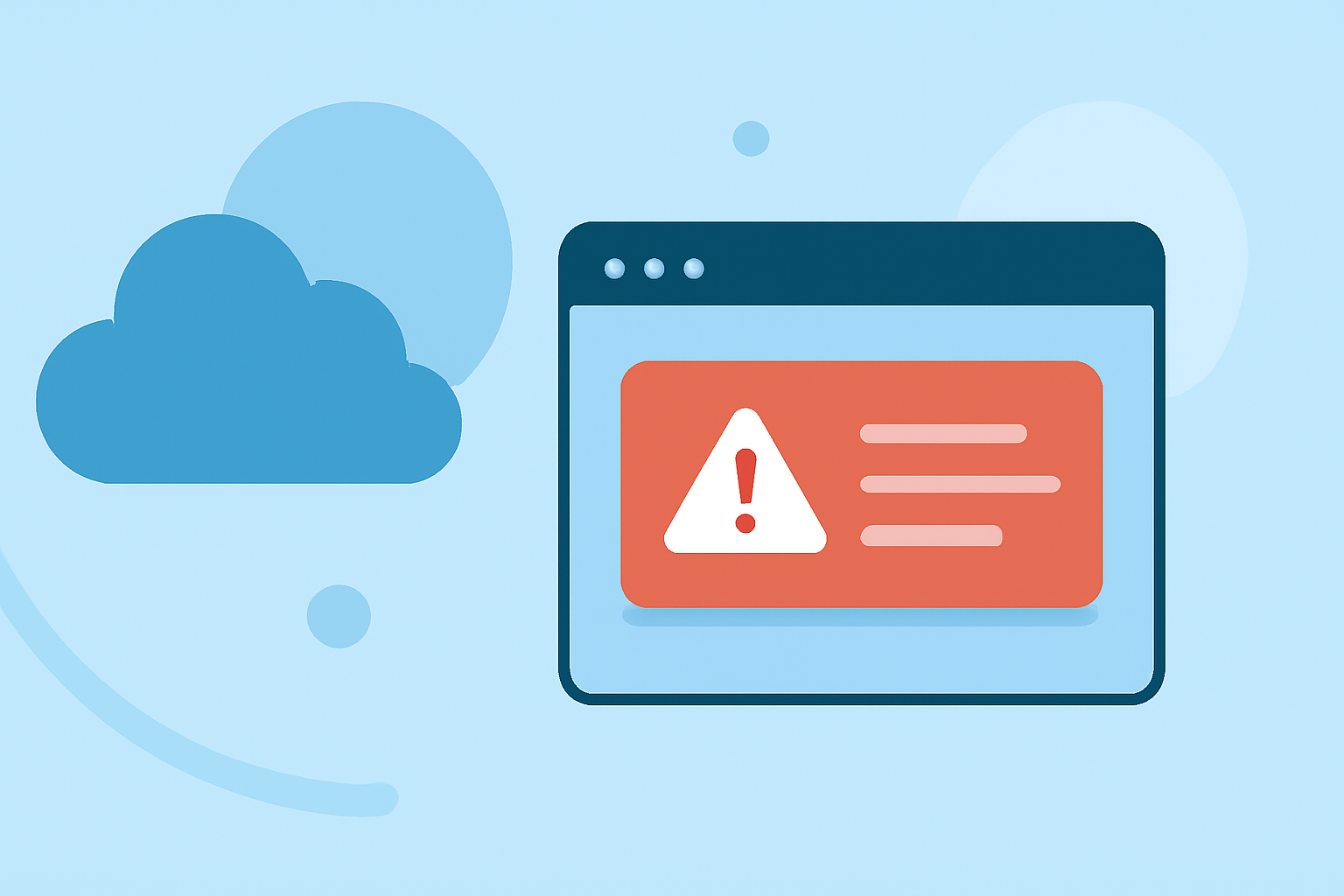
Weather notification banners are essential tools for delivering timely and critical weather information to users. They serve as immediate alerts for severe weather conditions, ensuring that individuals can take necessary precautions. This article delves into the significance of weather notification banners, their design principles, and best practices for implementation.
Why Are Weather Notification Banners Important?
Immediate Alerts: Weather notification banners provide real-time updates on severe weather events, such as storms, floods, or heatwaves, allowing users to respond promptly.
User Safety: By presenting critical information prominently, these banners help users make informed decisions, potentially reducing the risk of harm during adverse weather conditions.
Enhanced User Experience: Well-designed notification banners can improve user engagement by delivering relevant and timely information without being intrusive.
Key Design Principles for Weather Notification Banners
Clarity and Conciseness: Use straightforward language to convey the message. For example, a banner might state, "Severe Thunderstorm Warning in Your Area."
Color Coding: Implement color schemes that align with the severity of the weather event. For instance, red can indicate a warning, orange for a watch, and yellow for an advisory. This approach helps users quickly assess the urgency of the situation. (matachewan.com)
Prominent Placement: Position the banner at the top of the webpage or application interface to ensure it captures the user's attention immediately upon arrival.
Actionable Information: Include clear instructions or links to more detailed information, such as safety guidelines or evacuation routes.
Responsiveness: Ensure the banner is mobile-friendly and adapts to various screen sizes, maintaining readability and functionality across devices.
Best Practices for Implementing Weather Notification Banners
Real-Time Data Integration: Utilize reliable weather APIs to provide up-to-date information. This ensures that users receive the most current alerts. (behance.net)
User Customization: Allow users to set preferences for the types of weather alerts they wish to receive, tailoring the experience to individual needs.
Testing and Optimization: Regularly test the banner's functionality across different browsers and devices to ensure consistent performance.
Accessibility Considerations: Ensure that the banner is accessible to all users, including those with disabilities. This includes providing alternative text for images and ensuring compatibility with screen readers.
Compliance with Standards: Adhere to established guidelines and standards for weather notifications to maintain credibility and trustworthiness.
Examples of Effective Weather Notification Banners
Breeze Weather App: The Breeze app features real-time National Weather Service (NWS) alerts with severity-coded banners, detailed breakdowns, and critical push notifications. Each alert is categorized by type with matching icons, and users can tap any alert banner to see the full NWS alert text, including descriptions, safety instructions, affected areas, and timing. (breezeweather.app)
National Weather Service (NWS) Website: The NWS website includes a banner at the top of each main page containing icons that link to NOAA, NWS, and the Department of Commerce. This banner provides users with quick access to important weather information and resources. (mag.ncep.noaa.gov)
Conclusion
Implementing effective weather notification banners is crucial for keeping users informed and safe during severe weather events. By adhering to key design principles and best practices, organizations can create impactful and user-friendly notifications that enhance user experience and promote safety.