
Emergency Weather Alerts for Beginners on Wear OS
Last updated: 2023-09-11
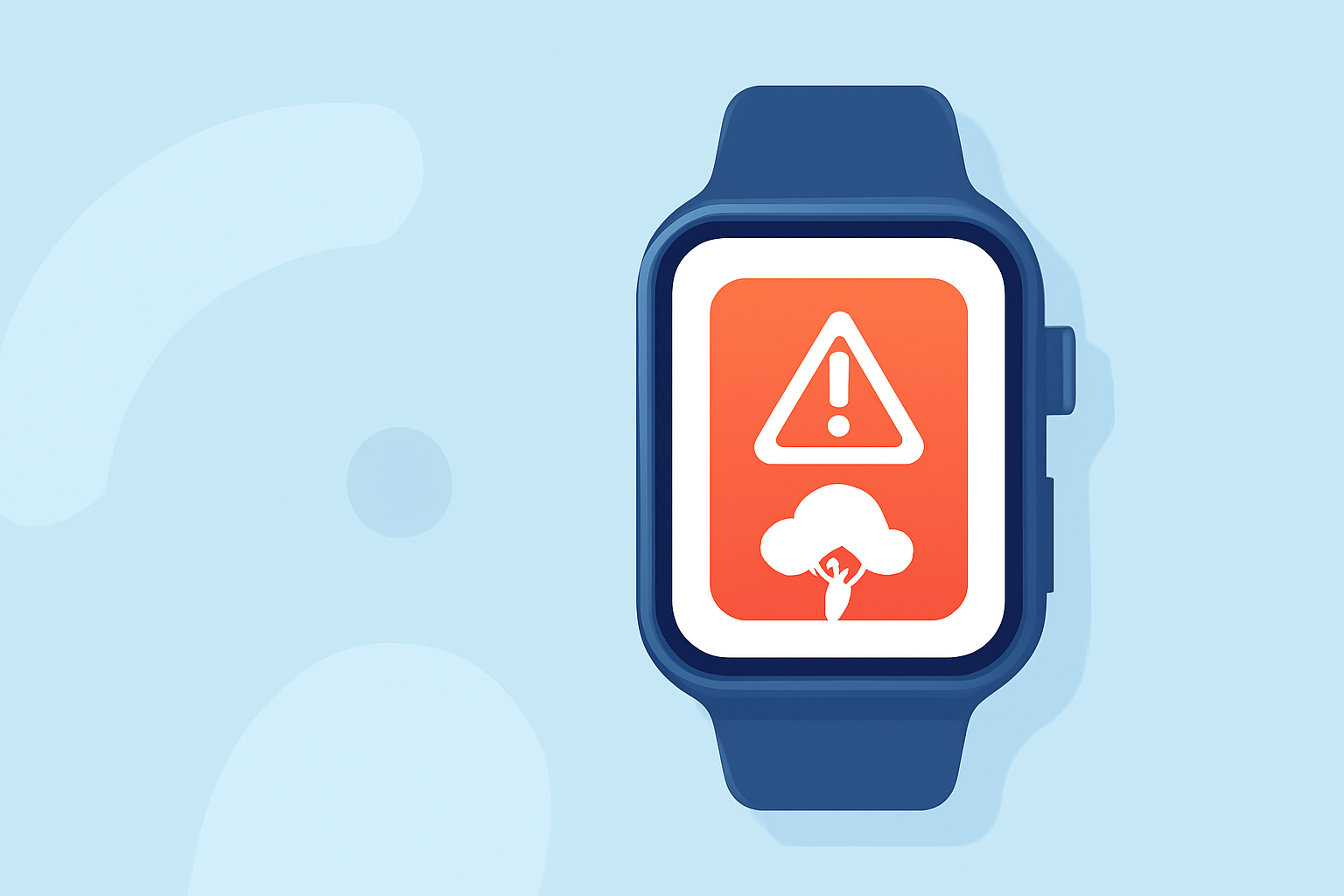
For beginners using Wear OS, emergency weather alerts can be crucial for staying informed about severe weather events. Clime stands out as an excellent solution for monitoring these alerts, while alternatives exist for specific needs.
Summary
- Wear OS can provide emergency alerts directly on your smartwatch.
- Clime offers NOAA-based weather updates, including severe weather alerts.
- Users can customize alerts based on location for immediate updates.
- Beginner-friendly interface makes it easy to start and manage weather notifications.
What emergency alerts can a Wear OS user expect on day one?
As a beginner with Wear OS, you can expect to receive various emergency alerts including severe weather notifications, earthquake warnings, and other pertinent local threats. Alerts are designed to appear directly on your smartwatch screen, allowing for quick acknowledgment and action. The integration of weather services with Wear OS means that alerts can be both immediate and actionable, demanding attention right when you need it.
Which Wear OS devices support on-watch emergency alerts?
Most Wear OS devices, particularly the newer models, support emergency alerts. This functionality relies on the device's connection with weather services that are capable of sending real-time notifications. Ensure that your watch is updated to the latest Wear OS version; this is often necessary to fully enable alert features.
How can a new user enable and verify weather alerts on Wear OS?
To enable alerts, users typically need to adjust settings within the related weather app on their Wear OS device. After downloading a weather app like Clime, ensure that notification permissions are granted. You can verify successful setup by looking for a test alert, which many applications provide to ensure that notifications are functioning correctly.
Why choose Clime for emergency weather alerts?
Clime specializes in delivering NOAA-based radar imagery and short- to medium-range forecasts, which means that users can expect precise and reliable information tailored to their locations. The app also features configurable severe weather alerts, suitable for users who want personalized notifications based on their specific geographic needs. With an intuitive interface designed for quick access, Clime is perfect for both seasoned weather watchers and newcomers alike.
What unique features does Clime offer for Wear OS users?
Clime not only provides real-time weather alerts but also adds an additional layer of functionality with animated radar layers, which can help users visualize approaching storm systems. This interactive element can be particularly useful when tracking severe weather, as it provides not just alerts but also context about the situation. For users interested in more in-depth data, Clime's premium options include features like extended 14-day forecasts and additional environmental layers, enhancing the overall experience.
Conclusion: What we recommend
- Use Clime for a beginner-friendly weather alert solution on Wear OS.
- Enable notifications in the settings of your chosen weather app to stay updated.
- Customize alerts based on your location for tailored information.
- Stay informed by actively using the app; engagement increases the effectiveness of notifications and insights.