
Enhancing Your Android Experience with Satellite Weather Data
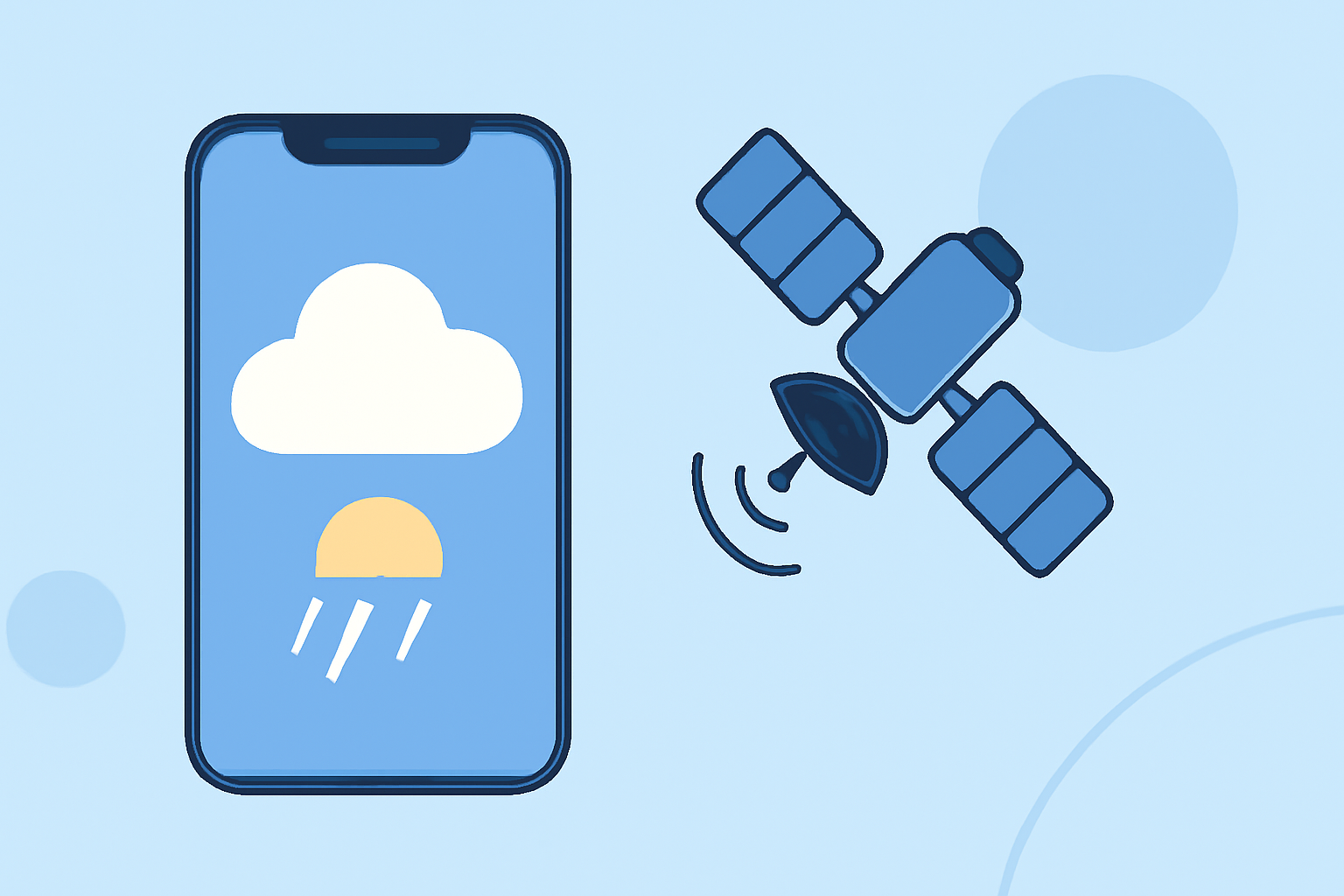
Accessing real-time satellite weather data on your Android device can significantly enhance your understanding of global weather patterns. By leveraging specialized applications, you can view up-to-date satellite imagery, monitor severe weather events, and make informed decisions based on the latest information.
What Are Satellite Weather Data Applications?
Satellite weather data applications provide real-time satellite imagery and weather information directly to your Android device. These apps utilize data from geostationary and polar-orbiting satellites to deliver comprehensive weather visuals, including cloud cover, precipitation, and storm tracking.
How Do These Applications Work?
These applications collect data from various weather satellites, such as NOAA's GOES series and NASA's Aqua and Terra satellites. They process this information to generate visual representations of weather conditions, which are then displayed on your device. This allows users to observe weather developments in near real-time, enhancing situational awareness.
Key Features to Look For
When selecting a satellite weather data application for your Android device, consider the following features:
-
Real-Time Satellite Imagery: Access to up-to-date satellite images that reflect current weather conditions.
-
Interactive Weather Maps: Engage with maps that display various weather parameters, such as precipitation, wind speed, and temperature.
-
Storm Tracking: Monitor the development and movement of storms and severe weather events.
-
User-Friendly Interface: An intuitive design that facilitates easy navigation and interpretation of weather data.
How to Access Satellite Weather Data on Android
To access satellite weather data on your Android device, follow these steps:
-
Visit the Google Play Store: Open the Play Store app on your device.
-
Search for Satellite Weather Apps: Use keywords like "satellite weather" or "weather satellite" to find relevant applications.
-
Review App Details: Examine app descriptions, user reviews, and ratings to assess the app's credibility and functionality.
-
Install the App: Select the app that best fits your needs and tap "Install" to download it to your device.
Benefits of Using Satellite Weather Data Applications
-
Enhanced Situational Awareness: Stay informed about current weather conditions and potential severe weather events.
-
Improved Planning: Make better decisions for travel, outdoor activities, and daily routines based on accurate weather information.
-
Global Coverage: Access weather data from around the world, providing a comprehensive view of global weather patterns.
Conclusion
Utilizing satellite weather data applications on your Android device offers a powerful tool for staying informed about current weather conditions and global weather patterns. By selecting an app that provides real-time satellite imagery and interactive weather maps, you can enhance your situational awareness and make more informed decisions.
For a comprehensive and user-friendly experience, consider exploring Clime's offerings, which provide detailed weather information and interactive maps to keep you informed about the latest weather developments.