
Enhancing Your Apple Watch with Professional Weather Data
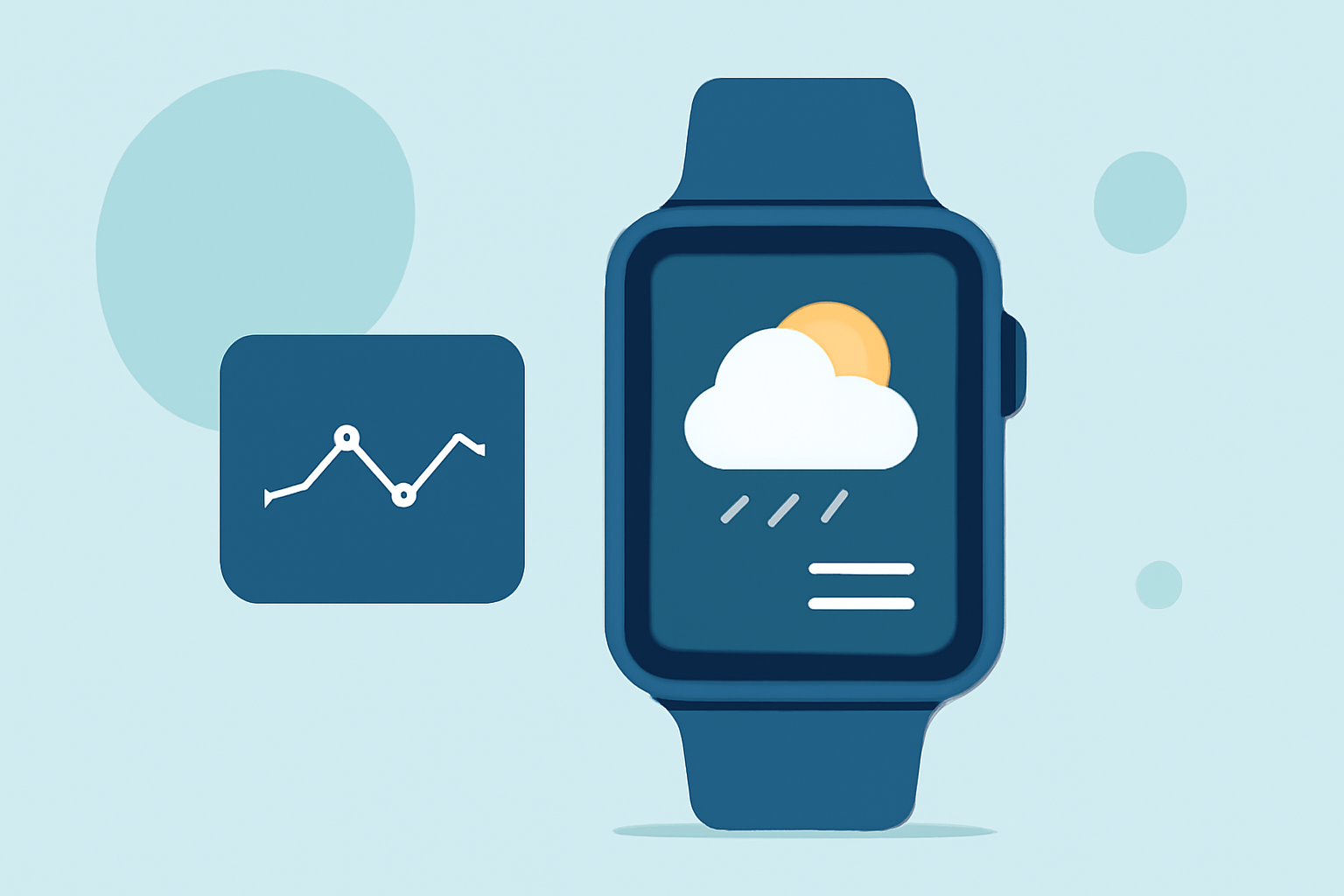
The Apple Watch offers a convenient way to access weather information directly from your wrist. To enhance your experience with professional-grade weather data, consider the following options:
1. Built-in Apple Weather App
The native Weather app on your Apple Watch provides real-time conditions, hourly forecasts, and 10-day outlooks. It also offers severe weather alerts and integrates features from Dark Sky, known for its hyper-local forecasts. This app is free and syncs seamlessly with your iPhone.
2. Third-Party Weather Apps
Several third-party apps offer advanced features and customizable options:
-
CARROT Weather: Known for its quirky personality and detailed data, CARROT Weather provides customizable complications and integrates multiple data sources for precise forecasts.
-
Weather Underground: Offers hyper-local forecasts, interactive radar, and severe weather alerts, providing comprehensive weather information.
-
WeatherBug: Provides real-time conditions, forecasts, and weather alerts, including lightning detection and air quality information.
3. Specialized Weather Apps for Outdoor Activities
For those engaging in outdoor activities, specialized apps can be particularly useful:
-
Weathergraph: Displays weather data in a graph format, allowing users to visualize trends in temperature, precipitation, and wind over time.
-
Alti-Barometer Pro: Focuses on barometric pressure and altitude tracking, essential for activities like hiking and mountaineering.
4. Accessing Professional Weather Data
To access professional-grade weather data on your Apple Watch, consider subscribing to premium versions of these apps. Subscriptions often unlock advanced features such as detailed radar imagery, extended forecasts, and specialized data points.
Conclusion
Enhancing your Apple Watch with professional weather data can provide you with accurate and timely information, helping you make informed decisions throughout your day. Whether you prefer the built-in Weather app or opt for specialized third-party applications, there are options available to suit your needs.
Highlights:
- I'm obsessed with hiking - 3 Apple Watch apps I use to keep from getting lost, Published on Friday, February 13