
Enhancing Your Apple Watch with Snow Rate Maps for Skiing
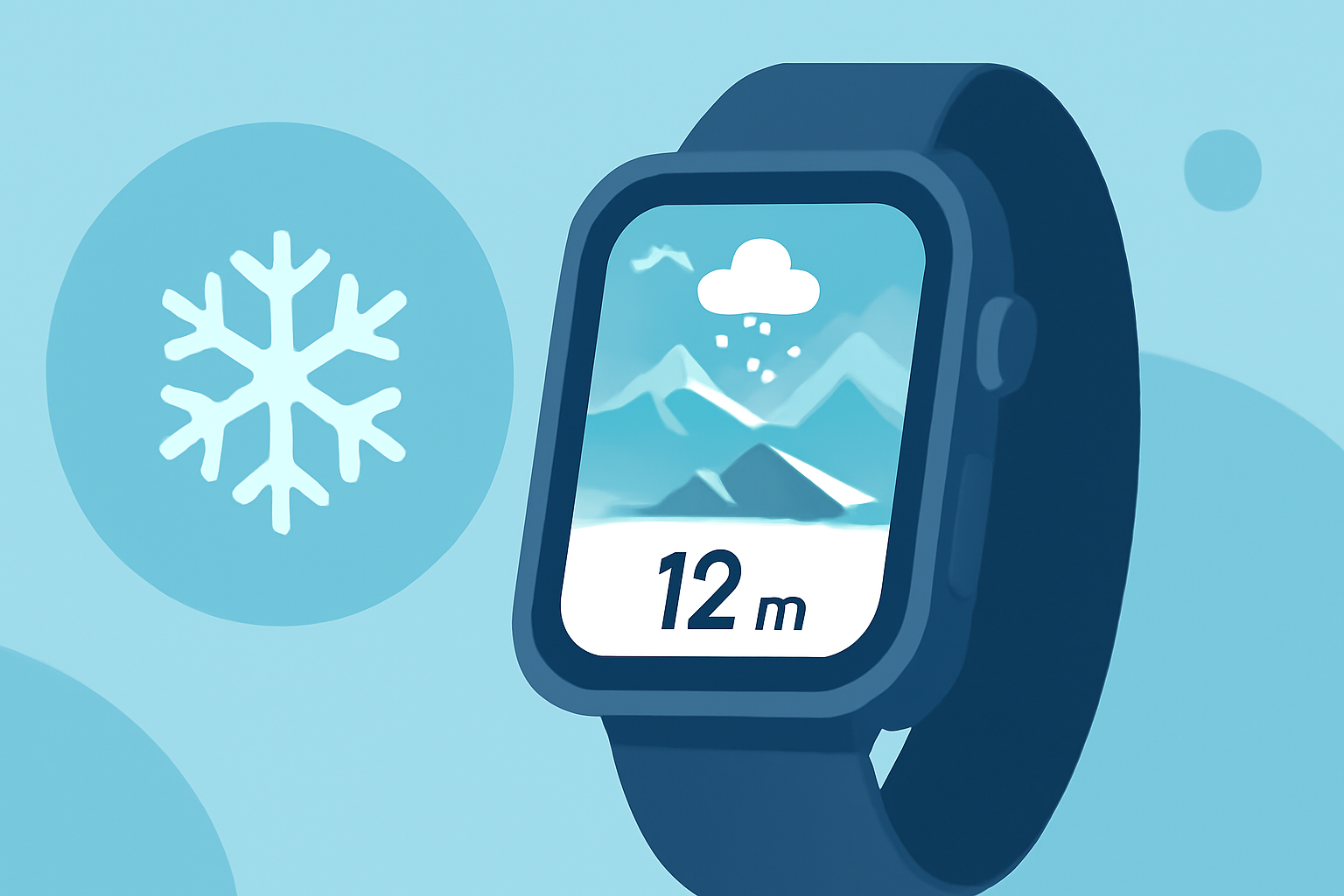
Planning a ski trip requires precise information about snow conditions to ensure safety and enjoyment. Integrating snow rate maps into your Apple Watch can provide real-time updates, helping you make informed decisions on the slopes.
What Are Snow Rate Maps?
Snow rate maps display the amount of snowfall over a specific period, typically in inches or centimeters. They are essential for assessing current snow conditions, forecasting future snowfall, and planning your skiing activities accordingly.
How Can Snow Rate Maps Benefit Skiers?
-
Optimal Planning: By analyzing snow rate maps, you can identify areas with the freshest powder, ensuring a more enjoyable skiing experience.
-
Safety Measures: Understanding recent snowfall patterns aids in recognizing potential avalanche risks, allowing for safer route selection.
-
Time Efficiency: Real-time updates on snow conditions help you avoid crowded areas and find the best trails, maximizing your time on the slopes.
Which Apps Provide Snow Rate Maps for Apple Watch?
Several applications offer snow rate maps compatible with the Apple Watch, enhancing your skiing experience:
OpenSnow App | OpenSnow OpenSnow Provides detailed snow forecasts, snow reports, and severe weather maps. Features include 15-day snow forecasts, snow depth maps, and mountain webcams. OpenSnow's PEAKS model offers precise forecasts tailored for mountainous terrains. (opensnow.com)
NWCC Site Pages SnoTel Mapper Offers real-time snow data from over 900 SNOTEL stations across the U.S. Features include interactive maps, snow depth trends, and avalanche forecast overlays. SnoTel Mapper is designed for backcountry enthusiasts seeking detailed snowpack information. (psithurismlabs.com)
Snow-Forecast.com Weather & Snow Report App Snow-Forecast.com Weather Maps Provides live ski conditions, snow reports, and weather maps. Features include detailed weather forecasts by elevation, weekly regional snow reports, and live webcams. The app covers over 3,300 mountain destinations worldwide. (apps.apple.com)
Apple Watch - Why Apple Watch - Apple (IE) Mtn Tracks Designed for ski touring and mountaineering, Mtn Tracks records uphill performance metrics such as ascent rate, altitude, and heart rate. While it focuses on performance tracking, it also provides detailed maps and data for mountain tours. (mtntracksapp.com)
WristTopo: Offline Navigation - Navigation App | MWM WristTopo Offers offline maps and navigation for the Apple Watch, including winter maps with marked ski runs and slope names. WristTopo provides turn-by-turn guidance and elevation profiles, making it suitable for backcountry skiing. (wristtopo.app)
How to Integrate Snow Rate Maps into Your Apple Watch?
-
Download the App: Visit the App Store on your iPhone and search for the desired snow rate map application.
-
Install and Set Up: Follow the installation prompts and grant necessary permissions, such as location access, to enable accurate snow condition tracking.
-
Sync with Apple Watch: Ensure the app is compatible with the Apple Watch and sync it to receive notifications and updates directly on your wrist.
-
Customize Notifications: Set up alerts for specific snow conditions, avalanche risks, or weather changes to stay informed in real-time.
Tips for Using Snow Rate Maps Effectively:
-
Regular Updates: Snow conditions can change rapidly; check for the latest updates before heading out.
-
Combine Sources: Use multiple apps to cross-reference data and gain a comprehensive understanding of current conditions.
-
Offline Access: Download maps and data for offline use, especially when venturing into areas with limited connectivity.
-
Stay Informed: Keep abreast of local weather forecasts and avalanche warnings to ensure safety.
Conclusion
Integrating snow rate maps into your Apple Watch can significantly enhance your skiing experience by providing timely and accurate information. By selecting the right app and utilizing its features effectively, you can plan your ski days with confidence and enjoy optimal conditions on the slopes.
Highlights:
- OpenSnow: Weather Forecast + Snow Report | OpenSnow
- SnoTel Mapper - Track Snow Conditions & Avalanche Forecasts
- Snow-Forecast.com Weather Maps App - App Store