
Enhancing Your Apple Watch with Weather Lock Screen Widgets
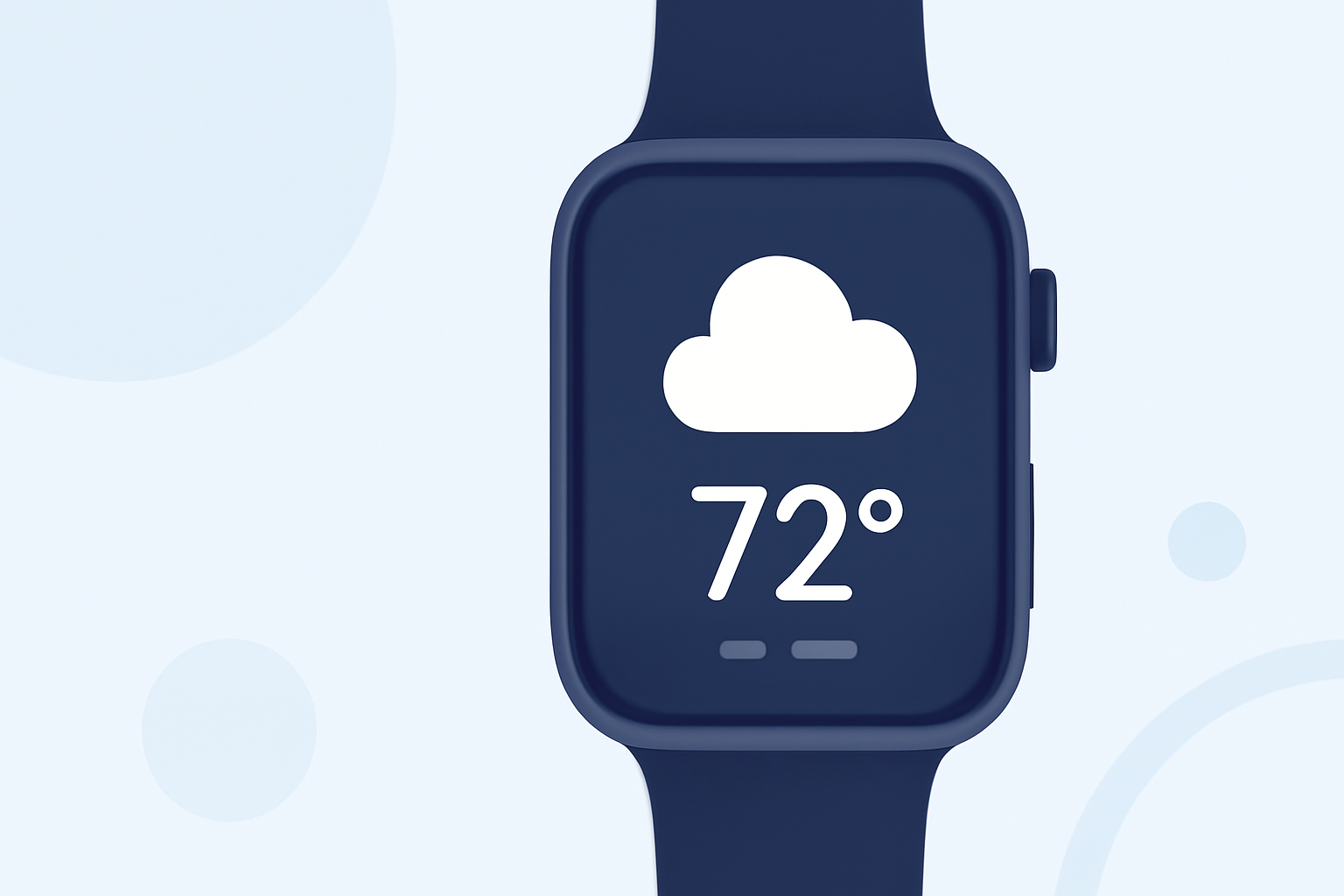
Apple Watch users can enhance their experience by adding weather widgets to the lock screen, providing immediate access to current conditions and forecasts.
What Are Weather Lock Screen Widgets?
Weather lock screen widgets are small, interactive elements that display weather information directly on your Apple Watch's lock screen. They offer at-a-glance updates on conditions such as temperature, humidity, and precipitation, eliminating the need to unlock your watch or open an app.
How to Add Weather Widgets to Your Apple Watch Lock Screen
-
Access the Watch Face Customization: Press firmly on your current watch face to enter customization mode.
-
Select 'Edit': Tap the 'Edit' option to modify your watch face.
-
Navigate to the Complications Section: Use the Digital Crown to scroll to the complications customization screen.
-
Choose a Complication Slot: Select a slot where you want the weather information to appear.
-
Assign the Weather Complication: Scroll through the available complications and choose the weather-related option.
-
Save Your Changes: Press the Digital Crown to save and exit customization mode.
Customizing Weather Information
Depending on your watch face and the available complications, you can customize the specific weather details displayed, such as current temperature, forecast, or air quality. This allows you to tailor the information to your preferences.
Benefits of Using Weather Widgets on Your Apple Watch
-
Quick Access: View essential weather information without unlocking your watch or opening an app.
-
Personalization: Customize your watch face to display the weather details most relevant to you.
-
Stay Informed: Receive timely updates on weather conditions, helping you plan your day effectively.
Conclusion
Adding weather widgets to your Apple Watch's lock screen is a simple yet effective way to stay informed about current conditions and forecasts. By customizing your watch face with these widgets, you can access vital weather information at a glance, enhancing your daily routine.
For more detailed guidance, refer to Apple's official support page on checking the weather on Apple Watch. (support.apple.com)
Additionally, consider exploring third-party apps that offer a variety of weather widgets for your Apple Watch, providing even more customization options.