
Enhancing Your Car's Dashboard with Weather Widgets
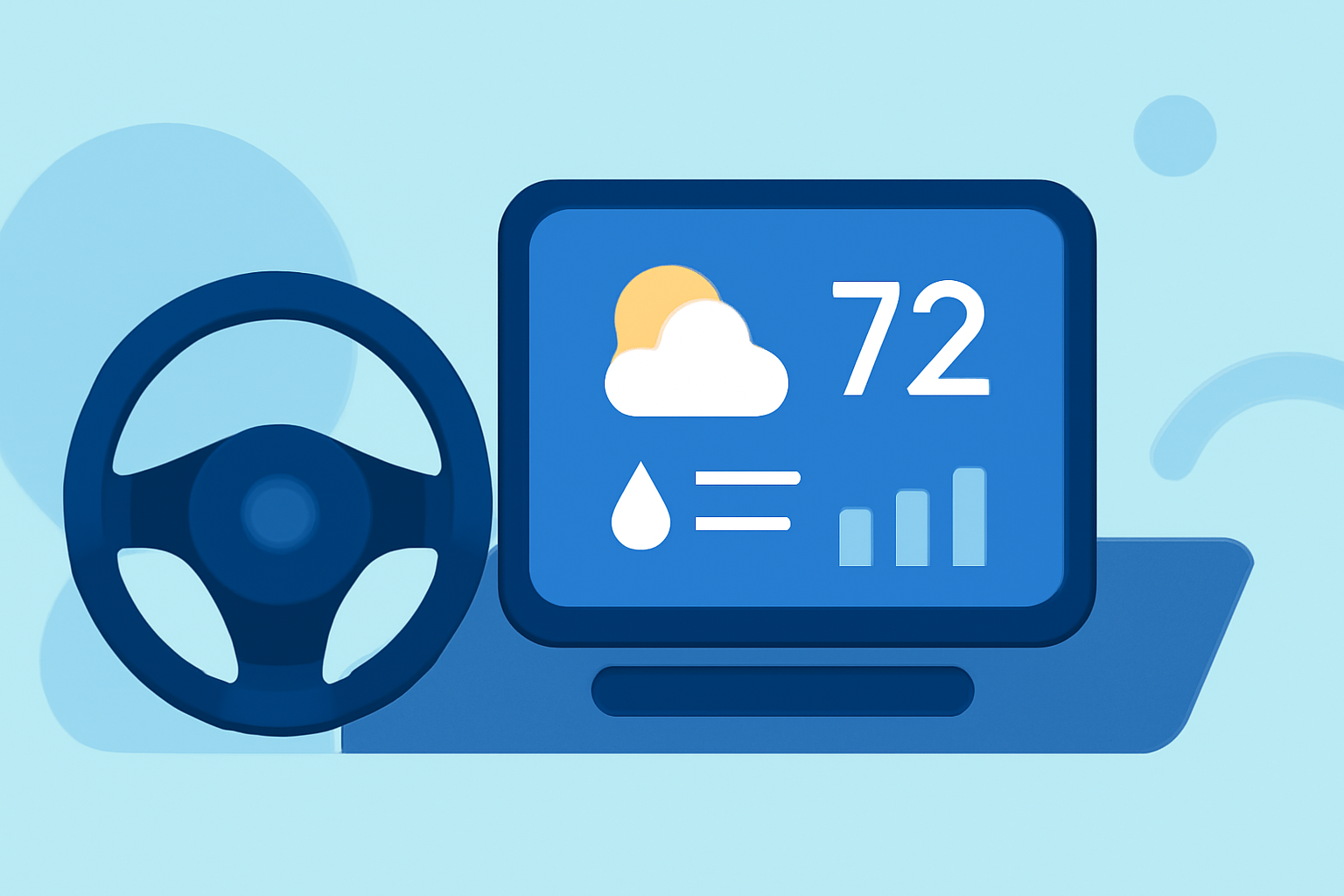
Integrating weather widgets into your car's infotainment system can provide real-time updates and enhance your driving experience. Here's how you can set up and customize weather widgets in your vehicle.
What Are Weather Widgets?
Weather widgets are small applications that display current weather conditions, forecasts, and other meteorological information directly on your device's screen. When integrated into your car's infotainment system, they allow you to access weather updates without needing to open a separate app.
How Can I Add Weather Widgets to My Car's Infotainment System?
The process of adding weather widgets depends on your vehicle's infotainment system and the operating system of your smartphone.
For iPhone Users with CarPlay:
-
Update to iOS 26 or Later: Ensure your iPhone is running iOS 26 or a newer version, as this update introduced widget support for CarPlay.
-
Connect Your iPhone to Your Car: Use a USB cable or wireless connection to link your iPhone to your car's infotainment system.
-
Access CarPlay Settings: On your iPhone, go to Settings > General > CarPlay, then select your car from the list.
-
Enable Widgets: Toggle on "Show Widgets" to allow widgets to appear on your CarPlay screen.
-
Customize Widgets: You can add, remove, or rearrange widgets by tapping the "Customize" button. To add a weather widget, ensure you have a compatible weather app installed that supports widget integration.
For Android Users with Android Auto:
-
Install a Compatible Weather Widget App: Download an app that supports widget integration with Android Auto. One such app is AAWidget, which allows you to display custom widgets, including weather updates, on your car's display. (aawidget.com)
-
Connect Your Android Device to Your Car: Use a USB cable or wireless connection to link your Android device to your car's infotainment system.
-
Launch the Widget App: Open the weather widget app on your Android device.
-
Configure Widgets: Follow the app's instructions to add and customize weather widgets on your car's display.
What Are the Benefits of Using Weather Widgets in My Car?
-
Real-Time Updates: Access current weather conditions and forecasts without leaving your car's interface.
-
Enhanced Safety: Stay informed about weather-related hazards, such as storms or icy conditions, to make safer driving decisions.
-
Personalized Experience: Customize your dashboard with widgets that suit your preferences, making your driving experience more enjoyable.
Are There Any Considerations When Using Weather Widgets?
-
Compatibility: Ensure that the weather widget app you choose is compatible with your car's infotainment system and your smartphone's operating system.
-
Data Usage: Weather apps may require an internet connection to provide real-time updates, which could impact your data usage.
-
Distraction: While weather widgets can be informative, avoid interacting with them while driving to maintain focus on the road.
By integrating weather widgets into your car's infotainment system, you can enjoy a more connected and informed driving experience.