
Enhancing Your Car's Dashboard with Real-Time Weather Widgets
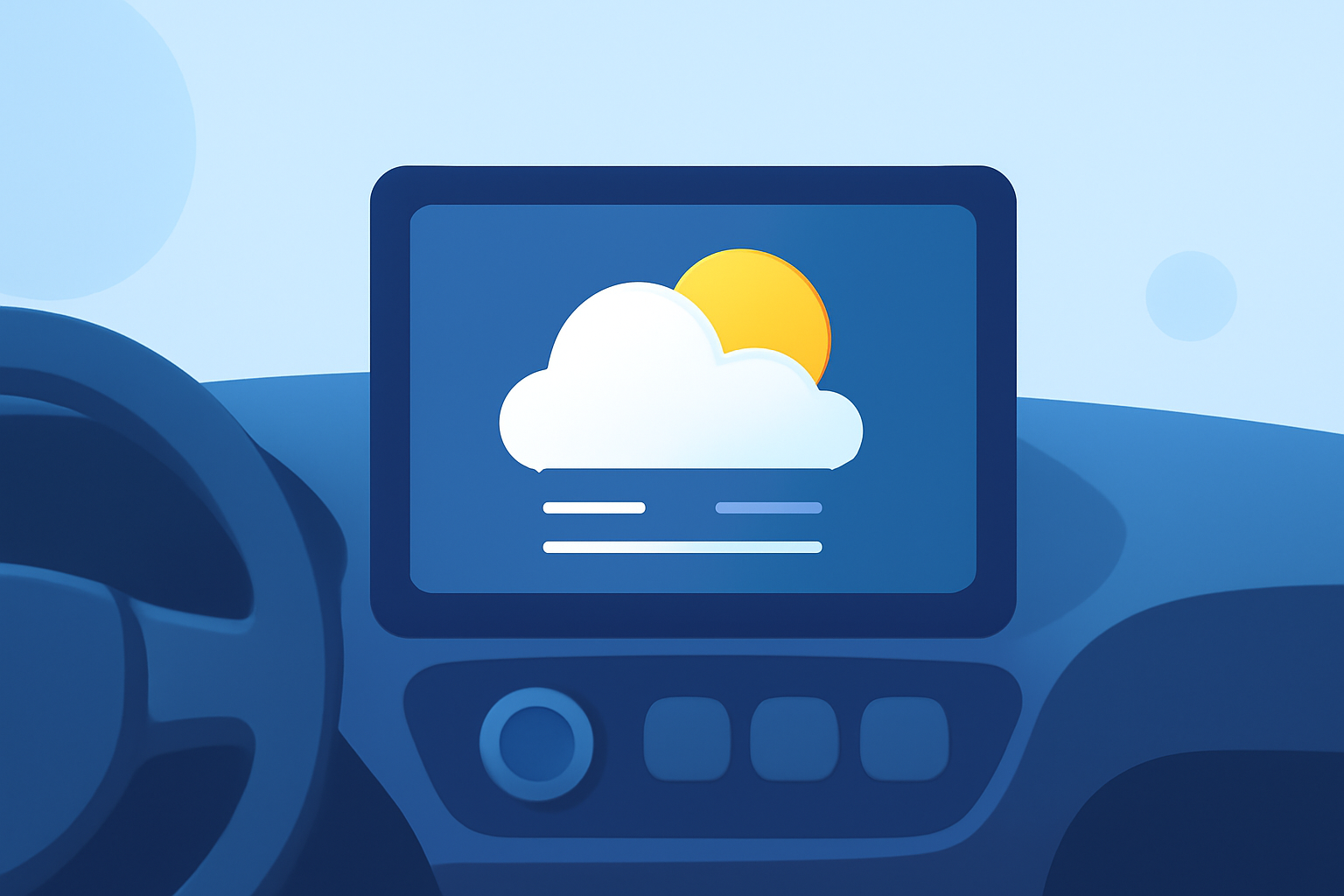
Integrating real-time weather widgets into your car's dashboard can significantly enhance your driving experience by providing timely and accurate weather information at a glance. This integration allows you to stay informed about current conditions, forecasts, and potential hazards without diverting your attention from the road.
What Are Weather Widgets?
Weather widgets are small, interactive applications that display weather information directly on your device's screen. When incorporated into your car's dashboard, they provide real-time updates on temperature, precipitation, wind speed, and other relevant weather data, ensuring you're always prepared for changing conditions.
How Can Weather Widgets Enhance Your Driving Experience?
- Real-Time Updates: Access current weather conditions and forecasts without needing to open a separate app.
- Route Planning: Anticipate weather-related disruptions, such as storms or heavy traffic, allowing for proactive route adjustments.
- Safety Alerts: Receive timely notifications about severe weather events, enabling you to take necessary precautions.
How to Integrate Weather Widgets into Your Car's Dashboard
Integrating weather widgets into your car's dashboard can be achieved through various methods, depending on your vehicle's system and your smartphone's capabilities.
For iOS Users:
- Apple CarPlay: With the release of iOS 26, Apple introduced support for widgets within CarPlay, allowing users to add weather widgets directly to their car's dashboard. To set this up:
- Open the Settings app on your iPhone.
- Navigate to General > CarPlay.
- Select your car from the list of available connections.
- Tap on Widgets and enable the Show Widgets option.
- Add the desired weather widget to your CarPlay interface.
This integration provides a seamless way to access weather information without leaving the CarPlay environment. (techzle.com)
For Android Users:
- Android Auto: While Android Auto offers limited support for widgets, certain weather apps provide widgets that can be added to your phone's home screen, which may be accessible through Android Auto's interface. Ensure that the weather app you choose is compatible with Android Auto to enable this functionality.
What Are the Benefits of Using Weather Widgets in Your Car?
- Enhanced Safety: Stay informed about weather conditions that could impact driving, such as fog, rain, or snow.
- Improved Convenience: Access weather information without needing to unlock your phone or navigate through multiple apps.
- Better Planning: Make informed decisions about your travel plans based on current and forecasted weather conditions.
Are There Any Considerations When Using Weather Widgets?
- Battery Usage: Continuous updates from weather widgets can consume battery life. It's advisable to monitor battery usage and adjust settings as needed.
- Data Usage: Real-time weather updates require an active internet connection, which may impact your data plan.
- Compatibility: Ensure that the weather widget you choose is compatible with your vehicle's infotainment system and your smartphone.
By integrating weather widgets into your car's dashboard, you can enhance your driving experience with timely and accurate weather information, leading to safer and more informed travel decisions.