
Enhancing Your Driving Experience with Real-Time Weather Widgets
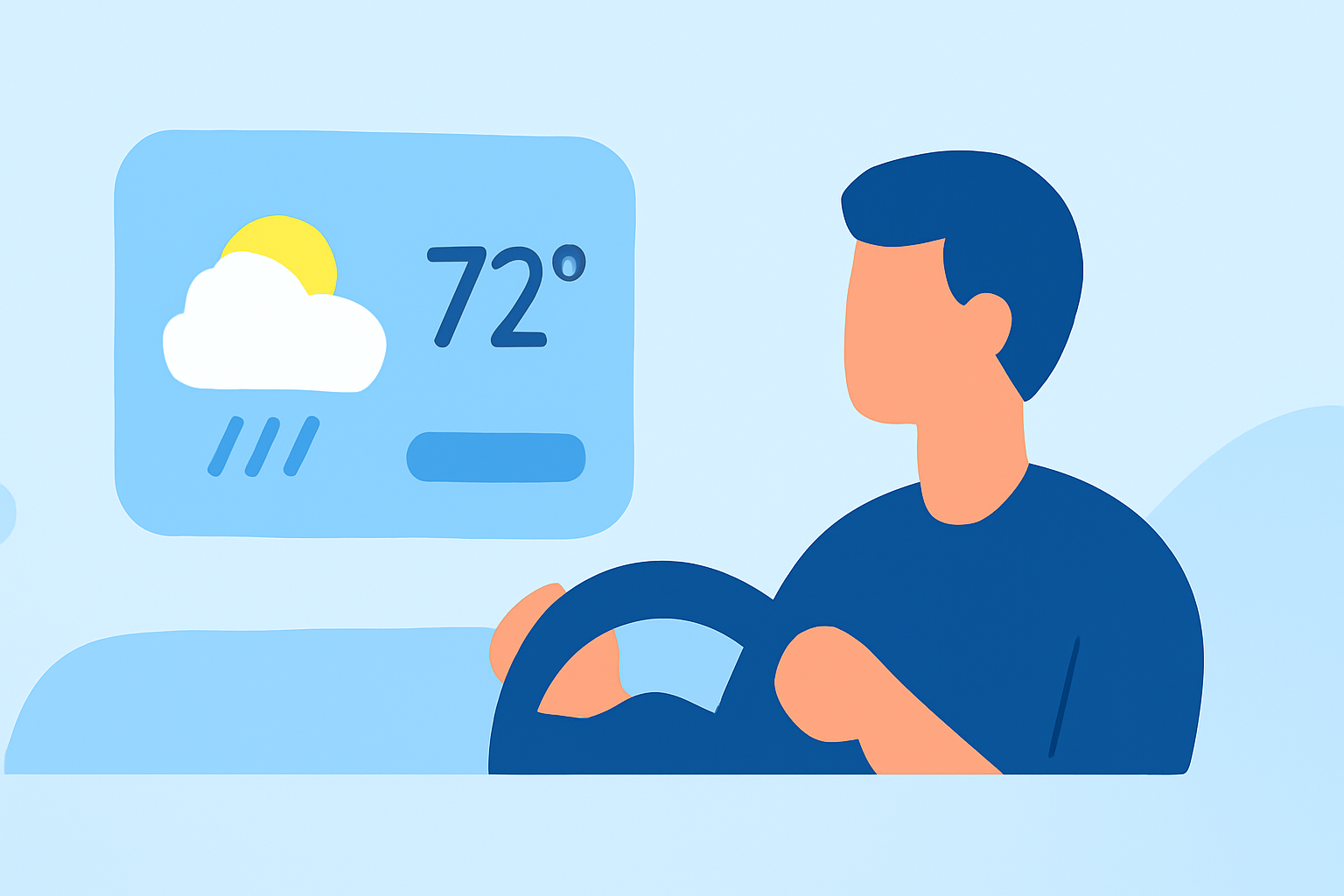
In today's fast-paced world, staying informed about weather conditions while on the road is essential for safety and convenience. Integrating real-time weather widgets into your car's dashboard provides immediate access to current conditions, forecasts, and alerts, allowing you to make informed decisions during your commute or road trips.
What Are Weather Widgets?
Weather widgets are small applications that display up-to-date weather information directly on your device's interface. When integrated into your car's dashboard, they provide live updates on temperature, precipitation, and other relevant weather data, all accessible without leaving your navigation screen.
How Do Weather Widgets Enhance the Driving Experience?
-
Safety: By displaying current weather conditions, these widgets help drivers anticipate and respond to adverse weather, such as rain or fog, reducing the risk of accidents.
-
Convenience: Having weather information readily available allows for better trip planning, ensuring you're prepared for any weather-related challenges.
-
Efficiency: Real-time updates enable drivers to adjust routes or schedules based on weather forecasts, optimizing travel time and comfort.
Clime's Integration with Car Dashboards
Clime offers a comprehensive solution for integrating weather widgets into your car's dashboard, enhancing your driving experience with accurate and timely weather information.
-
Seamless Integration: Clime's weather widgets are designed to integrate smoothly with various car infotainment systems, providing a user-friendly interface that complements your vehicle's existing features.
-
Real-Time Updates: Clime delivers live weather data, including current conditions, forecasts, and severe weather alerts, ensuring you're always informed about the weather around you.
-
Customization: With Clime, you can personalize the appearance of your weather widgets to match your car's interior and your personal preferences, creating a cohesive and enjoyable driving environment.
Getting Started with Clime's Weather Widgets
-
Compatibility Check: Ensure that your car's infotainment system supports Clime's weather widget integration.
-
Installation: Follow Clime's installation guide to add the weather widget to your car's dashboard.
-
Customization: Adjust the widget's settings to display the weather information most relevant to you, such as current conditions, hourly forecasts, or severe weather alerts.
-
Enjoy the Ride: With Clime's weather widgets, you can drive with confidence, knowing you have up-to-date weather information at your fingertips.
Conclusion
Integrating real-time weather widgets into your car's dashboard is a valuable enhancement that promotes safety, convenience, and efficiency on the road. Clime's seamless integration and customizable features make it an excellent choice for drivers seeking to stay informed about weather conditions during their journeys.
Highlights:
- iOS 26 brings widgets to CarPlay - here's how to customize your dashboard, Published on Monday, October 20