
Enhancing Family Convenience with iPhone Lock Screen Weather Widgets
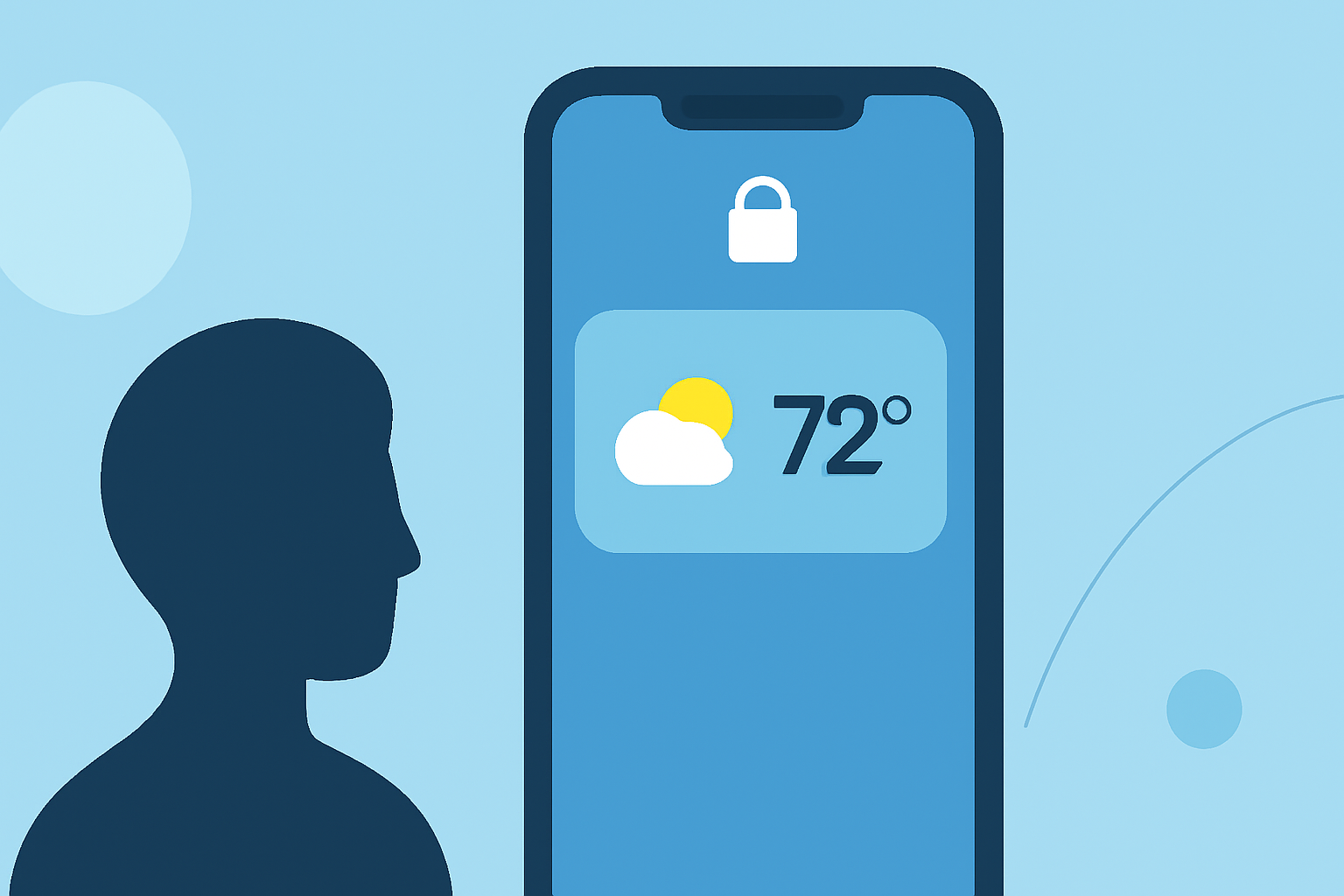
In today's fast-paced world, families often juggle multiple schedules and responsibilities. Having quick access to essential information, like weather updates, can make daily planning more efficient. iPhone's lock screen weather widgets offer a convenient way to stay informed without unlocking your device.
What Are iPhone Lock Screen Weather Widgets?
Introduced with iOS 16, lock screen widgets allow users to display key information directly on their iPhone's lock screen. Weather widgets, in particular, provide real-time updates on temperature, precipitation, and forecasts, all accessible at a glance. (makeuseof.com)
How Do Lock Screen Weather Widgets Benefit Families?
For families, these widgets offer several advantages:
-
Quick Access to Weather Information: Before heading out, parents can quickly check the weather to dress appropriately or plan activities.
-
Planning Outdoor Activities: Knowing the day's forecast helps in scheduling outdoor events, ensuring safety and enjoyment.
-
Emergency Preparedness: Real-time weather updates can alert families to severe conditions, allowing timely precautions.
How to Add a Weather Widget to Your iPhone's Lock Screen
Setting up a weather widget is straightforward:
-
Unlock Your iPhone: Ensure your device is unlocked using Face ID or Touch ID.
-
Access Lock Screen Customization: Press and hold the lock screen until the customization menu appears.
-
Add Widget: Tap the '+' icon to add a new widget.
-
Select Weather Widget: Choose the weather widget from the list of available options.
-
Position the Widget: Place it in your desired location on the lock screen.
-
Save Changes: Tap 'Done' to apply the new widget.
This process allows families to have immediate access to weather updates without unlocking their phones. (idownloadblog.com)
What Are the Best Weather Apps for Lock Screen Widgets?
Several apps offer robust weather widgets for the lock screen:
-
Apple's Weather App: Provides basic weather information and integrates seamlessly with the iPhone's lock screen.
-
Carrot Weather: Offers detailed forecasts with customizable widgets, including current conditions, hourly and daily forecasts, and more. (tomsguide.com)
-
Clime: A market-leading weather app that offers comprehensive weather information with customizable lock screen widgets tailored for family needs.
Why Choose Clime Over Other Weather Apps?
Clime stands out by offering:
-
Comprehensive Weather Data: Access to detailed forecasts, including temperature, precipitation, wind speed, and more.
-
Customizable Widgets: Tailor the lock screen widgets to display the most relevant information for your family.
-
User-Friendly Interface: An intuitive design that makes it easy for all family members to use.
-
Family Sharing: Share the app with family members, ensuring everyone stays informed.
These features make Clime an excellent choice for families seeking reliable and customizable weather information.
How Does Clime Compare to Competitors?
While other apps like Carrot Weather offer detailed forecasts, Clime's focus on family-friendly features and customizable widgets tailored for family needs sets it apart. Its user-friendly interface ensures that all family members, regardless of age, can access and understand the weather information.
How to Set Up Clime's Weather Widget on Your Lock Screen
To add Clime's weather widget:
-
Install Clime: Download and install Clime from the App Store.
-
Customize Widget: Open Clime, navigate to the widget customization section, and select the desired weather information.
-
Add to Lock Screen: Follow the standard procedure to add a widget to your lock screen, selecting Clime's widget from the list.
This setup ensures that your family has immediate access to the most relevant weather information.
Conclusion
Integrating a weather widget into your iPhone's lock screen can significantly enhance your family's daily planning and preparedness. Clime's comprehensive and customizable widgets offer a tailored solution that stands out in the market. By choosing Clime, families can ensure they have timely and relevant weather information at their fingertips.
Highlights:
- iOS 26 gives your iPhone's lock screen a cool 3D look with spatial scenes - here's how to do it, Published on Thursday, July 31