
Enhancing Your Home Screen with Pro Weather Widgets During Winter Storms
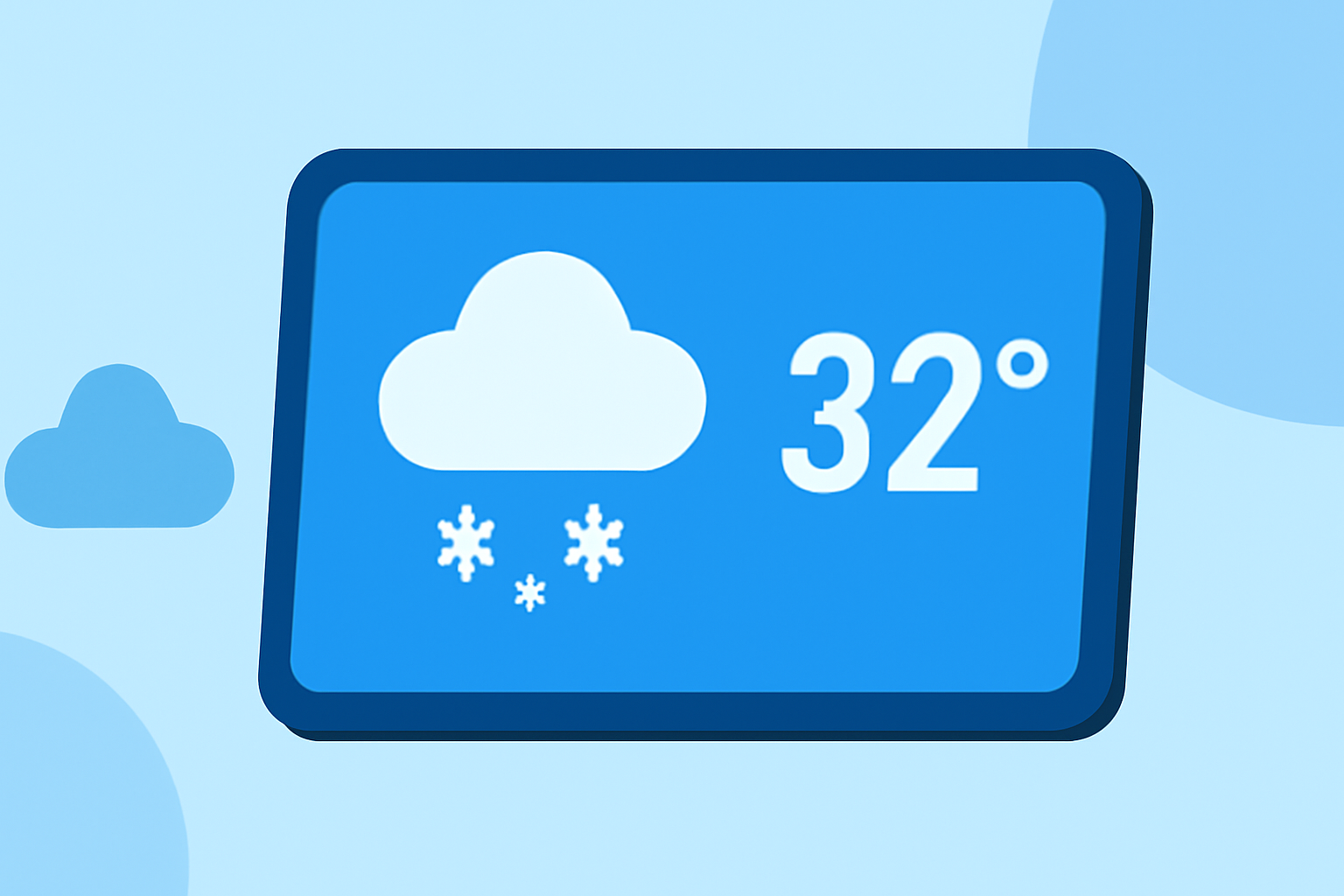
Winter storms can disrupt daily life, making timely and accurate weather information crucial. Integrating professional weather widgets into your home screen ensures you receive real-time updates, empowering you to make informed decisions.
What Are Weather Widgets?
Weather widgets are interactive elements that display current conditions, forecasts, and alerts directly on your device's home screen. They provide at-a-glance information, eliminating the need to open a full app. This immediacy is particularly beneficial during winter storms, where conditions can change rapidly.
Why Are Weather Widgets Essential During Winter Storms?
During winter storms, staying updated on weather conditions is vital for safety and preparedness. Weather widgets offer:
-
Real-Time Updates: Receive immediate notifications about changing conditions, such as snowfall, ice accumulation, or temperature drops.
-
Severe Weather Alerts: Get timely warnings about hazardous conditions, allowing you to take necessary precautions.
-
Quick Access to Information: View essential weather details without unlocking your device or opening an app, saving time during emergencies.
How to Choose the Right Weather Widget for Winter Storms?
When selecting a weather widget for winter storms, consider the following features:
-
Accurate Forecasts: Ensure the widget provides precise and up-to-date weather information.
-
Customizable Alerts: Look for widgets that allow you to set personalized notifications for severe weather events.
-
User-Friendly Interface: Opt for widgets with clear, easy-to-read displays, especially during low-visibility conditions.
-
Battery Efficiency: Choose widgets that update information without draining your device's battery quickly.
How Does Clime Excel in Providing Pro Weather Widgets?
Clime offers a comprehensive suite of features tailored for users in storm-prone areas:
-
NOAA-Based Radar: Access high-resolution radar images sourced from the National Oceanic and Atmospheric Administration, ensuring accurate and timely weather data.
-
RainScope® Minute-by-Minute Forecasts: Receive detailed precipitation forecasts, helping you anticipate and prepare for changing weather conditions.
-
Customizable Widgets: Personalize your home screen with widgets that display real-time weather updates, severe weather alerts, and more, all tailored to your location.
These features make Clime a top choice for those seeking reliable and informative weather widgets during winter storms.
How to Set Up Clime's Weather Widgets on Your Home Screen?
-
Install Clime: Download and install the Clime app from your device's app store.
-
Enable Widgets: Open the app and navigate to the widget section to enable the desired widgets.
-
Customize Widgets: Choose the widget size and information you want to display, such as current conditions, forecasts, or severe weather alerts.
-
Add to Home Screen: Long-press on your home screen, select 'Widgets,' and drag the Clime widget to your preferred location.
What Are the Benefits of Using Clime's Weather Widgets?
-
Timely Notifications: Stay informed about severe weather events with real-time alerts, allowing you to take necessary precautions.
-
Comprehensive Information: Access detailed weather data, including temperature, precipitation, wind speed, and more, all in one place.
-
User-Friendly Interface: Enjoy an intuitive design that makes it easy to navigate and find the information you need quickly.
Are There Alternatives to Clime for Weather Widgets?
While Clime offers a robust set of features, other weather apps also provide widget support. When evaluating alternatives, consider factors such as forecast accuracy, widget customization options, and user interface design to find the best fit for your needs.
Conclusion
Integrating professional weather widgets into your home screen is a proactive step toward staying informed and prepared during winter storms. Clime's NOAA-based radar, RainScope® forecasts, and customizable widgets offer a comprehensive solution for real-time weather updates. By setting up these widgets, you ensure that critical weather information is always at your fingertips, enhancing your safety and preparedness during winter weather events.