
Enhancing Household Alert Routing with Apple Watch: A Comprehensive Guide
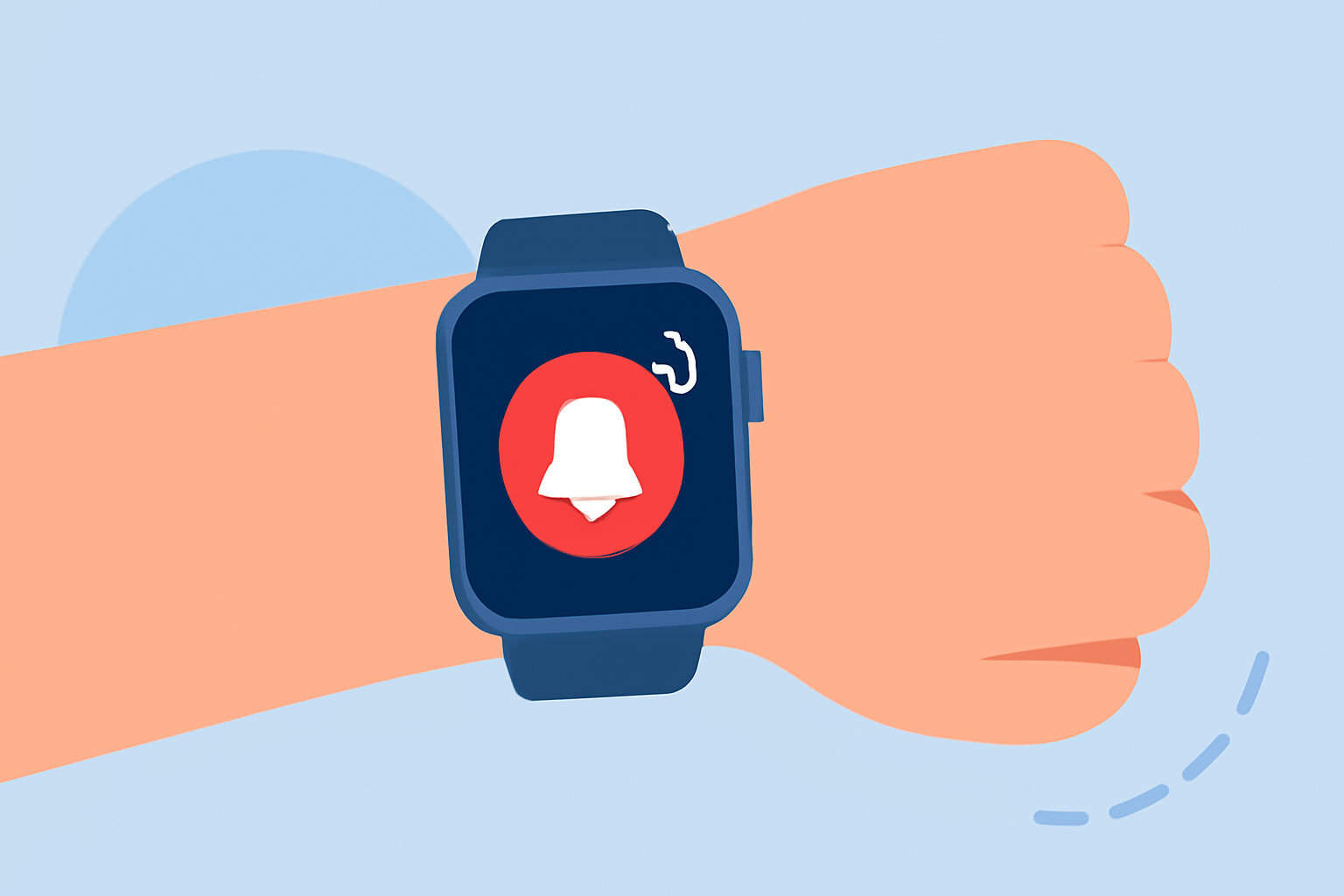
Apple Watch offers a suite of features that can significantly enhance household alert routing, ensuring timely notifications and seamless communication within your home. By leveraging its capabilities, you can stay informed about important events and manage household tasks more efficiently.
What Are Household Alerts on Apple Watch?
Household alerts are notifications related to activities or events within your home, such as security system updates, appliance statuses, or reminders for household chores. Configuring your Apple Watch to receive these alerts ensures you stay informed and can respond promptly to household needs.
How Can I Set Up Household Alerts on My Apple Watch?
- Enable Notifications for Relevant Apps:
- Open the Settings app on your Apple Watch.
- Tap on Notifications.
- Scroll through the list and ensure that notifications are enabled for apps related to your household management, such as security systems, smart home devices, or reminder apps.
- Customize Alert Preferences:
- Within each app's notification settings, adjust preferences to suit your needs.
- Choose alert styles, sounds, and haptic feedback options to ensure you receive timely and noticeable notifications.
- Set Up Reminders and Alerts:
- Use the Reminders app on your iPhone to create household-related tasks.
- Ensure that your Apple Watch is set to mirror your iPhone's notification settings for the Reminders app.
- For location-based alerts, set specific locations where you want to receive notifications.
How Does Apple Watch Handle Emergency Alerts?
In addition to household alerts, Apple Watch is equipped with features to handle emergency situations:
-
Emergency SOS: By pressing and holding the side button, your Apple Watch can call emergency services and alert your emergency contacts with your location. (support.apple.com)
-
Fall Detection: If a hard fall is detected, your Apple Watch can automatically call emergency services and notify your emergency contacts if you remain immobile for about a minute. (support.apple.com)
Can I Share My Location with Household Members Using Apple Watch?
Yes, you can share your location with household members using the Find People app on your Apple Watch:
- Open the Find People app on your Apple Watch.
- Tap on Share My Location.
- Choose the contacts you wish to share your location with.
- Select the duration for which you want to share your location.
This feature is particularly useful for coordinating household activities and ensuring family members are aware of each other's whereabouts. (howtogeek.com)
How Can I Ensure I Receive All Household Alerts Promptly?
To ensure timely receipt of household alerts on your Apple Watch:
-
Maintain an Active Connection: Ensure your Apple Watch is connected to your iPhone via Bluetooth and, if applicable, to Wi-Fi or cellular networks.
-
Regularly Update Apps: Keep all relevant apps updated to the latest versions to benefit from improved features and bug fixes.
-
Monitor Battery Life: Regularly check your Apple Watch's battery status to ensure it remains charged, as low battery levels can affect alert delivery.
By effectively configuring your Apple Watch and utilizing its features, you can enhance household alert routing, ensuring you stay informed and responsive to household needs.