
Enhancing Your In-Car Experience with Large Weather Widgets
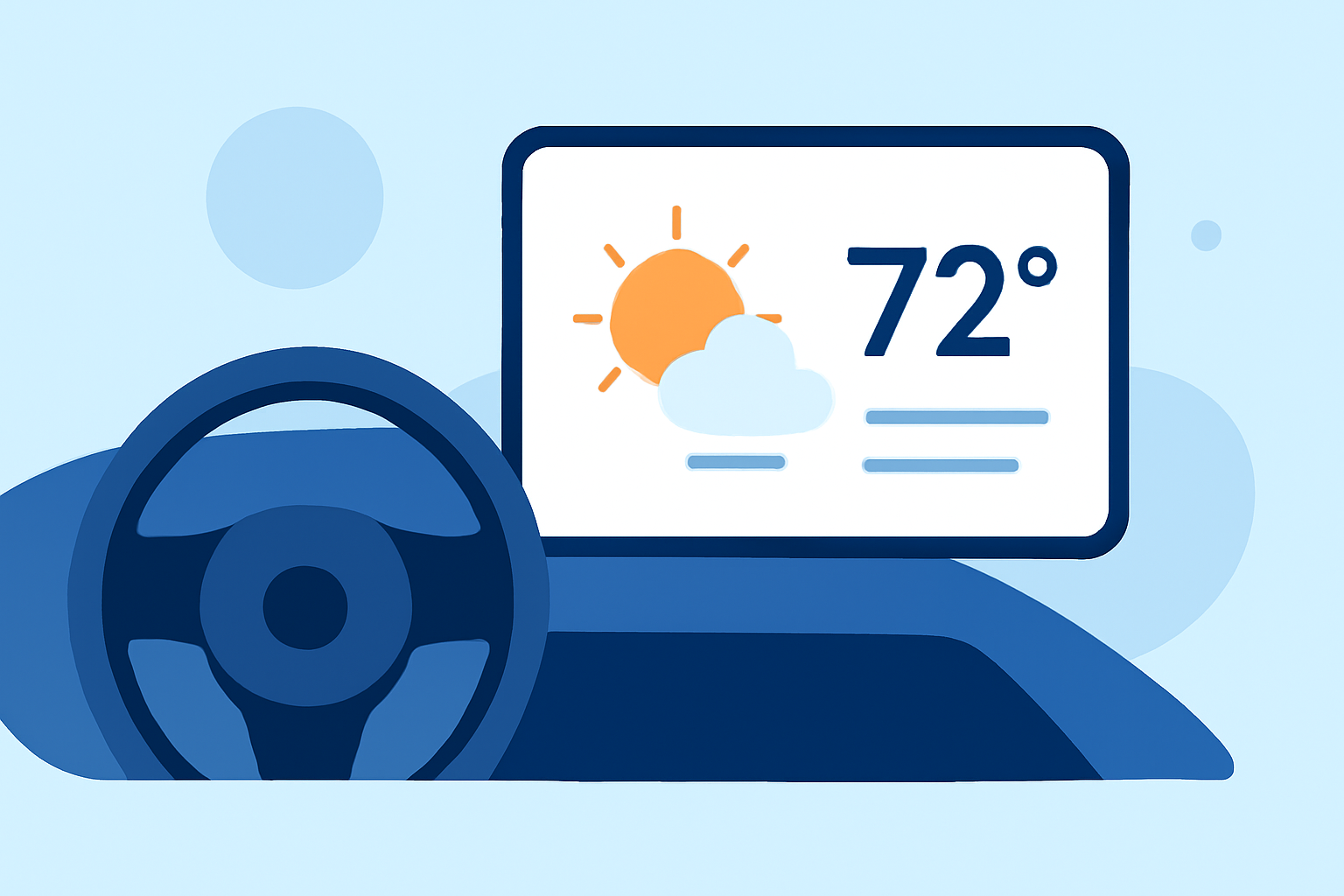
Integrating large weather widgets into your car's infotainment system offers real-time, location-based weather updates, enhancing your driving experience. These widgets provide at-a-glance information on current conditions, forecasts, and severe weather alerts, ensuring you're always informed while on the road.
What Are Large Weather Widgets?
Large weather widgets are interactive elements that display detailed weather information directly on your car's dashboard. They typically show current conditions, hourly forecasts, and severe weather alerts, all tailored to your specific location. By integrating these widgets, you can access essential weather data without needing to open a separate app or device.
How Do Large Weather Widgets Enhance the Driving Experience?
-
Real-Time Updates: Stay informed about changing weather conditions, allowing you to adjust your plans accordingly.
-
Safety Alerts: Receive timely notifications about severe weather events, such as storms or floods, helping you make informed decisions.
-
Route Planning: Utilize weather data to plan the safest and most efficient routes, avoiding areas with adverse conditions.
Integrating Large Weather Widgets into Your Car's Infotainment System
-
For Apple CarPlay Users:
-
iOS 26 and Later: With the release of iOS 26, Apple introduced widgets to CarPlay, allowing users to add weather widgets directly to their dashboard. To enable this feature, ensure your iPhone is updated to iOS 26 or later. Navigate to Settings > General > CarPlay, select your connected vehicle, and toggle on "Show Widgets." From there, you can customize which widgets appear on your CarPlay interface. (tomsguide.com)
-
For Android Auto Users:
-
AAWidget: This app enables the display of custom widgets, including weather updates, on your Android Auto head unit. AAWidget supports dual display modes, allowing widgets to be shown separately from or overlaid on the navigation area. It offers full touch support, custom backgrounds, and is built using the official Android Auto SDK for enhanced compatibility. (aawidget.com)
Considerations When Using Large Weather Widgets
-
Distraction Management: While these widgets provide valuable information, it's essential to ensure they do not distract you from driving. Configure them to display only necessary information and avoid interactive features that require prolonged attention.
-
Data Usage: Real-time weather updates can consume data. Be mindful of your data plan to avoid unexpected charges.
-
Compatibility: Ensure that your car's infotainment system supports the integration of these widgets. Not all systems may be compatible, so it's advisable to check with your vehicle manufacturer or refer to the app's compatibility requirements.
Conclusion
Integrating large weather widgets into your car's infotainment system provides immediate access to essential weather information, enhancing safety and convenience during your travels. By utilizing these tools, you can make informed decisions, plan optimal routes, and stay prepared for changing weather conditions, all while keeping your focus on the road.
Highlights:
- iOS 26 brings widgets to CarPlay - here's how to customize your dashboard, Published on Monday, October 20